Claude Duet hands-on: what works and what's missing
A user reviews Claude Duet's standalone app, task view, interactive cards, quiet hours, location sharing and style mimicry, while noting no renaming, memory visibility or usage view.

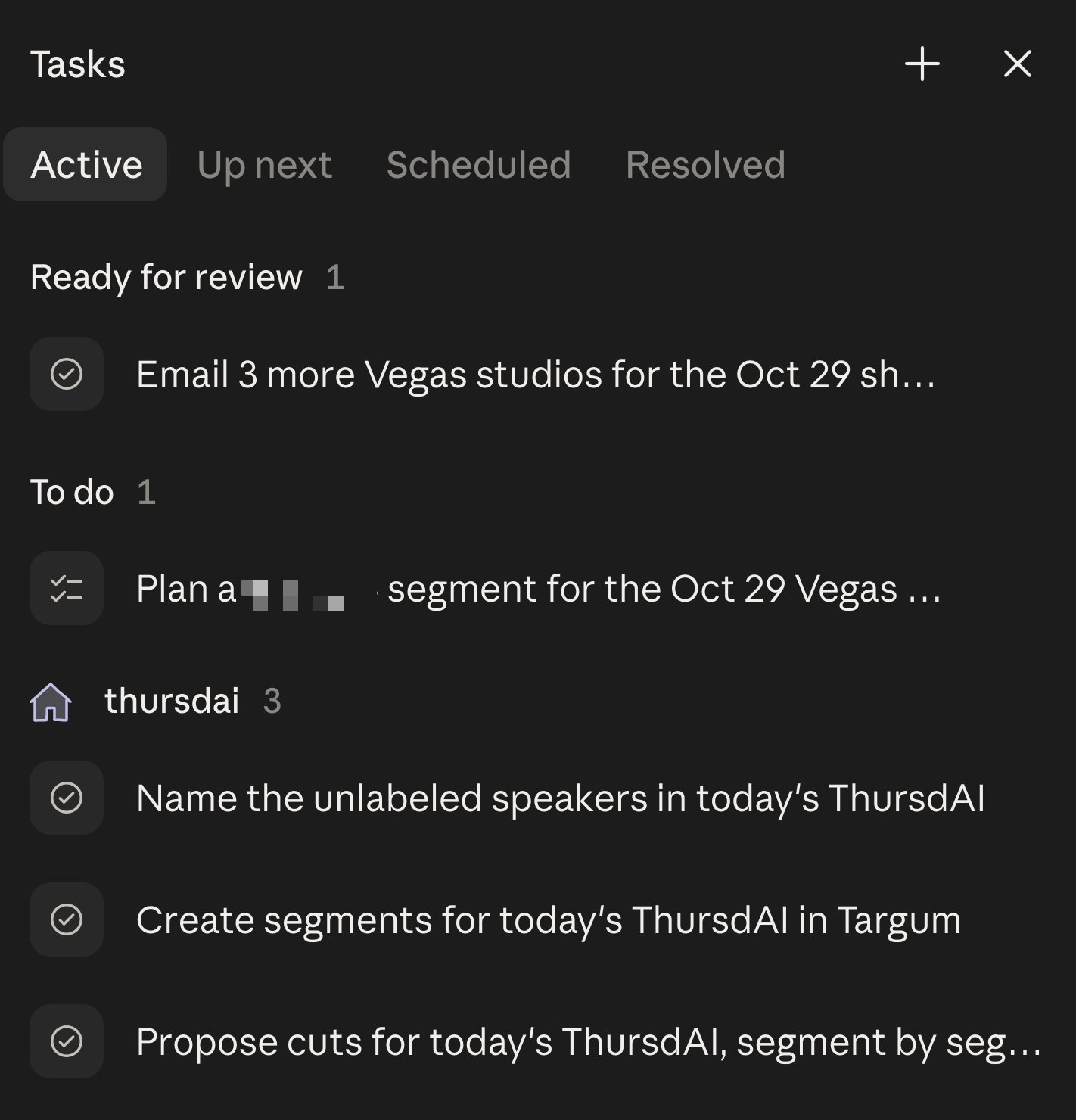
Things I like about Claude Duet (thanks @edwinarbus and @addyosmani for the hookup 🙏) 1 - It has it's own mobile app! (Testflight so far, which explains the waitlist). It's clean, it has its own settings. IMO this was the biggest miss of Dots release. 2 - It also has it's own place on the web! http://claude.ai/messages goes straight to Duet! 3 - The tasks view is really well thought out. Duet is great at proactively suggesting tasks and follow ups! 4 - Interactive cards like drafts are not mutually exclusive, you can accept/reject cards and it won't tank the rest of the conversation! 5 - Quiet Hours - there's a setting that I can set that Duet wont bug me at night! 6 - Location sharing by default. A good personal assitant needs to know where I am at all times! 7 - "Write in my style" is great! Adjusting to my writing style for emails is turned on by default also but I can turn off 8 - OPUS 5.5!! 😍 9 - It mostly picked up on the memories Claude had about me! Channels seems to be really well executed as well, main chat for everything and channels for specific things seems like the right combo! Things I don't like: - Can't personalize or rename! I don't love this, I wanna give it a name! - Can't import memories from other assistants!? - Can't "see" memories it has about me - Couldn't find a way to see all the scheduled tasks, or usage Playing with it more, but so far pretty decent start!