Archicad 30 beta MCP: edit drawings via ChatGPT or Claude
Archicad 30 ships a beta MCP connection whose command can be pasted into ChatGPT, Claude or Cursor to read and batch-edit the live model, limited to Collaborate and Max subscribers.

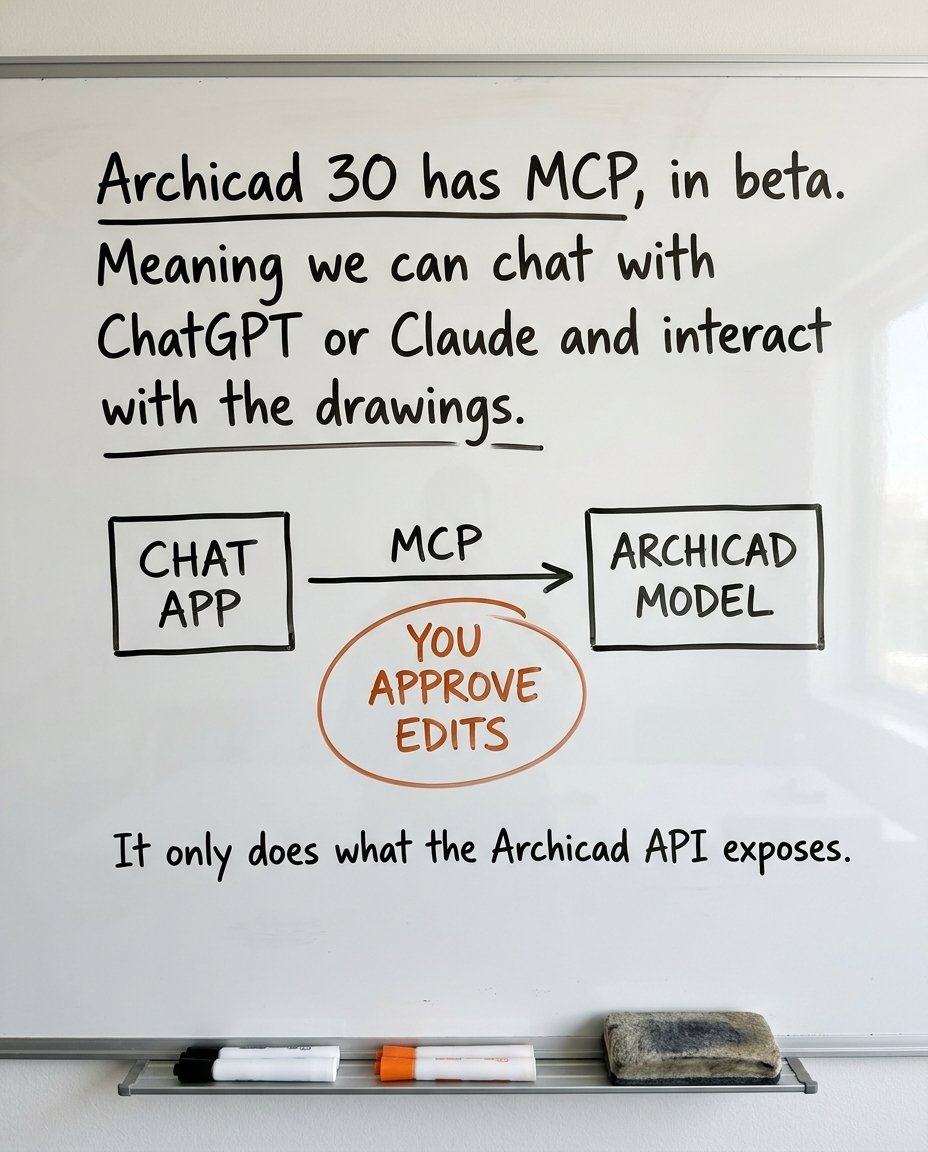
Archicad 30 has MCP in beta. Meaning we can chat with ChatGPT or Claude and interact with the drawings. How it works: in Archicad, Options > Desktop AI Tool Connection gives you a command. Paste that into the MCP of Claude, ChatGPT, Cursor or VS Code. Restart the AI app, then ask it "Which Archicad projects are currently open?" to see the connection works. That prompt only reads. From there the AI sees the live model and can edit it: questions in plain language, batch edits you approve before they run. Graphisoft's own words: "bulk edits and complex workflows". What it can't do, from the limits page: change fonts, line types or text pens, or touch most GDL parameters. It may miss hidden elements. It only does what the Archicad API exposes. One catch: it's for Collaborate and Max subscribers. Studio doesn't get it. If you're on Archicad, that first prompt is the test. Open a project, connect the AI app you already use, ask it what's open.