Ten practical tips for getting started with GrokBot
From a SpaceXAI team demo: give each bot a clear role, record yourself doing tasks to teach skills, schedule recurring work, set access boundaries and let bots hand work to each other.

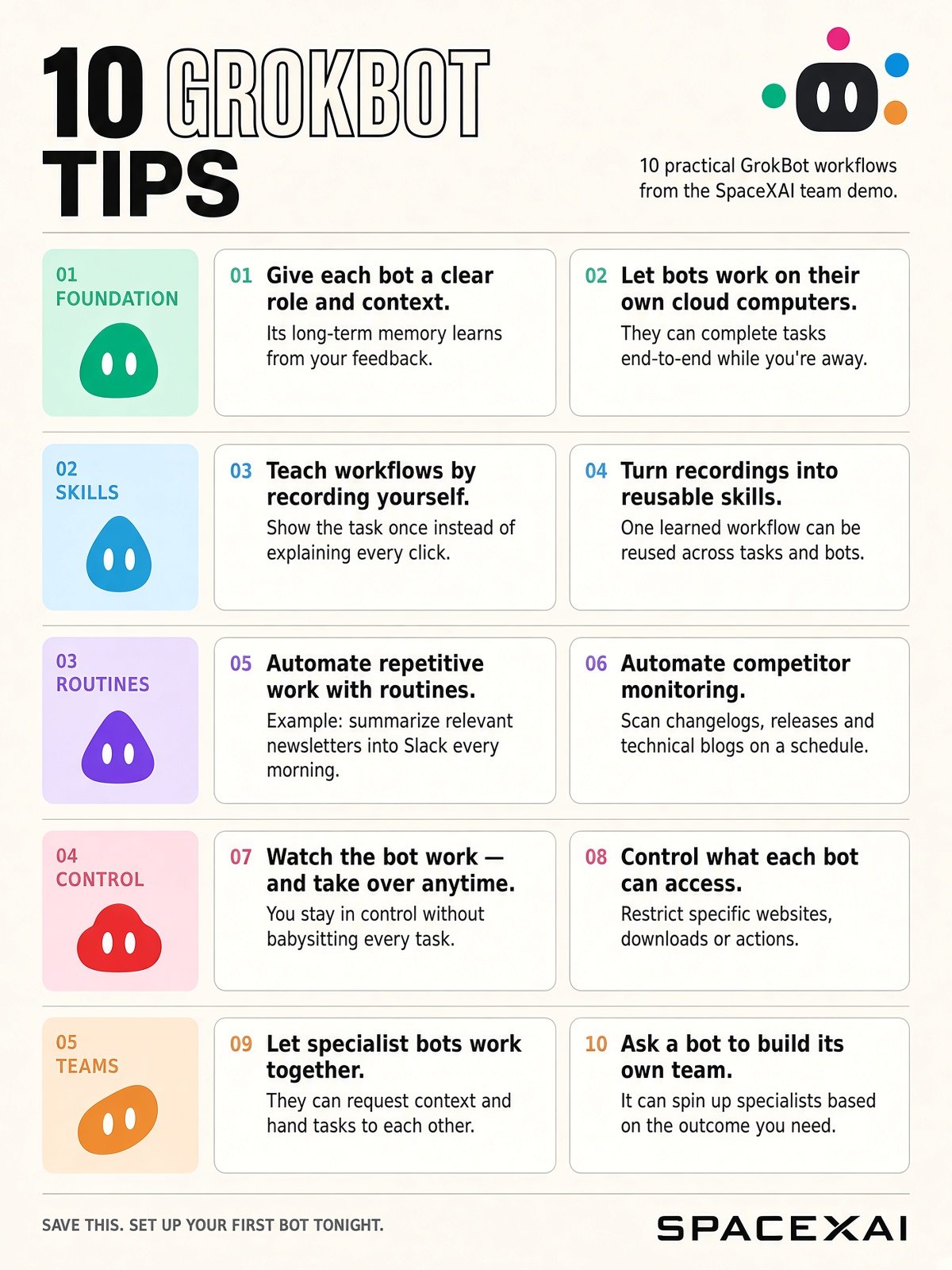
Your first GrokBot can help build the rest of your 10 practical takeaways from the SpaceXAI team’s demo: 1. Give every bot a job. Define its role, provide context, and give feedback it can use next time. 2. Delegate work you can walk away from. Bots have their own cloud computers, so your laptop doesn’t need to stay open. 3. Show the workflow. Record yourself doing the task instead of describing every click. 4. Make that lesson reusable. Turn the recording into a skill other bots can use too. 5. Put recurring work on a schedule. Have relevant newsletters summarized in Slack before you start your day. 6. Give competitor research its own bot. Track technical blogs, changelogs, and releases through a recurring routine. 7. Check in without taking over the whole job. Watch the bot’s computer and step in when needed. 8. Set access boundaries. Define which websites, downloads, and actions are allowed. 9. Connect your specialists. Let bots ask each other for context and pass work to the right teammate. 10. Ask your bot what help it needs. Give it an outcome and have it create specialists to support the work. Start with one task you repeat every week. Give it a bot, review the result, and improve the instructions. Save this. Put one workflow to work tonight.
This post quotes another post: “Grok Bot 44-minute walkthrough: turning single bots into a sales engineering team”