Using Grok Bot as coordinator with open-source HarnessRouter for delegated agent work
The author keeps Grok Bot as a long-lived coordinator and uses open-source HarnessRouter to farm tasks out to Codex, Claude Code and other native harnesses through one API.

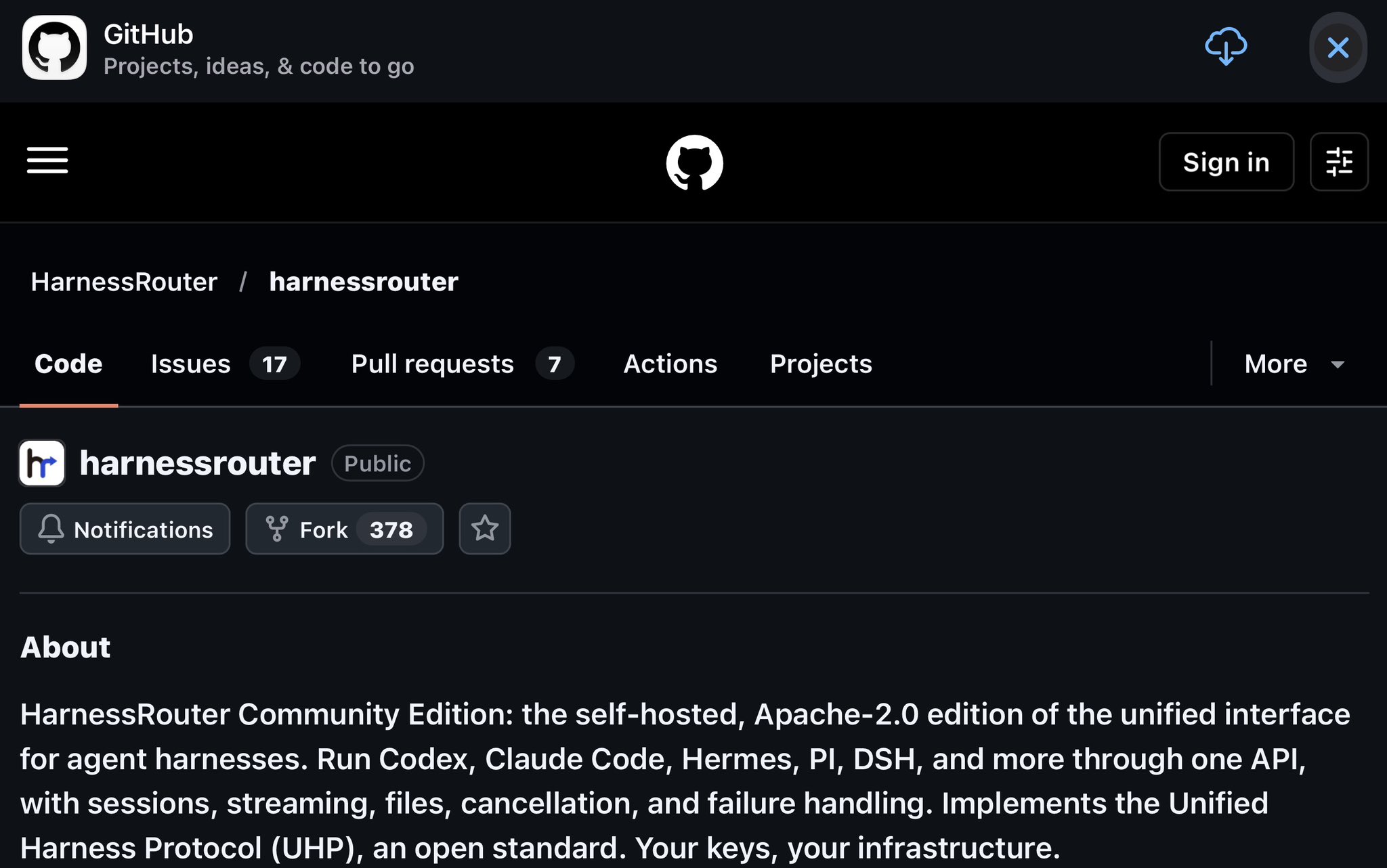
How I Use Open Source HarnessRouter + a Grok Bot For Personal Work and Corporate Clients Most people treat multi-agent systems as either “one big bot” or a pile of disconnected tools. The pattern I’ve settled on is different: keep a long-lived coordinator (Grok Bot or an equivalent agent with memory, routines, and a shared computer) as the single conversation interface, then farm specialized work out to the best external harness for the job through HarnessRouter. HarnessRouter is the open-source (Apache-2.0) infrastructure layer that implements the Unified Harness Protocol (UHP). It exposes one OpenAI Responses-compatible API that can drive Codex, Claude Code, Hermes, DeepSeek Harness, Pi, Grok Build, and roughly two dozen other agent harnesses in their native runtimes. Sessions, streaming, file exchange, cancellation, and error handling are standardized, so the coordinator never has to learn a new integration for each specialist. The Architecture That Actually Works Grok Bot stays the orchestrator. It decides what needs to happen, breaks the work into steps, and calls HarnessRouter with a chosen harness_id (and model). Each delegated task runs inside its own HarnessRouter session with that harness’s tools, skills, agent loop, and sandbox. Results and files come back through the same contract, and the coordinator continues the conversation with the user or triggers the next step. This is explicitly different from spawning more Grok Bots. The external workers are not additional bots inside the Grok ecosystem; they are independent harnesses that keep their native strengths. Personal Use For day-to-day work I run HarnessRouter self-hosted on a machine I control: docker run -d --name harnessrouter \ -p 127.0.0.1:3000:3000 \ -v harnessrouter:/data \ harnessrouter/harnessrouter After the first launch installs the harness CLIs, I add provider keys through the console and generate an API key. The Grok Bot (or my own agent) then calls the Responses endpoint, passing the desired harness in metadata. A typical personal flow looks like this: - Research or long-context analysis goes to DeepSeek Harness or Claude Code. - Heavy coding or refactoring goes to Codex or Pi. - Dashboard or report generation is split: analysis on one harness, implementation on another, then verification back in the coordinator’s browser. - Recurring checks (inbox triage, status digests, monitoring) stay as Grok Bot routines; only the heavy lifting is delegated. Because everything is self-hosted and keys stay on my infrastructure, personal data never leaves the environment I control. Switching harnesses or models for cost or quality is a metadata change, not a rewrite. Corporate Clients The same pattern scales cleanly for clients, with a few extra constraints that self-hosting solves well. Data control and compliance. Corporate clients care about where code, documents, and conversation history live. Running the Community Edition on their VPC, a dedicated VPS, or an on-prem machine means their keys, state, workspaces, and files never touch a third-party cloud unless they explicitly choose the managed HarnessRouter Cloud option. The same UHP contract works in both places, so a pilot on Cloud can later move to self-hosted without changing the integration. Specialization without lock-in. Different teams have different preferred models and tools. A legal or research team may want Claude Code’s strengths; an engineering team may prefer Codex or Grok Build for repository work; a data team may route analytical tasks to DeepSeek Harness. The coordinator (often a client-specific Grok Bot or a custom agent we stand up) chooses the harness per task or per routine. Clients get the best tool for each job while still talking to one interface. 1 of 2