OpenAI DevDay: plugin extensions and Sign in with ChatGPT
An OpenAI staffer's DevDay talk covers plugin extensions that open from ChatGPT's sidebar, custom file viewers, onboarding skills, and Sign in with ChatGPT, with links to the spec and developer docs.

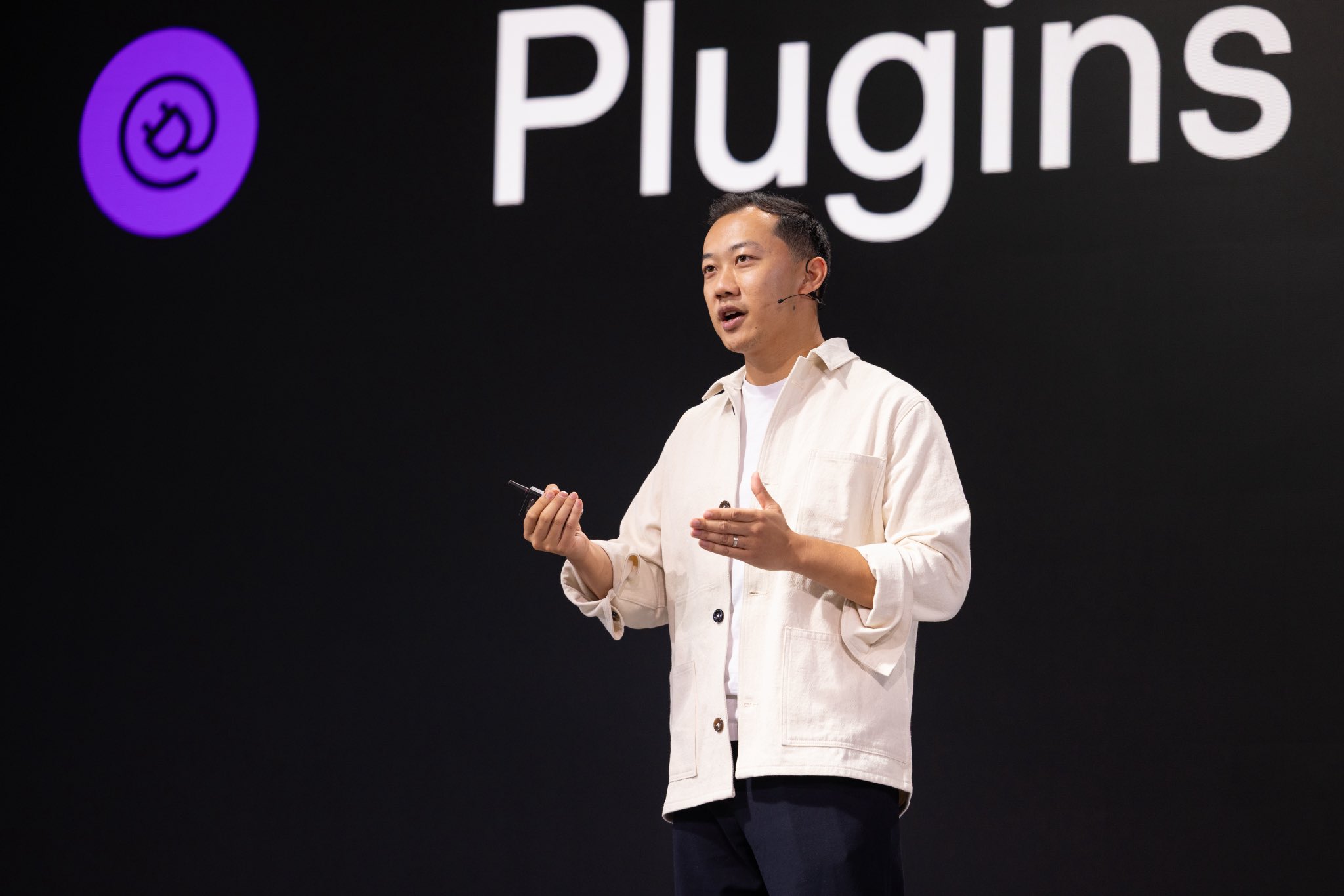
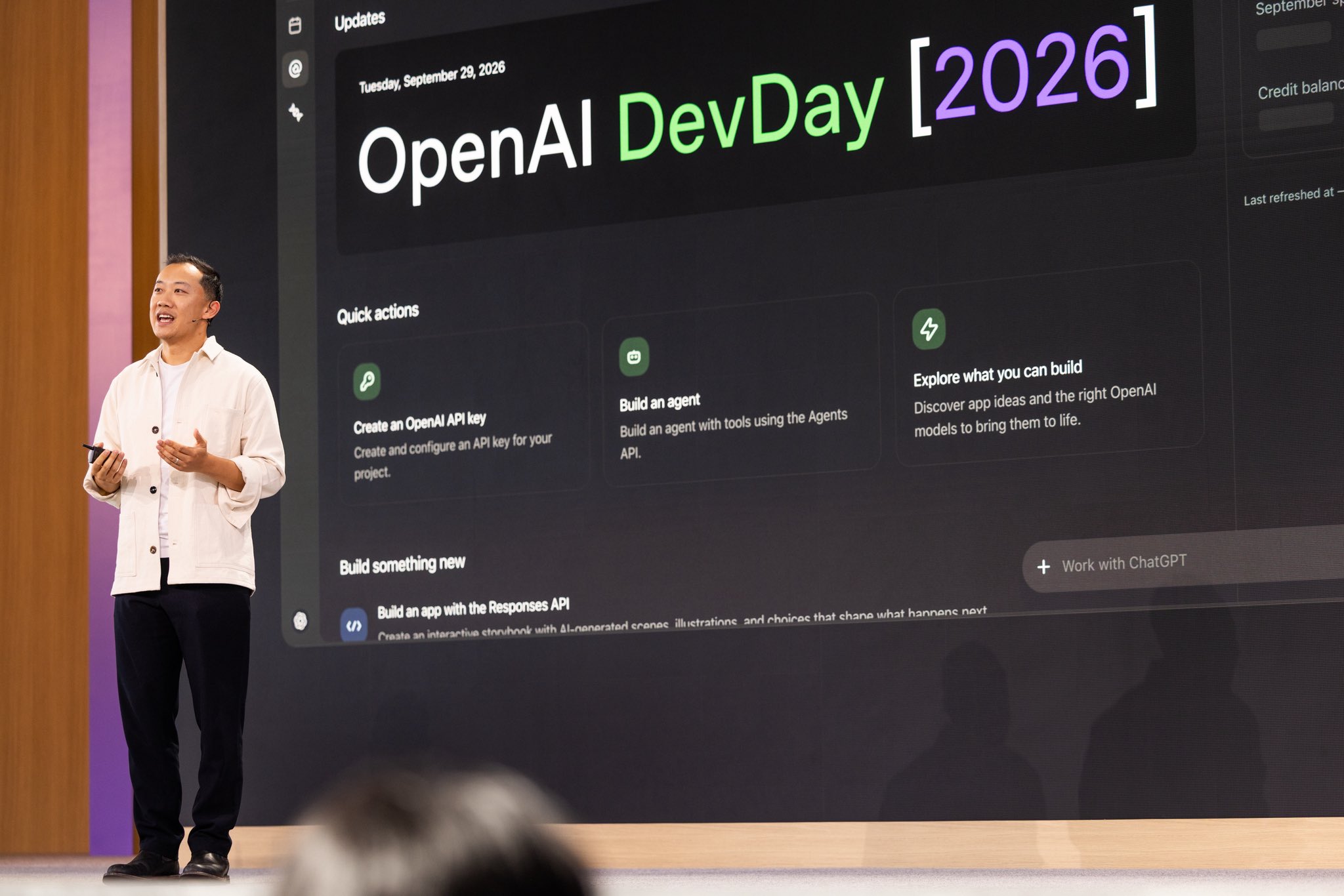
Got to take the main stage at OpenAI DevDay to talk about plugin extensions! A few takeaways for developers building plugins: 1. Make your plugin part of how people work. Plugin extensions let you build apps that open from ChatGPT’s sidebar, side panel, custom file viewers and editors, and settings for your plugin. Full spec here: http://github.com/openai/mcp-extensions/blob/main/docs/spec.md 2. Put care into what happens after installation. You can provide a custom onboarding skill to guide people through setup and help them learn what your plugin can do. Use that first experience to help someone accomplish something useful and give them a reason to come back. 3. Make it easier to get started. Plugins can support Sign in with ChatGPT so people can connect using their existing ChatGPT account. A smoother sign-in experience can help more people get through setup and start using what you’ve built. @vigyso wrote a great walkthrough of Sign in with ChatGPT for developers who want to learn more: http://developers.openai.com/cookbook/articles/sign-in-with-chatgpt Here are some of the folks behind the platform: @mxstbr , @ShopifyVC , @tarstarr , and @glencoates . We’re listening to your feedback and excited to support more of the open ecosystem. Hope these help you get building. I’d love to see what you make!