Using Claude Desktop with a third-party gateway after a Claude Code ban
The author gives step-by-step setup for using Claude Desktop with a third-party gateway to keep using Claude models after a Claude Code account is banned.

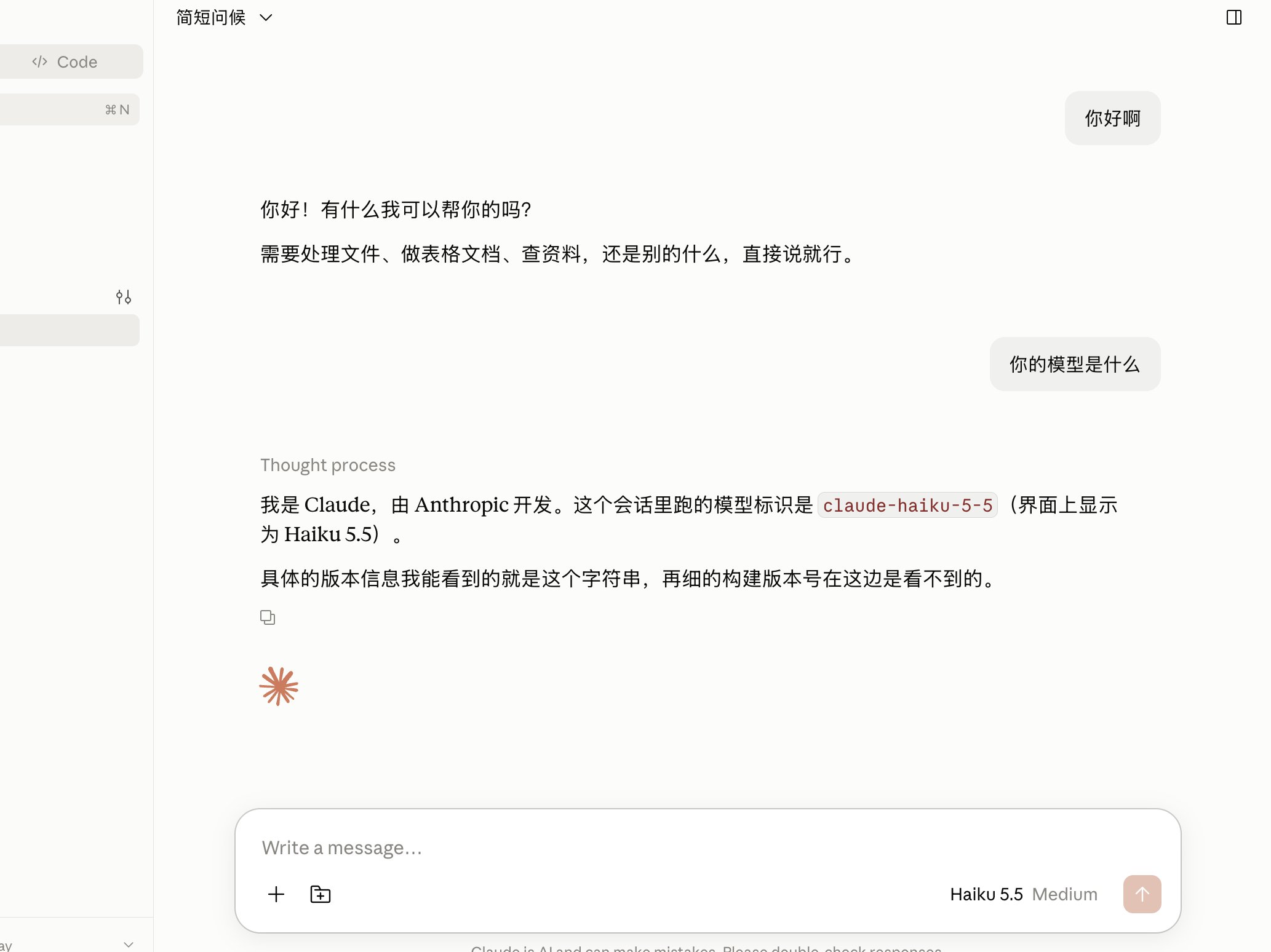
虽然 Anthropic 歧华,但架不住模型厉害。 如果你的 claude code 账号被封了,可以用 claude code Desktop + 中转站的 claude 模型,来间接使用,小任务用claude-haiku-5-5也是很香的。 配置步骤: 1. 装最新 Claude Desktop,先别登录 Anthropic 账号。 https://claude.com/product/claude-code 2. Help → Troubleshooting → Enable Developer Mode,按提示重启。 3. Developer → Configure Third-Party Inference… 4. Connection 里: • Inference provider:Gateway • Gateway base URL:https://你的中转域名(不要 /v1) • Credential kind:Static API key • Gateway auth scheme:Bearer 或 x-api-key • 填上 API Key 5. 有 Test connection 就先测,再 Apply locally,然后完全退出再开(macOS 用 Quit,不要只关窗口)。 生效后可以不登录官方账号,直接用本地网关。切回官方,在同一页清掉配置即可。