Using a Grok bot to auto-create tasks from user report screenshots
A developer taught a Grok bot to use the Kaneo task board so it can identify the affected project from a screenshot of a user report and create tasks automatically.
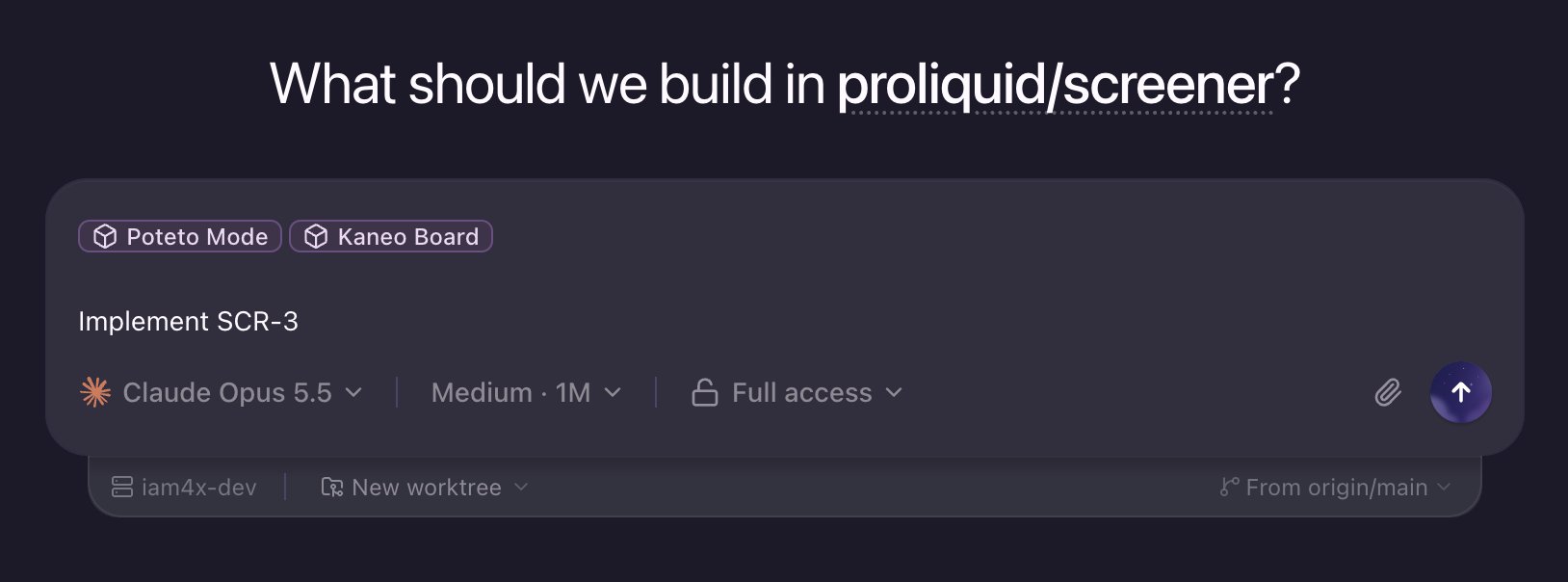
Finally decided to setup some task board for my agents and now my prompts just looks like this. Picked Kaneo https://github.com/usekaneo/kaneo that I can self-host and have a nice API + documentation so the agents can consume it. Setup @bot to learn to use it so I can create tasks on the fly when I'm outside or some user is reporting a bug / issue. Literally just giving a screenshot of the user report and Grok Bot knows the projects & github repositories that are affected and create the tasks automatically. Then I have create a skill shared in between all agents (~/.agents/skills) to consume the Kaneo board and being able to create tasks and move them in-progress / review / done... So when I'm working in a conversation, the agent can pickup the task and when needed refactoring or other ideas comes in mind while developing I can ask him to create a follow-up task. Before that I was still manually noting ideas in Apple Notes, but it's getting out of hands with the userbase growing and getting reports from different channels.