gpt-imageIMAGE
Five-step GPT Image 2.5 workflow: upload a photo, paste the prompt, generate
A short tutorial for using GPT Image 2.5 in Gemini, Grok or ChatGPT: pick the model, upload a photo, copy the prompt, generate, and paste the prompt.

KrishnaG
@KrishnaBio1Archived 2026.09.28Originally posted 2026.09.28
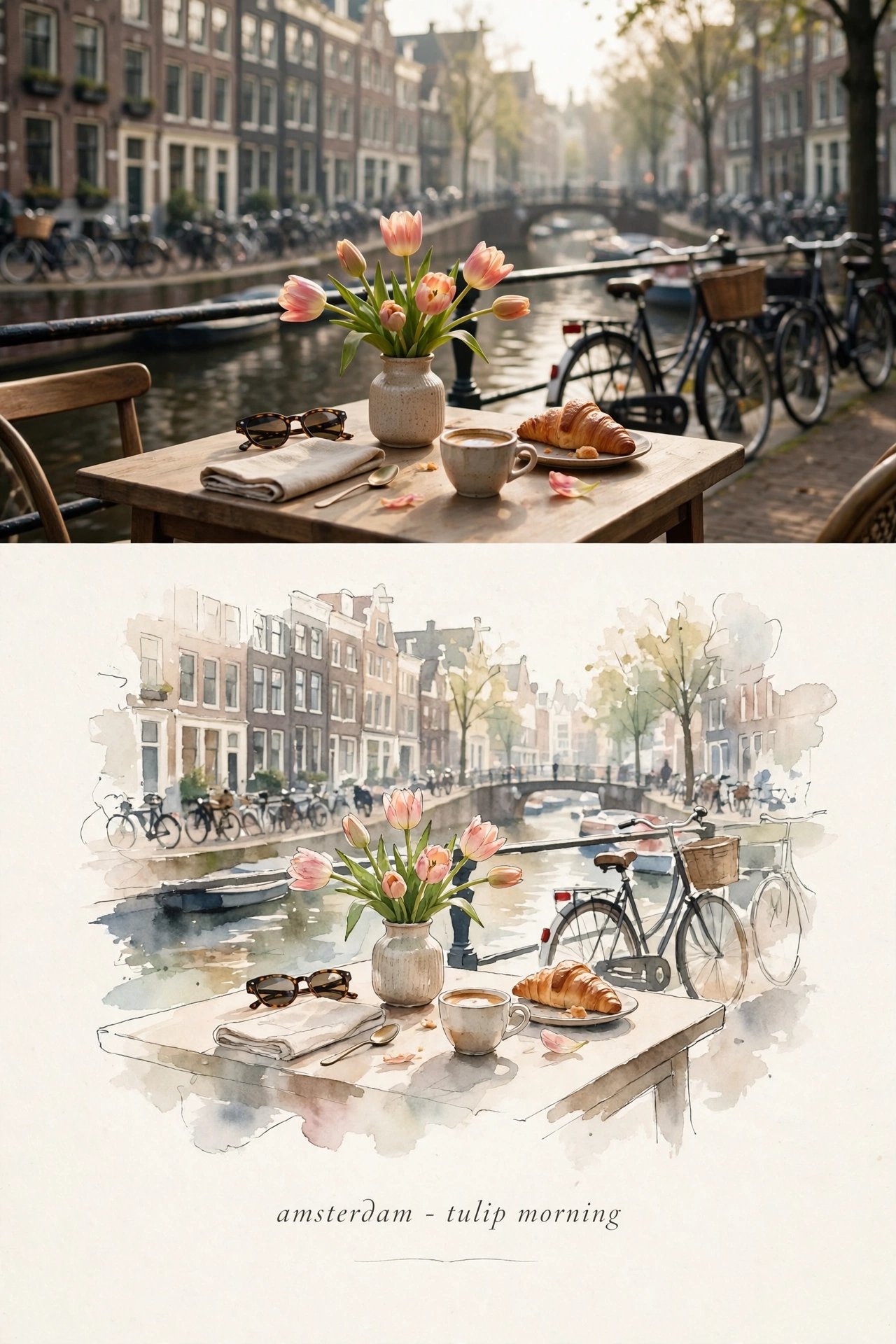
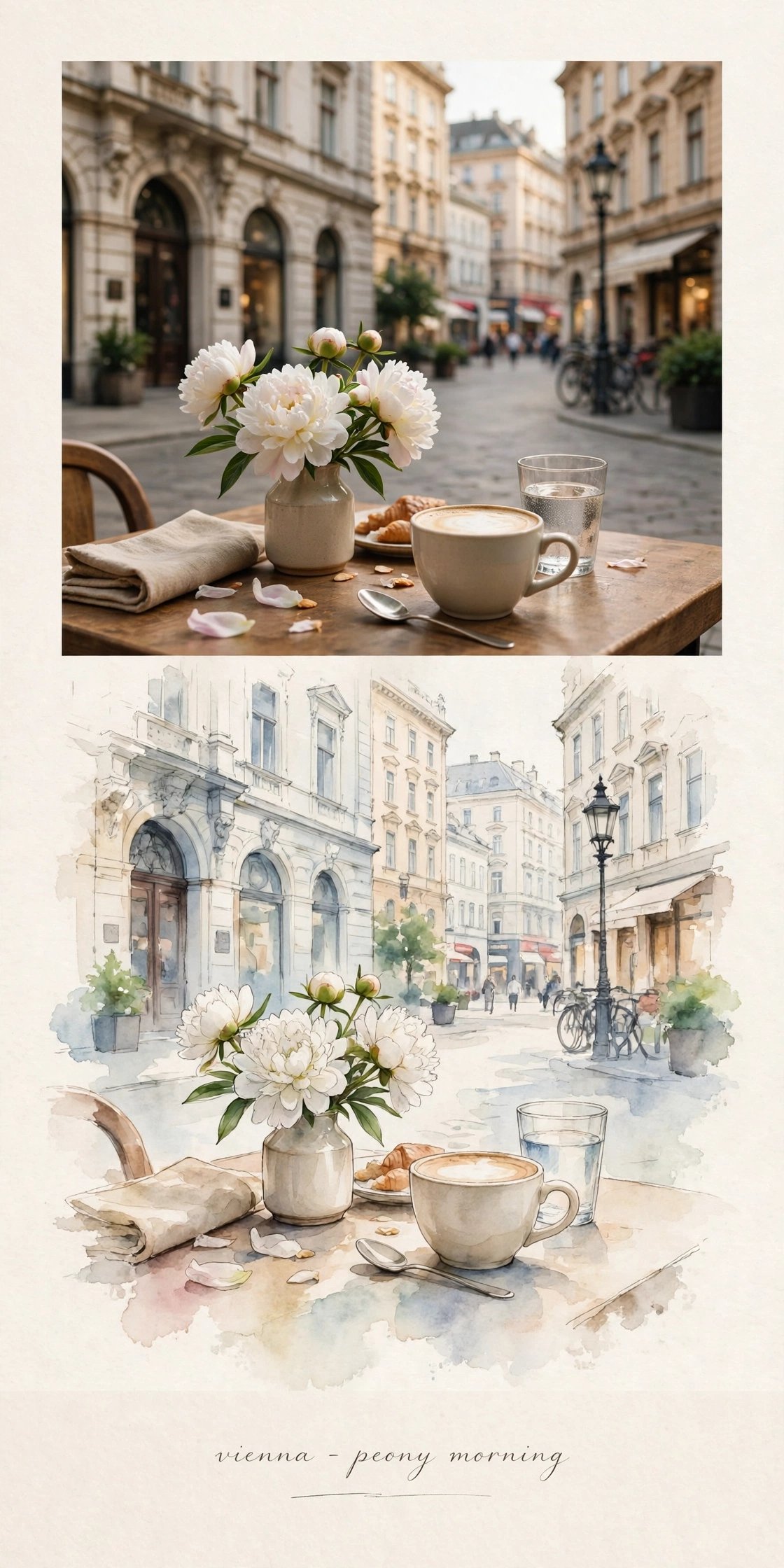
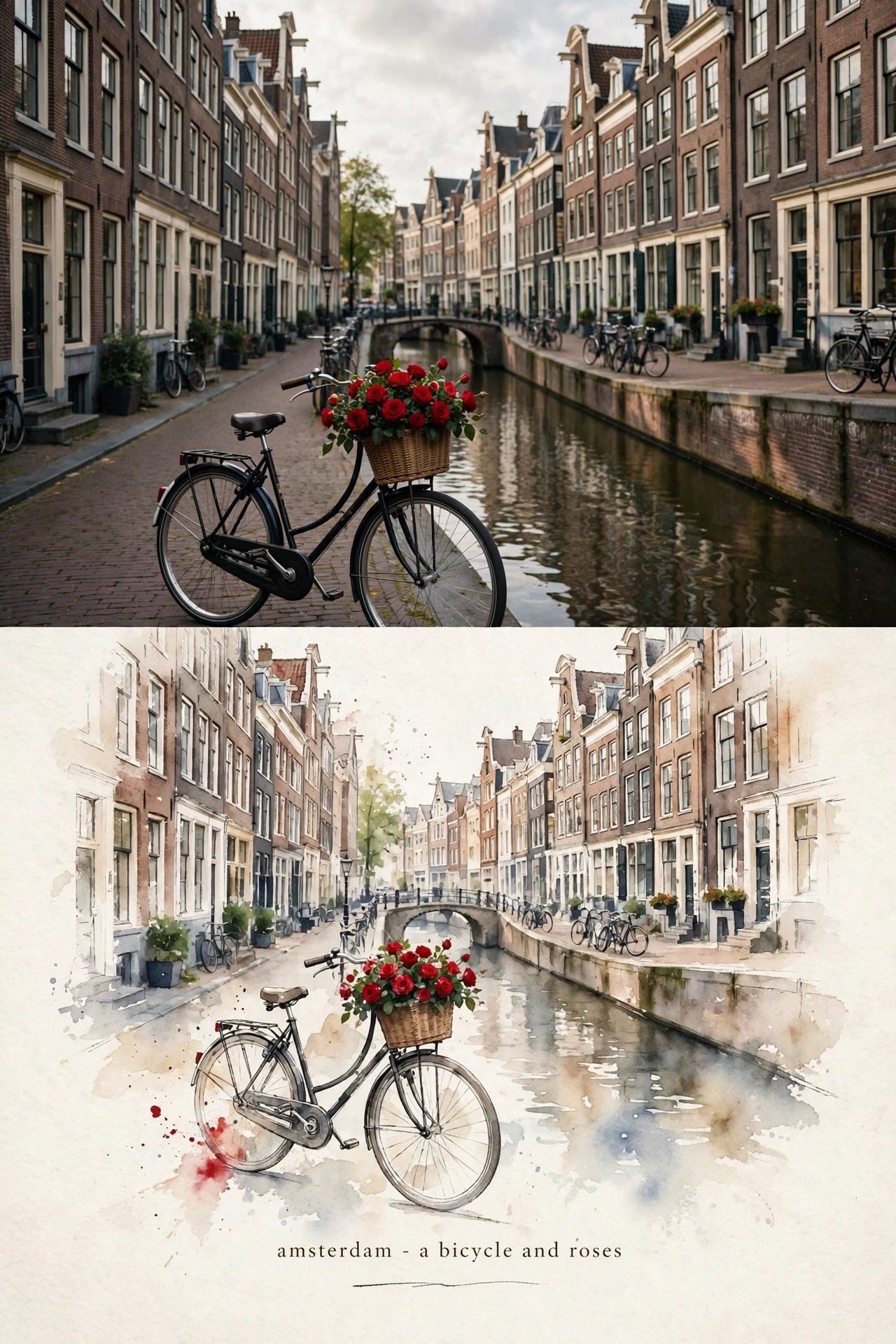
KrishnaG @KrishnaBio1Originally posted 2026.09.28
1. Open Gemini / Grok / chatGpt/ GPT image 2.5 2. Upload your photo 3. Copy the prompt 4. Generate 5. Prompt ⤵️
x.com/krishnabio1/status/2104369636678779378Archived 2026.09.28 10:07