gpt-imageIMAGE
Five-step GPT Image 2.5 workflow for generating images from uploaded photos
A five-step tutorial: open GPT Image 2.5 in Gemini, Grok or ChatGPT, upload a photo, copy the prompt and generate, with the prompt in the comments.

KrishnaG
@KrishnaBio1Archived 16 days agoOriginally posted 2026.10.14
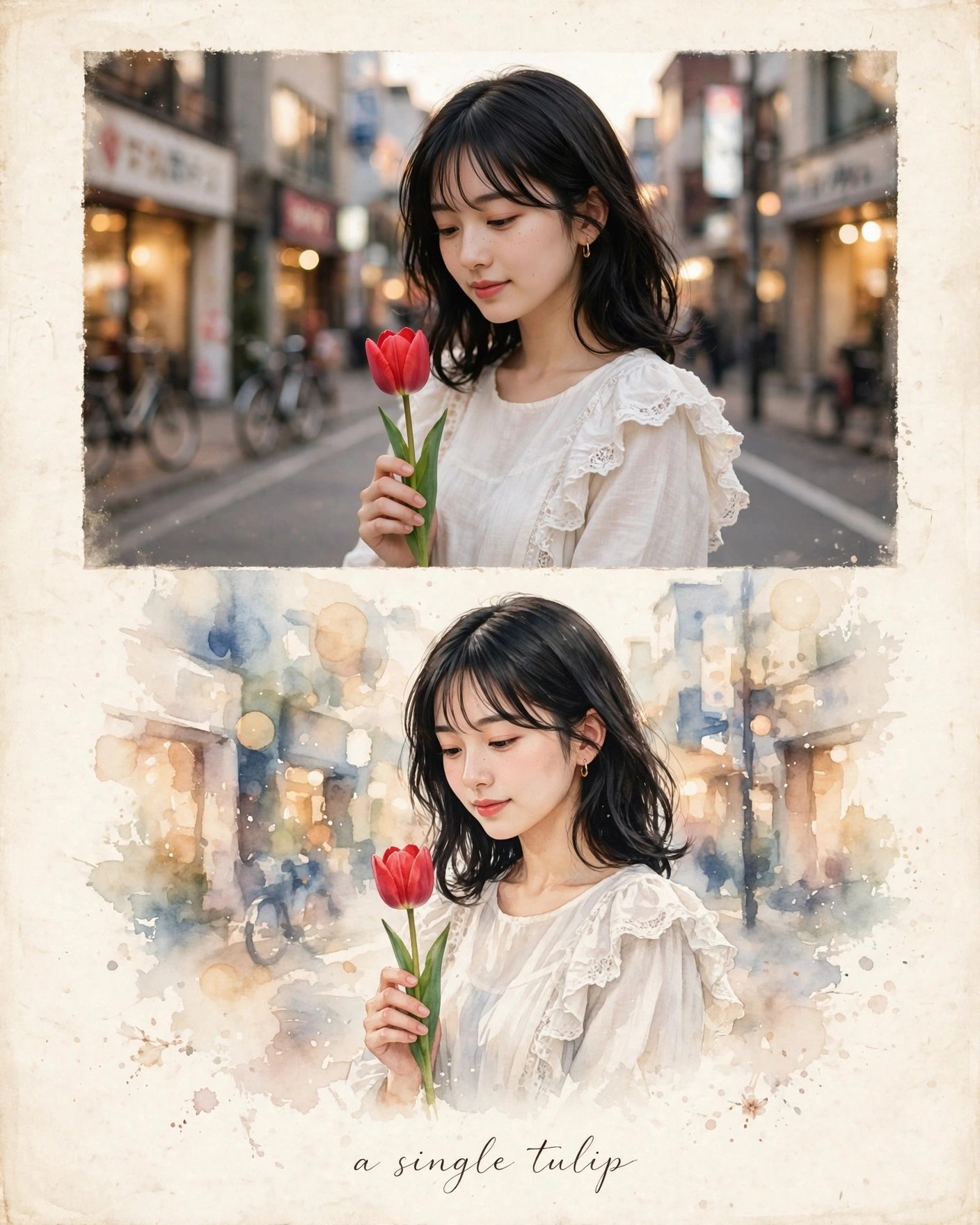
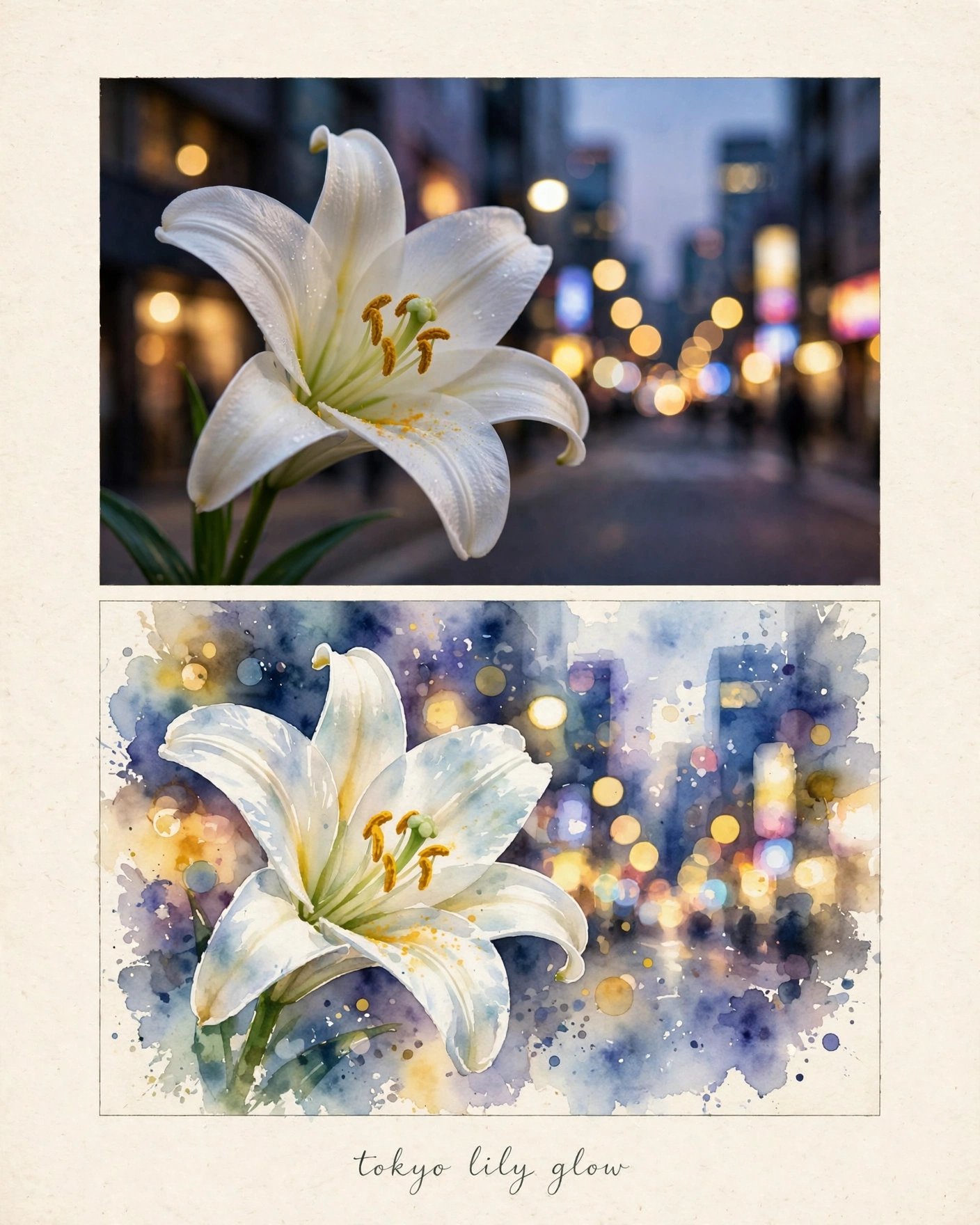
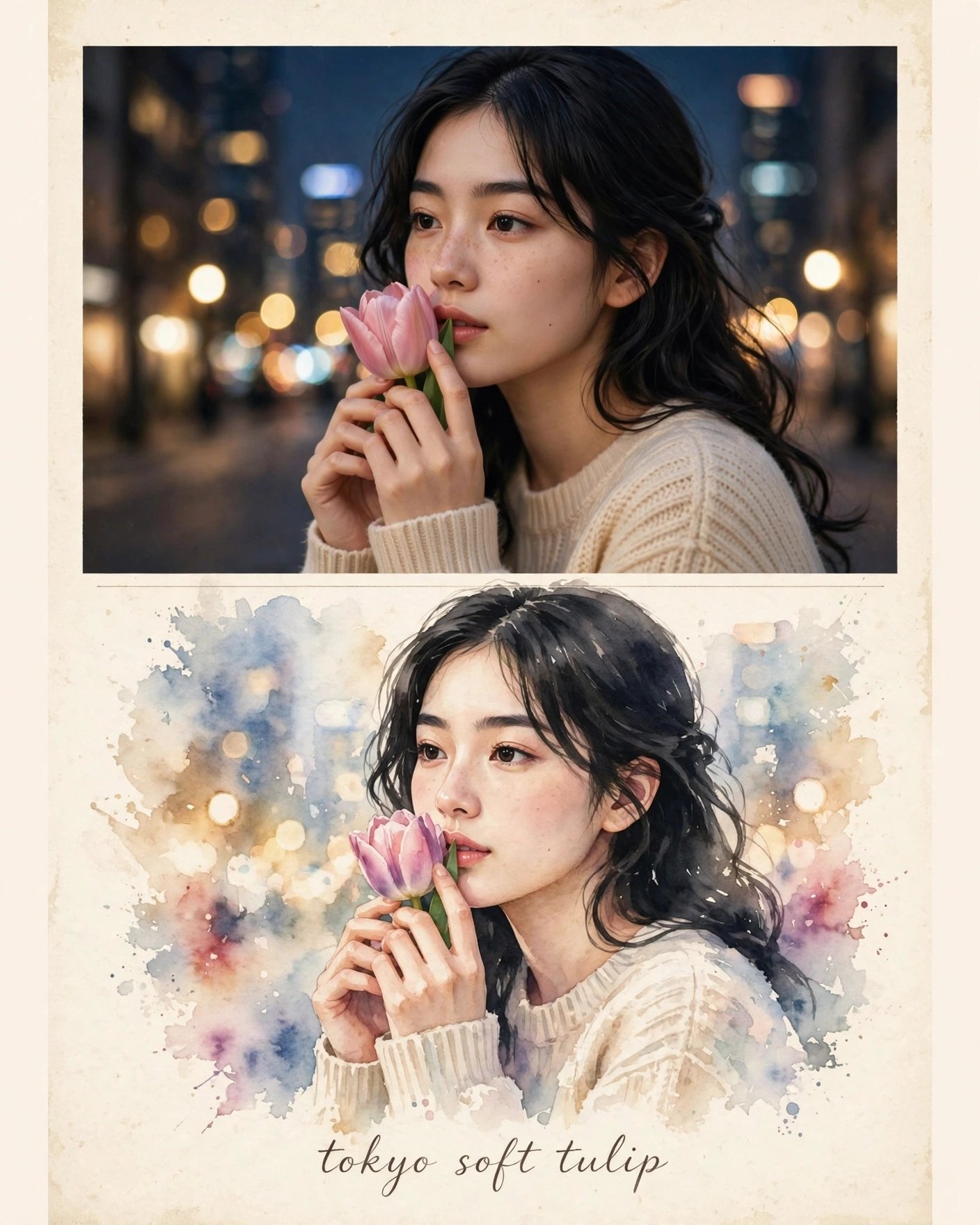
KrishnaG @KrishnaBio1Originally posted 2026.10.14
1. Open Gemini / Grok / chatGpt/ GPT image 2.5 2. Upload your photo 3. Copy the prompt 4. Generate 5. Prompt ⤵️
x.com/krishnabio1/status/2110042171890184485Archived 2026.10.14 10:09