Duel Duck connects to Claude, ChatGPT and Cursor via MCP
Connect a Duel Duck account through its MCP endpoint to create duels or find crypto duels closing this week from inside AI tools, with setup steps for all three platforms.

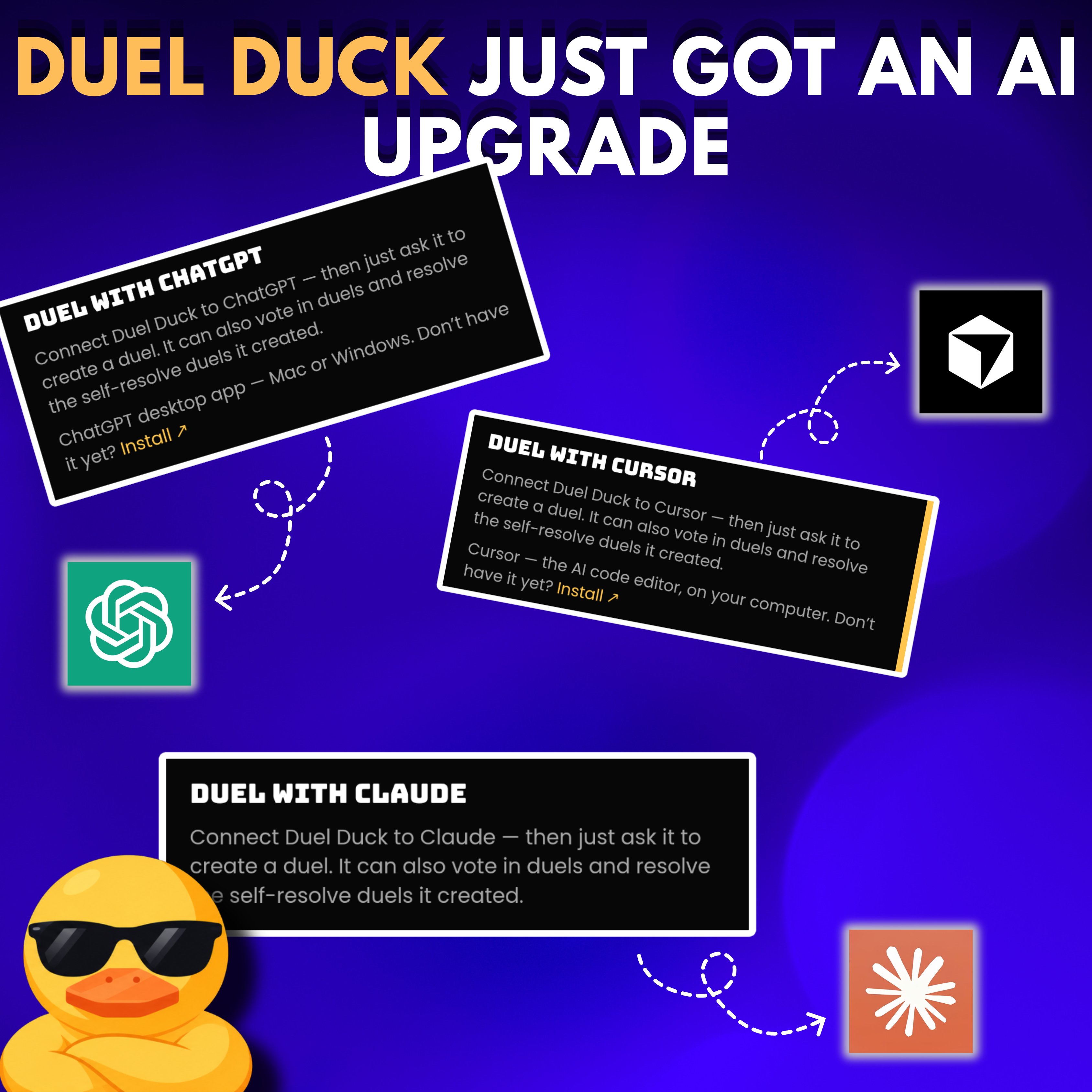
Did you know you can now use @duel_duck through Claude, ChatGPT & Cursor? you can connect your account & create duels directly through your Al tool instead of doing everything manually on the website here's how to set it up: > Claude: - Get your API key on Duel Duck. - Add a custom connector in Settings using https://api.duelduck.com/mcp - Select No sign-in and add your key as a Bearer authorization header. > ChatGPT: - In the desktop app, add a custom MCP server using the same URL. - Keep OAuth selected and authorize Duel Duck in your browser. - Open Codex and start a new chat. > Cursor: - Select Cursor on Duel Duck’s website and follow the setup guide Once connected, ask your Al to create a duel around an upcoming event or find open crypto duels closing this week.