Using Jev as a decision point instead of an agent loop for browser use
The author outlines a basic architecture for browser and computer use with Jev: Jev only picks which element or command to use, while snapshot verification and retries are handled by the agent above it.

If you're trying to use Jev for Browser/Computer use, this is the foundation to start with: 1. Jev is not an agentic loop; it's a decision point. For example, it answers which element to click / which command to use, not "a click resulted in this, let's try this". That's the agent's role. 2. A Jev-only loop is possible, but retry/fault revocation/resolution is not possible but if bounded with an Agent on top, this is achievable. 3. Jev can take over the deterministic conditions, like whether an element is present on the screen (LLMs hallucinate on a long-horizon task with the ref ID Example: Task: "Open the downloads folder" Agent: 1. Take a snapshot and pass it to Jev 2. Jev selects the right element to click 3. Click lands 4. Agent verifies it landed 5. If the element has gone stale, the agent can pass the new snapshot to Jev to pick the element again.
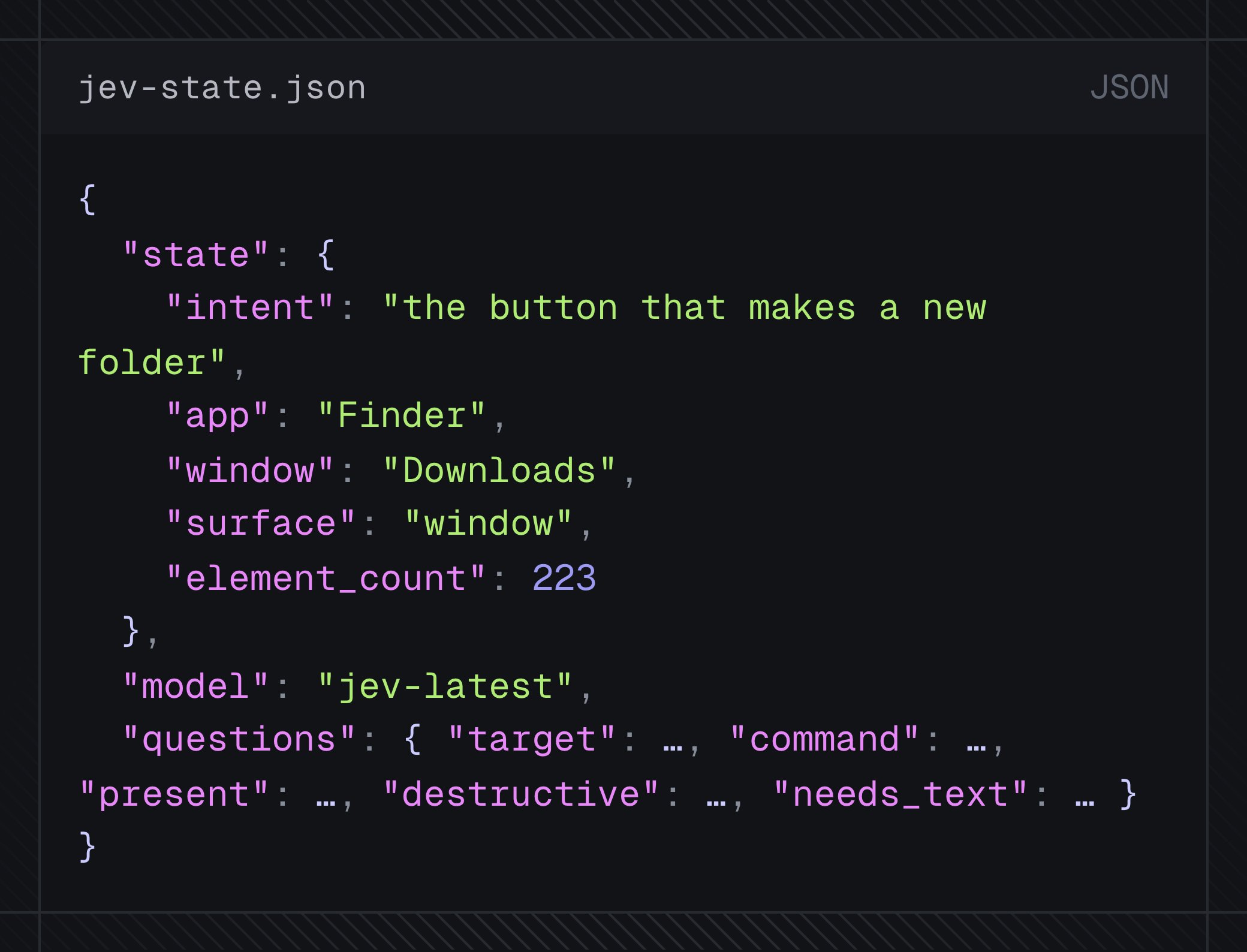
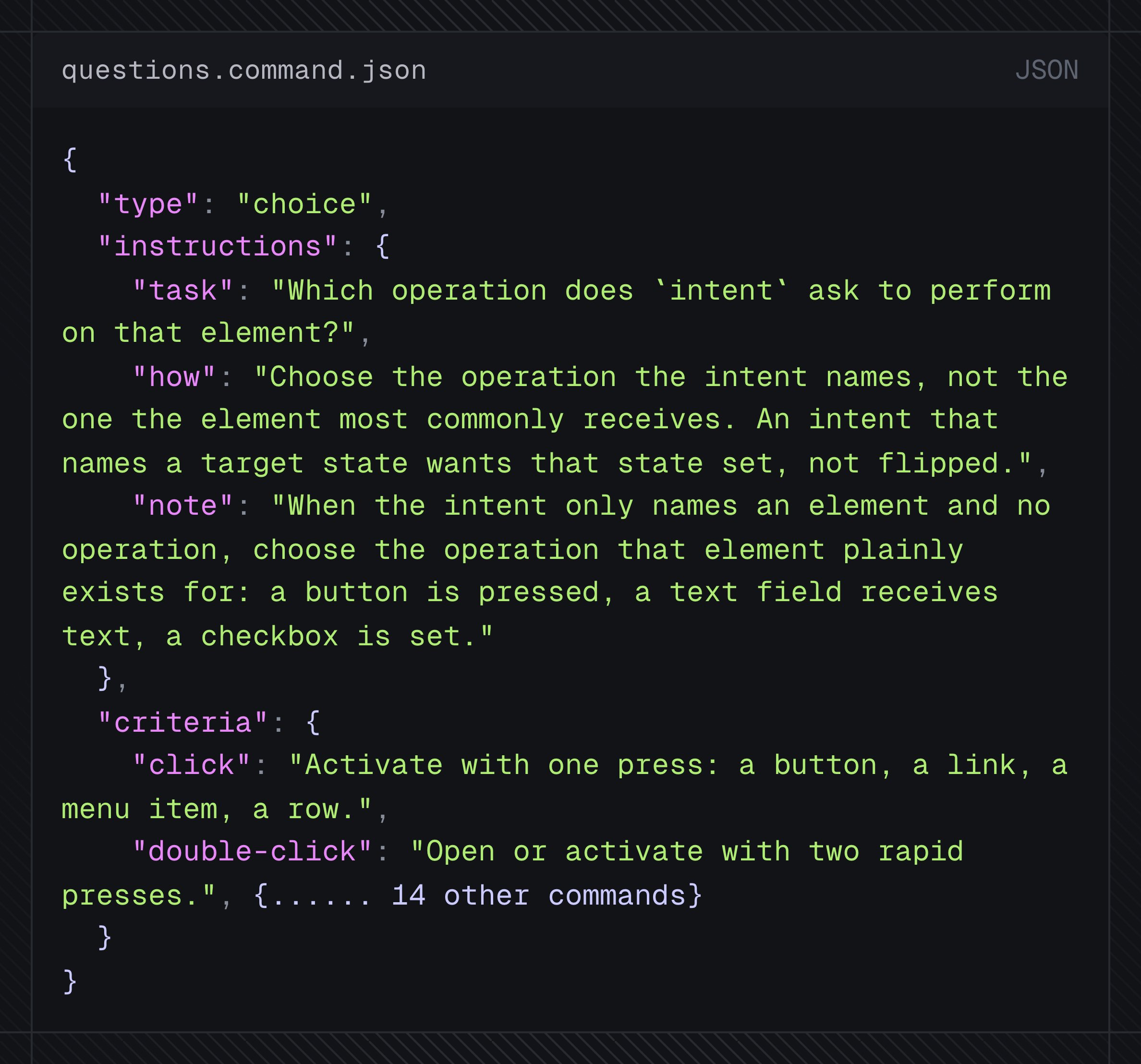
Jev can also choose which command to use. In agent-desktop, there are 54+ interactive commands (headed/headless). Sometimes an element responds to press/click/drag. Jev is really good at picking the right command for that element.