TradingView ships official MCP server for Claude
TradingView released an official MCP server that lets Claude control charts, set price alerts and run market research from a user's account, with a four-step setup.

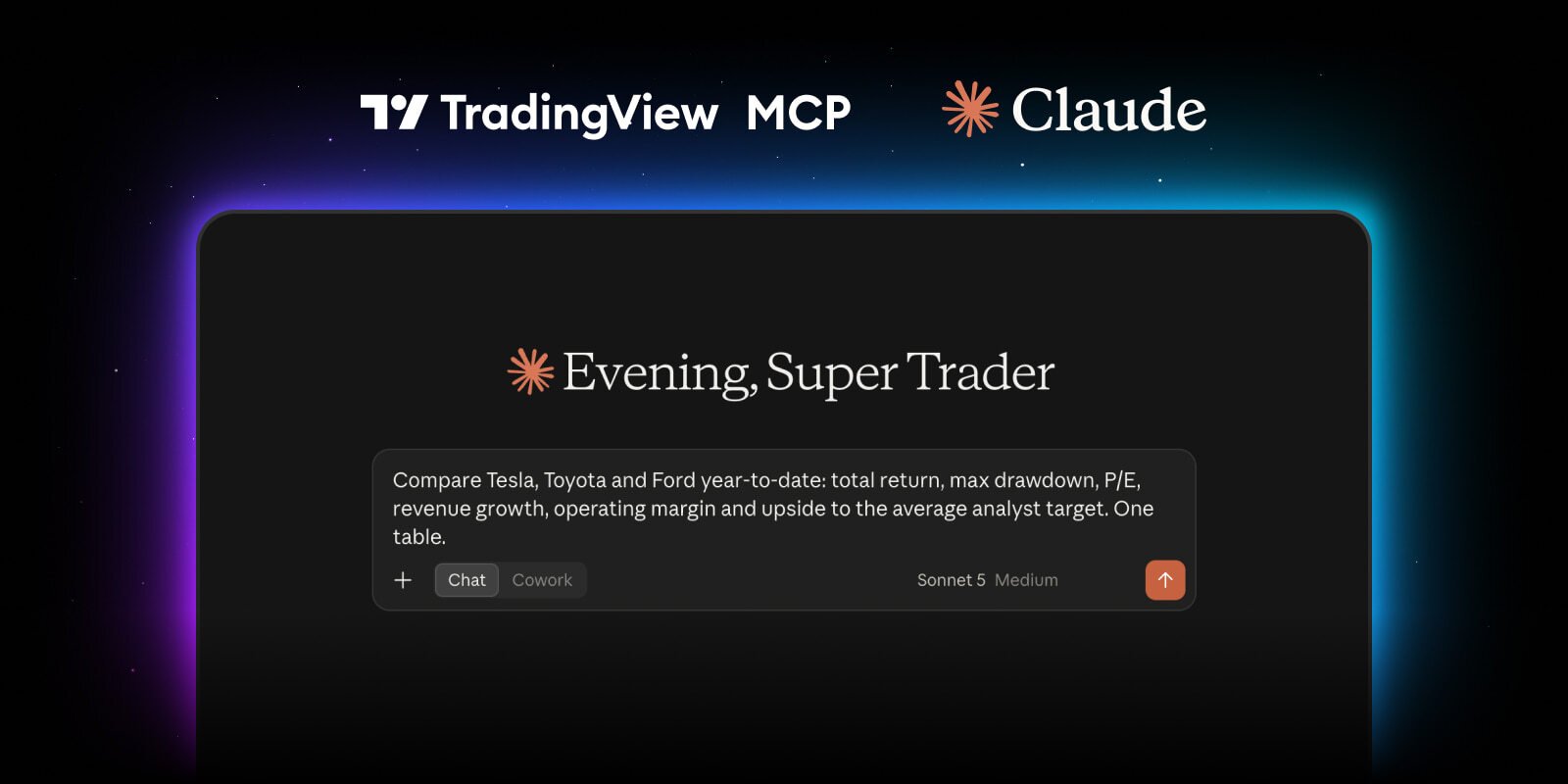
TradingView just shipped its new official MCP server for Claude. Your AI agents can control your charts, set price alerts, conduct research & more by pulling directly from your TV account. If you want to set up the updated connection, do this: Step One: Copy this link: https://mcp.tradingview.com/mcp Step Two: Open Claude, go to Settings → Connectors → Add custom connector, then paste the link there Step Three: Sign in to TradingView & approve access Step Four: Start prompting Example prompts: → "Pull the current support/resistance setup on [ticker] and give me the bull and bear case with key levels" → "Find stocks showing bullish RSI divergence on the 4H timeframe right now" → "Give me a full read on [ticker]: trend, momentum, support and resistance, and any active chart patterns" → "What are today's biggest news movers? Also, give me an update on any important upcoming events." → "Set an alert for when [ticker] closes above [level], and tell me the moment my watchlist hits any of my invalidation levels" Bookmark this so you don't forget to get started.