Duel Duck launches MCP support for ChatGPT, Claude and Cursor
Duel Duck now connects via MCP to ChatGPT, Claude and Cursor, letting you ask the AI to create duels or find open crypto duels after setup.

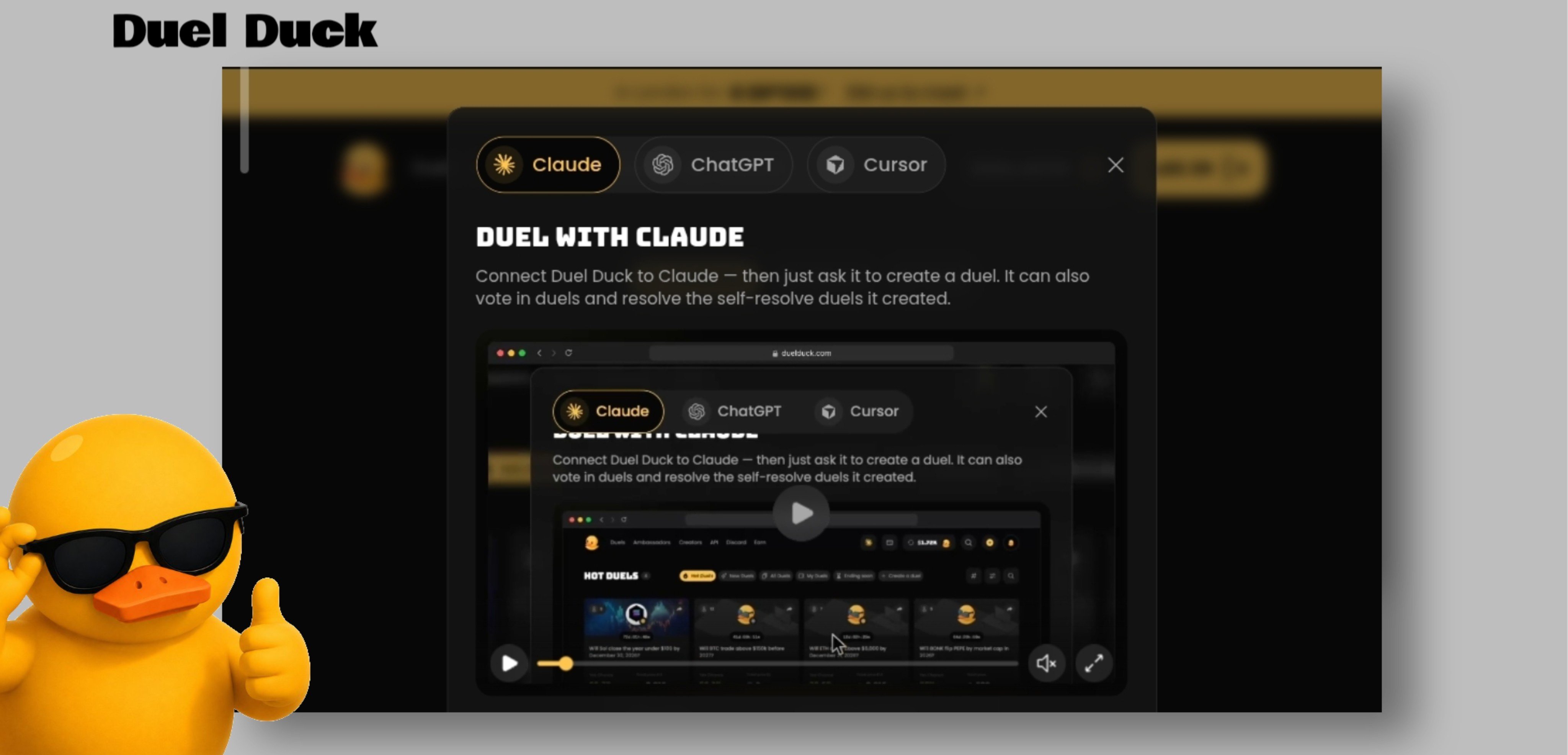
your next duel on @duel_duck could start with a simple chat Duel Duck now connects with ChatGPT, Claude, and Cursor giving u another way to create duels and explore the platform here’s how to get started 1. connect Cursor first, get your API key from Duel Duck. open Cursor and enter this command, replacing "YOUR_API_KEY" with your own key: "mcp add --transport http duelduck https://api.duelduck.com/mcp --header "Authorization: Bearer YOUR_API_KEY"" then go to Cursor Settings → MCPs and enable Duel Duck. 2. connect ChatGPT open the ChatGPT desktop app and add a custom MCP server use this server address: "https://api.duelduck.com/mcp" keep OAuth selected, connect your Duel Duck account, and open Codex to start chatting 3. connect Claude in Claude, go to Customize → Connectors → Add custom connector. enter this server address: "https://api.duelduck.com/mcp" select No sign-in, then add the following request header: "authorization: Bearer YOUR_API_KEY" save your settings and enable the connector. what happens next? once connected, you can ask your AI to create a duel or find open crypto duels. always check the details before approving an action