Jev as judge, Opus 5.5 for hard work: cutting agent costs by 80%
Two setup paths are offered: add a Jev decision layer to Claude Code, or use the Keel harness, so Jev makes narrow decisions and Opus runs at full power only when it is worth it.

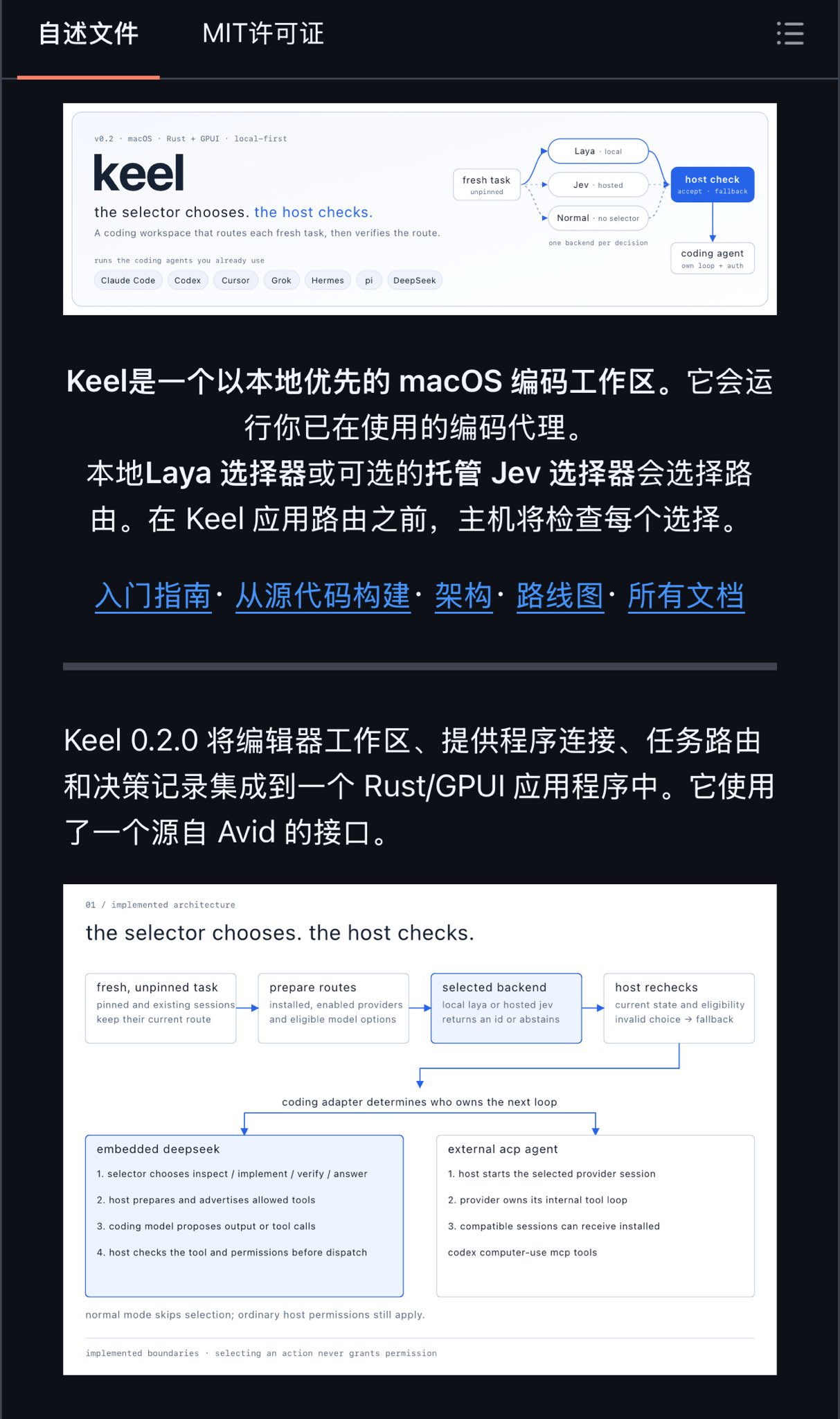
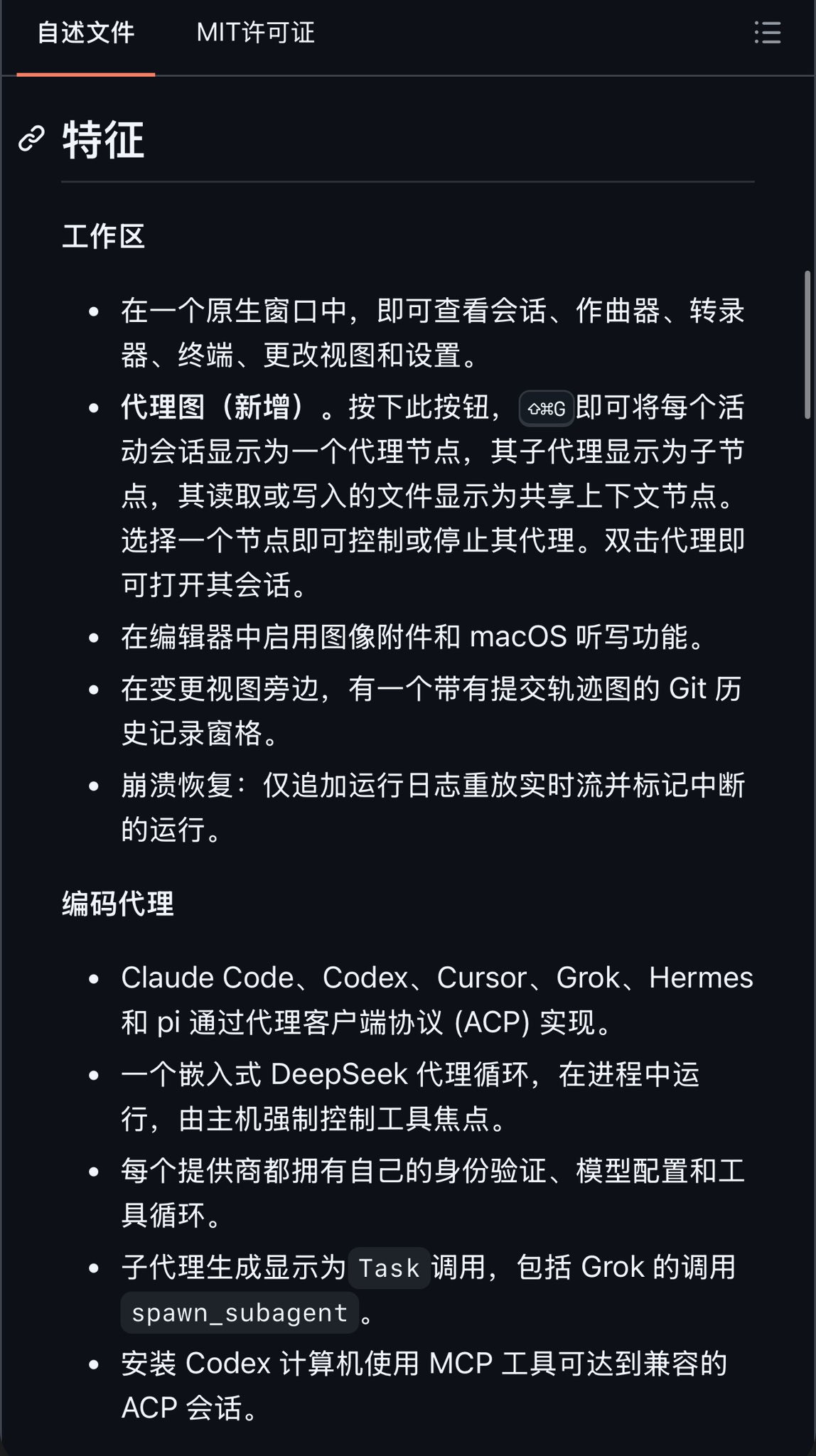
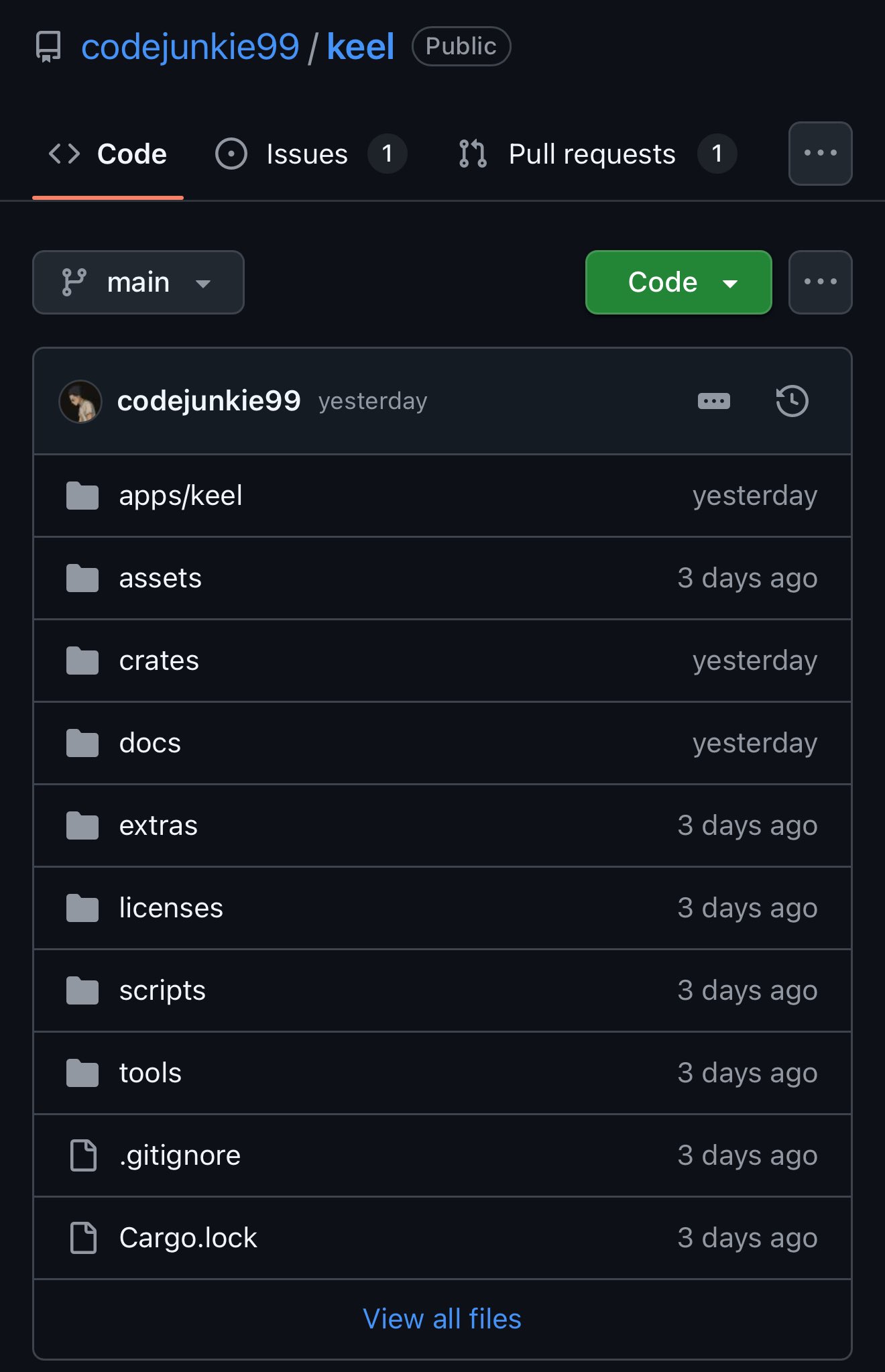
🔥别再让 Opus 5.5 全程满血烧钱了!Jev 当裁判、Opus 干硬活,成本和时间直接砍掉约 80%!现在还不搭建,才是真看不懂! 核心亮点 🔹Opus 只负责难推理;Jev 从 harness 预先准备好的选项里做选择并校验 🔹动态调 effort(low→max),用 per-message 声明改力度,不打碎 prompt cache 🔹失败自动升档、通过自动降档,工具挂了先选恢复路径,不全量重跑 🔹先筛项目笔记再灌上下文,简单任务分流给更快 worker 🔹先跑聚焦检查,再上完整测试套件 两条上手路径(选一条就行) A. 最快:给 Claude Code 加上 Jev 决策层 仓库:https://github.com/WXK-AI/jev-opus 1️⃣准备 Node ≥ 22.18 + Claude Code 2.1.280+(先 claude auth login) 2️⃣npm install -g jev-opus 3️⃣jev-opus init(填 TypeSafe / OpenRouter 的 Jev key;没有也能用本地启发式) 4️⃣jev-opus doctor 体检 5️⃣jev-opus claude 启动,在 /model 选 Opus 5.5 · Jev 6️⃣开始干活。想无头跑任务:jev-opus "fix the failing tests" B. 完整 harness:本地工作区 + 决策层 仓库:https://github.com/codejunkie99/keel 工程说明:https://github.com/codejunkie99/jev-engineering 1️⃣Apple Silicon + macOS 15+ 2️⃣git clone https://github.com/codejunkie99/keel.git && cd keel 3️⃣bash scripts/build-laya-assets.sh 4️⃣cargo build -p keel --bin keel --release 5️⃣打开 Keel,选 Jev / Local Laya / Normal 6️⃣接上你已有的 Claude Code / Codex / Cursor 等 agent,把决策交给 Jev,推理交给 Opus 原则就一句: harness 准备选项并校验,Jev 做窄决策,Opus 5.5 只在值得烧的地方满血。 #Jev #Opus55 #ClaudeCode #AgentHarness #BuildInPublic #AIEngineering #PromptCache #LLMAgents
This post quotes another post: “Stanford and Nvidia's CLM beats Jev by 4-13x on decision speed”