OpenBot v0.38.0: remote server sign-in and MCP configuration updates
The release lets users sign in to Codex, Claude, Gemini, Muse and GitHub/Slack connectors on a remote server via their own browser, and configure custom OAuth apps for URL-based MCP servers.
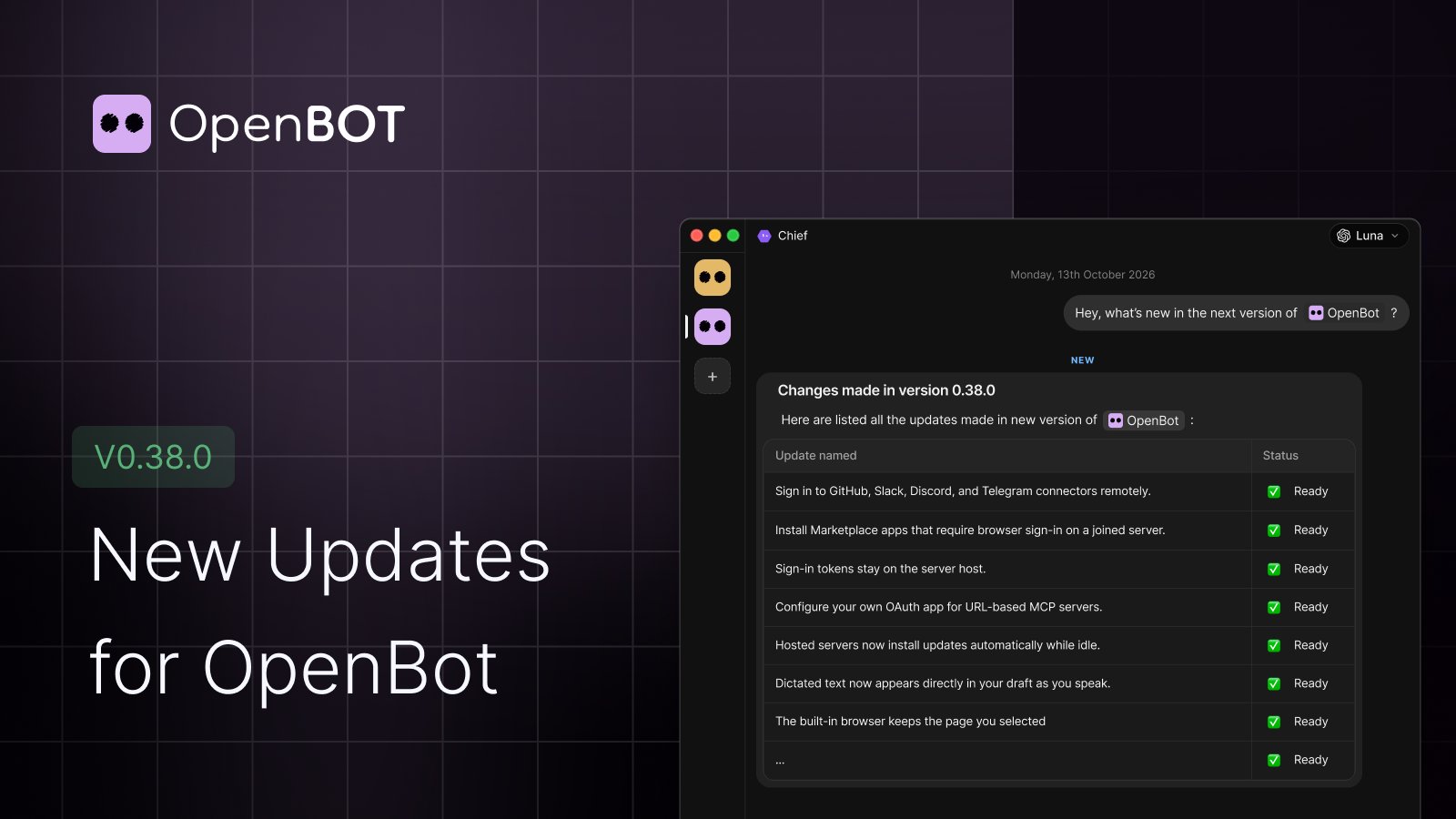
OpenBot v0.38.0 is out 🚀 This release makes it easier to connect providers, apps, and integrations on a remote server. Sign in from your own computer - Connect Codex, Claude, Gemini, and Muse to a joined server using your computer’s browser. - Sign in to GitHub, Slack, Discord, and Telegram connectors remotely. - Install Marketplace apps that require browser sign-in on a joined server. - Sign-in tokens stay on the server host. More flexible MCP setup - Configure your own OAuth app for URL-based MCP servers. - Open sign-in pages in your browser and use your existing passwords, passkeys, and sessions. Server updates - Hosted servers now install updates automatically while idle. - Updates are staged more clearly, and hosted servers with an update ready wake much faster. Smoother voice and browser experience - Dictated text now appears directly in your draft as you speak. - The built-in browser keeps the page you selected. - Pasting into a remote browser now sends text to the page as expected. Full changelog: https://openbot.run/changelog#v0-38-0