15-step guide to GPT-6 Astra: where to find it, which tier, and how to prompt
The tutorial notes Astra is only available in Work and Codex on the desktop app, recommends the Medium tier, says to turn off two data-training toggles, and gives a prompt template with a named deliverable, constraints and success criteria.

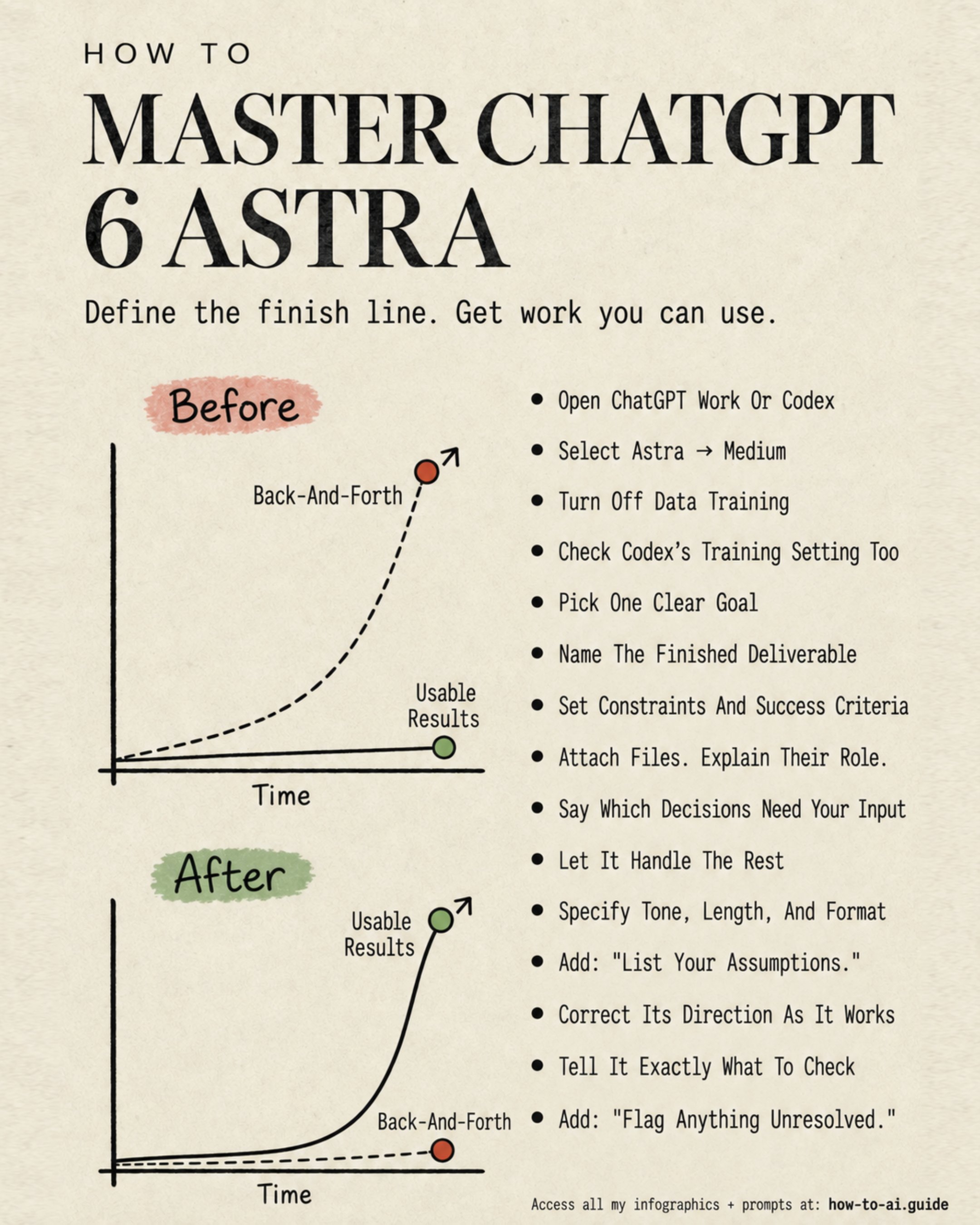
How to master ChatGPT-6-Astra in only 15 steps: (full guide with screenshots http://chatgpt.rubenhassid.ai) 1. Open ChatGPT Work or Codex. Astra is not in the normal chat on the ChatGPT browser. It's in Work (documents, slides, Excel) and Codex (code) on the ChatGPT desktop app. 2. Select Astra → Medium. Not High. Not Max. Medium is the best intelligence + cost + speed ratio by far. 3. Turn off Data Training. Settings → Data controls → Off. On by default. Ignore if you are okay without any privacy. 4. Check Codex's training setting too. Codex has its own switch. The ChatGPT toggle does not reach it. Mind you: 2 toggles to turn off. 5. Give one clear goal in one prompt. "Help me analyze this" is too vague. Astra fills the gaps with guesses and gives you random answers that will waste your time and tokens. One task, one outcome. 6. Name the finished deliverable. Summary? Recommendation? Spreadsheet? Say what you want. Start the prompt with it. 7. Set constraints and success criteria. Exact prompt: "Deliver a ranked comparison. Show the sample size for each group. Flag conclusions based on very few posts." No "think step by step". Be direct instead. 8. Attach files. Explain their role. Exact prompt: "Use the brand guide for style and the product brief for facts. If they disagree, flag the conflict first." Evidence, template, or instructions: Astra can't tell. 9. Say which decisions need your input. Astra asks for clarification more than any model before. Useful to brainstorm but it gets very annoying for the tasks you already had a solution for. Name the 2-3 questions worth asking. 10. Let it handle the rest. Exact prompt: "Otherwise, complete the plan and list any assumptions at the end." 11. Specify tone, length & format. The default is overly perfect sentences. "600-800 words. Paragraphs of 2-3 sentences. Answer Greg's question in the first line." My favorite trick: "Use ASD-STE100." 12. Add: "List your assumptions." You can catch its guesses very easily when it tries to fill the gap. Catch the misinformation early. 13. Correct its direction as it works. It is quite good at long tasks, while consuming tokens. So send a follow-up mid-task to see its plan & execution. Just like... a human? 14. Tell it exactly what to check. Exact prompt: "Before delivering, confirm the totals match the source, identify duplicates, and check every chart uses the correct date range." 15. Add: "Flag anything unresolved." This removes the fake "all done!" report. Unverified stays unverified. This was just a glimpse of what Astra can do, and you can use it to your best. To actually read the entire guide, go to http://chatgpt.rubenhassid.ai
This post quotes another post: x.com/rubenhassid/status/2096841587313787149