jevIMAGE
Jev setup guide: from waitlist to running the TypeSafe skill
A Chinese tutorial walks through four steps: join the waitlist and fill out the questionnaire, have an agent install the skill, create an API key, then run the TypeSafe skill, and reports very fast responses.

梭哈.AI
@SUOHA_AIArchived 2026.09.19Originally posted 2026.09.18
梭哈.AI @SUOHA_AIOriginally posted 2026.09.18
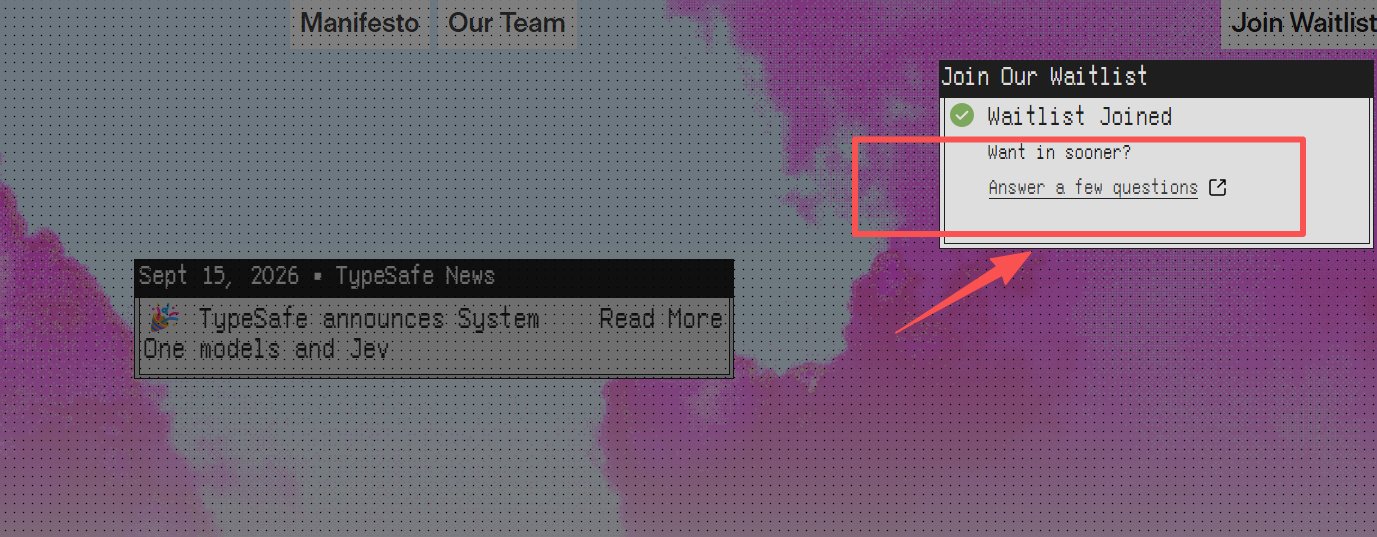
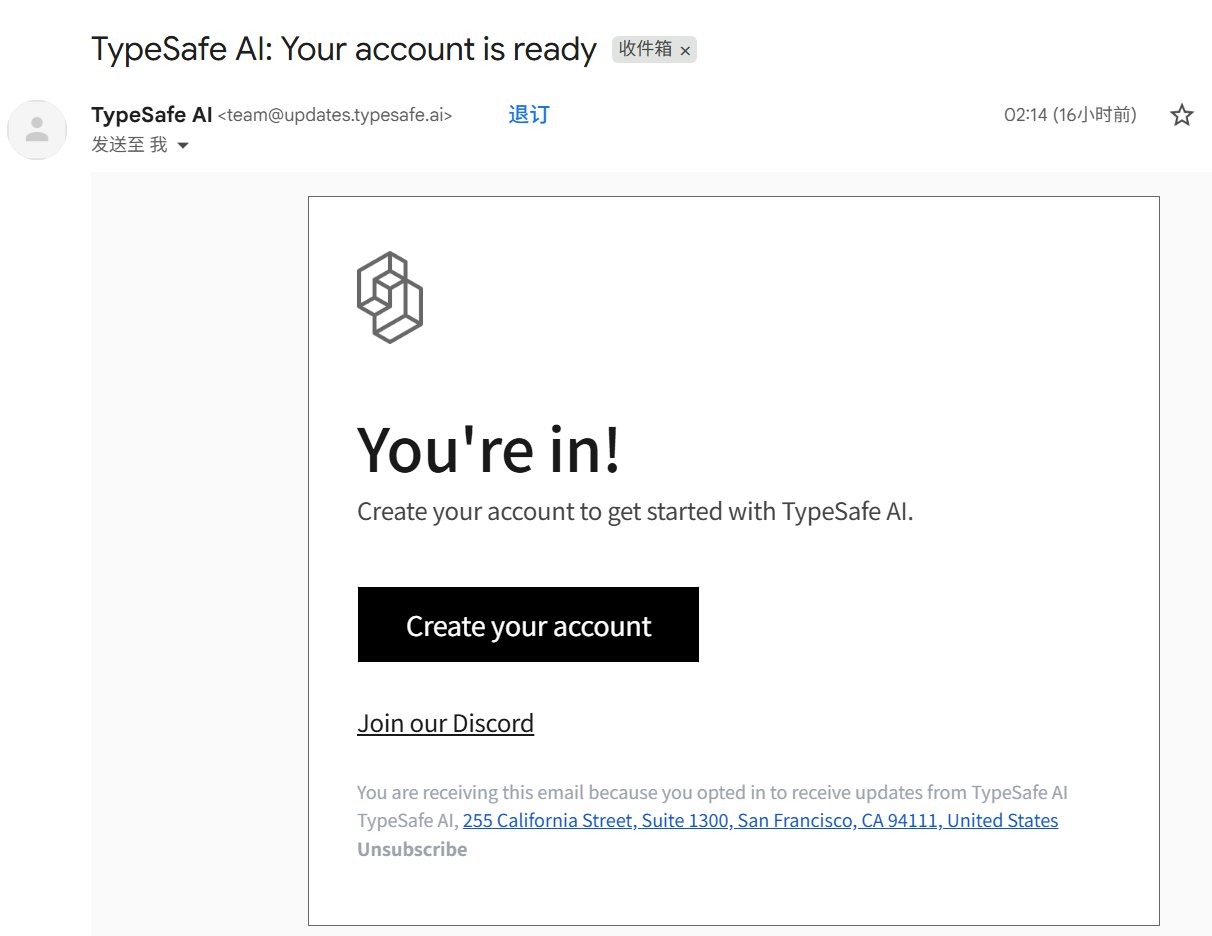
手把手教你光速用上 Jev 1、申请 Waitlist: • 官网直达:https://typesafe.ai/ (@typesafeai) • 提交后务必顺手把附加问卷(Answer a few questions)填了,内容极其简单,直接让 AI 帮你生成一段“AI 开发者”的背景介绍填进去,我昨天填完问卷几个小时内就通过了审核 2、一键配置SKILL: • 审核通过进入官网,找到 Quickstart 模块; • 直接把里面的命令复制给你的 AI Agent(Claude Code、Codex、Cursor、Grok 都行),让 AI 自动化帮你装好Skill 3、获取 API Key • 在官网后台新建一个 API Key,喂给你的 Agent 即可; 4、直接开跑 & 实测体验: • 在对话的Prompt 里说:use the TypeSafe skill 就可以用了 • 实测下来,Jev 的响应速度快到让人震惊,快去试试
This post quotes another post: “50-second video explains JEV architecture and real-time control demo”
x.com/suoha_ai/status/2100905906267418879Archived 2026.09.19 10:16