Reverse-prompting ChatGPT Images 2.5 for realistic AI portraits
A 30-second workflow uses a casual Pinterest photo as a framing reference, has ChatGPT break it into a generation prompt via /detailed-image-2-text-prompt, then swaps the person and scene to build a set of realistic AI creator images.
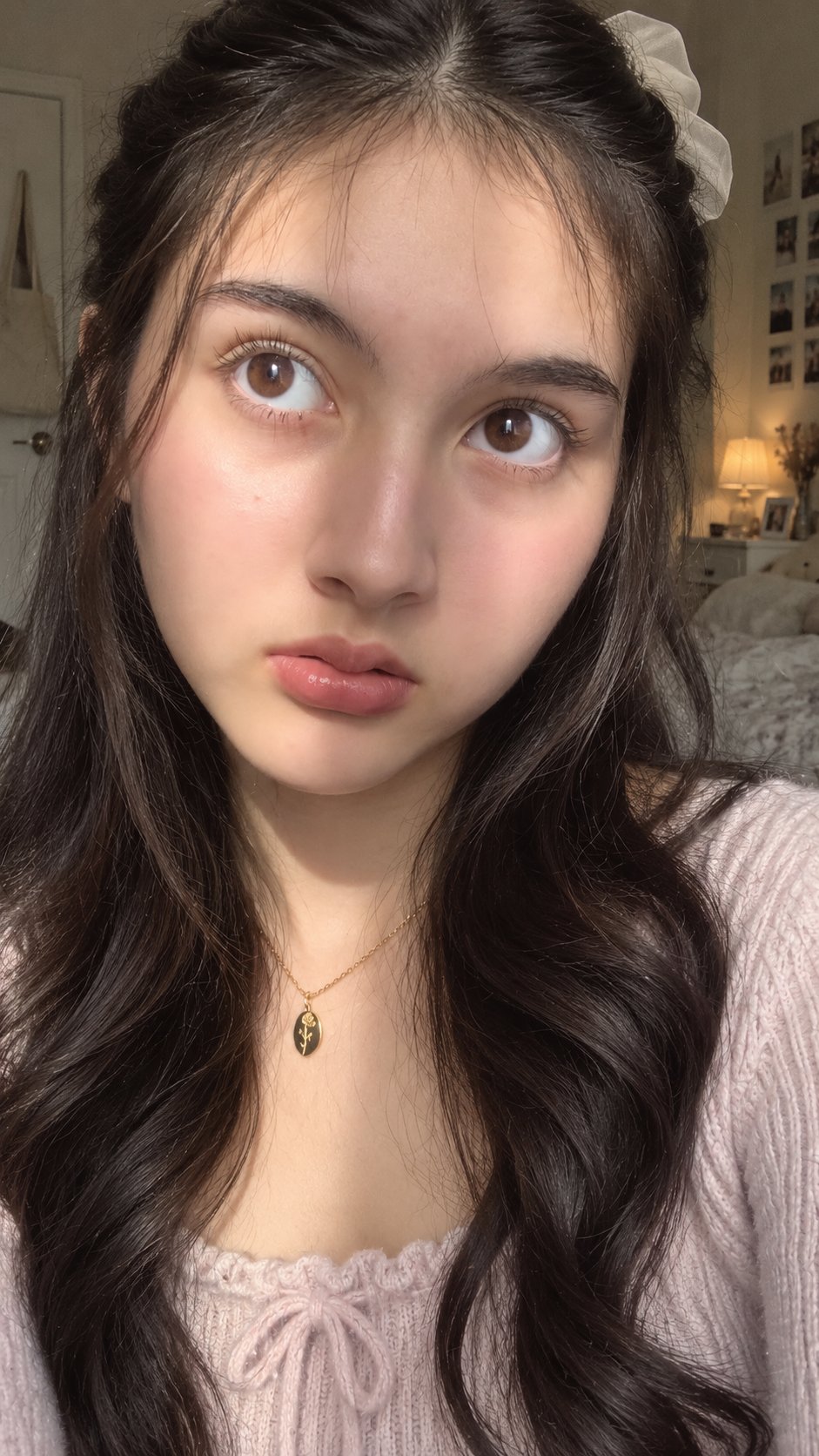
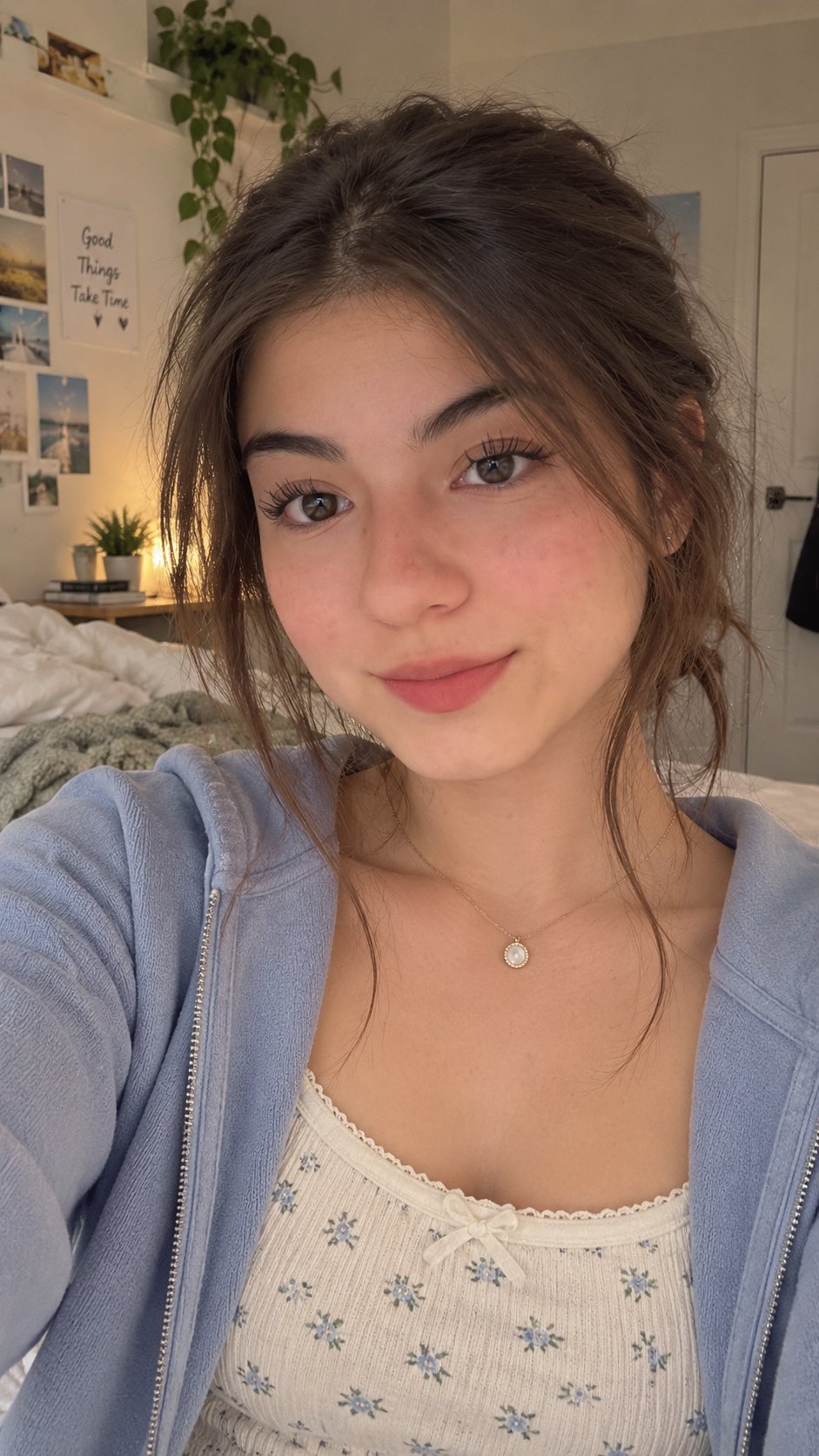
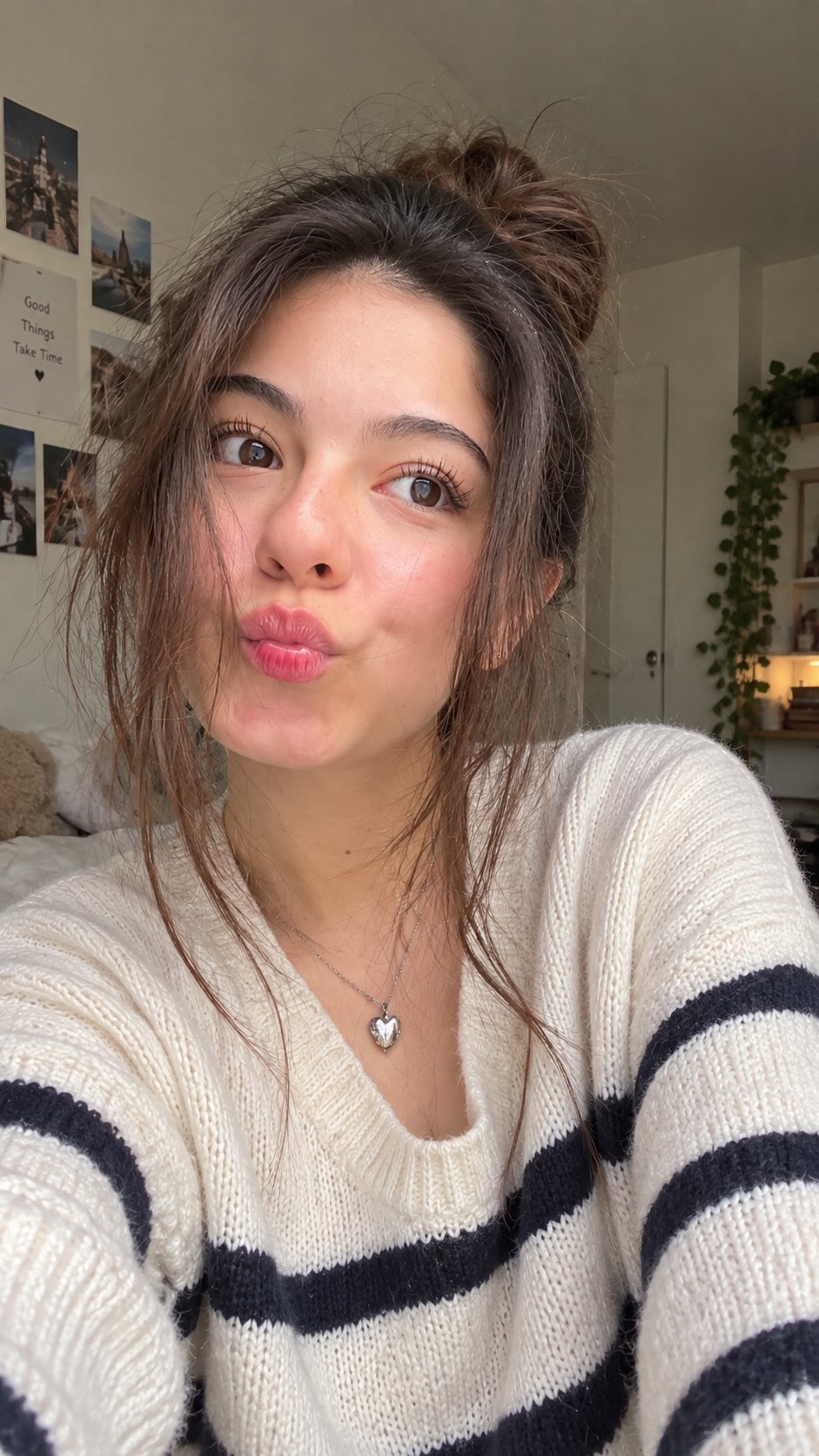
an image is the baseline of 100% real looking AI UGC. if the starting image looks bad, the video will look bad too. let me show you how to fix that in 30s: It's actually pretty simple. first, go to Pinterest and find a casual photo with the kind of framing, pose, camera angle or environment you want. you are mainly using it as a visual framing reference, not trying to copy that person's exact identity. upload that image to ChatGPT Images 2.5 and use this prompt tag: /detailed-image-2-text-prompt ChatGPT will break the image down into a detailed image-generation prompt. copy that prompt, change anything you want about the person, clothes, location or other details, and generate your new image. that's it. Repeat this with different casual reference images and you can quickly build a collection of realistic AI creators.
This post quotes another post: x.com/viralops_/status/2098061566314967236