ChatGPT Images 2.5 草图转成品完整流程
实测 ChatGPT Images 2.5:用 @sketch 画草图、局部改图、圈选标注、去背景和改尺寸的完整工作流。

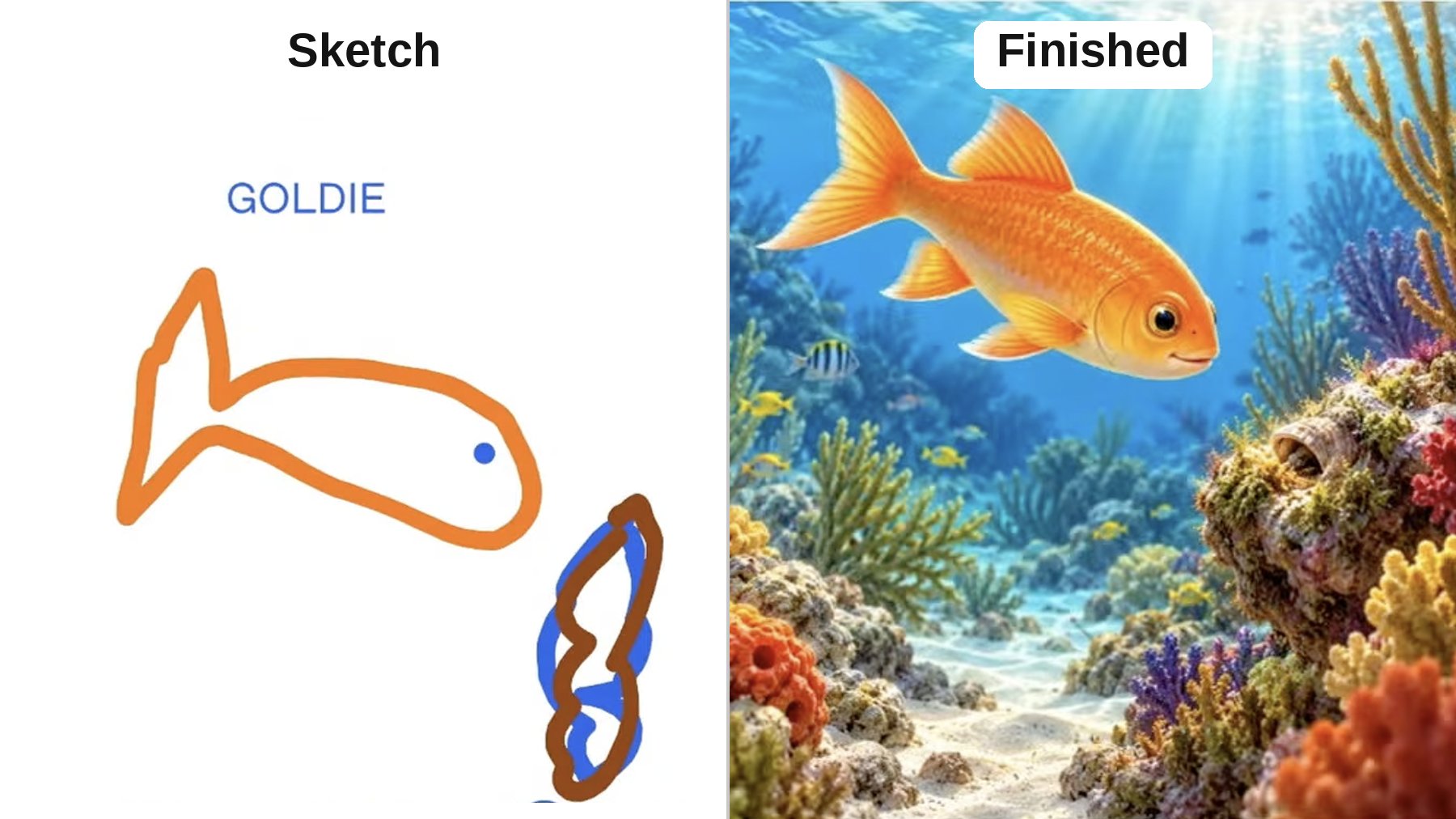
I've spent hours testing ChatGPT Images 2.5 since it launched. Here's exactly how I turn a rough sketch into a finished image: > Go to chatgpt(.)com/images > Type "@sketch" and draw your idea > Hit the up arrow, describe what you drew, and press go > Click the finished image, comment on the one thing to change, and hit send. The rest stays put > Click Markup, circle a detail, and add your instructions (Say "the fish in the red circle," not just "the fish." My first try looked like it grew the wrong one.) > Click Remove BG to cut the background out > Click Resize to switch it to portrait, story, landscape, or widescreen My team has made some really ugly sketches that turned into beautiful images with this workflow. AI for the win!