Zambo 自定义 MCP 接入 ChatGPT 教程
作者给出把 zambo.dev 的 MCP 端点加进 ChatGPT 的完整步骤,需 Plus/Pro 并开启开发者模式,无需登录或 API key。

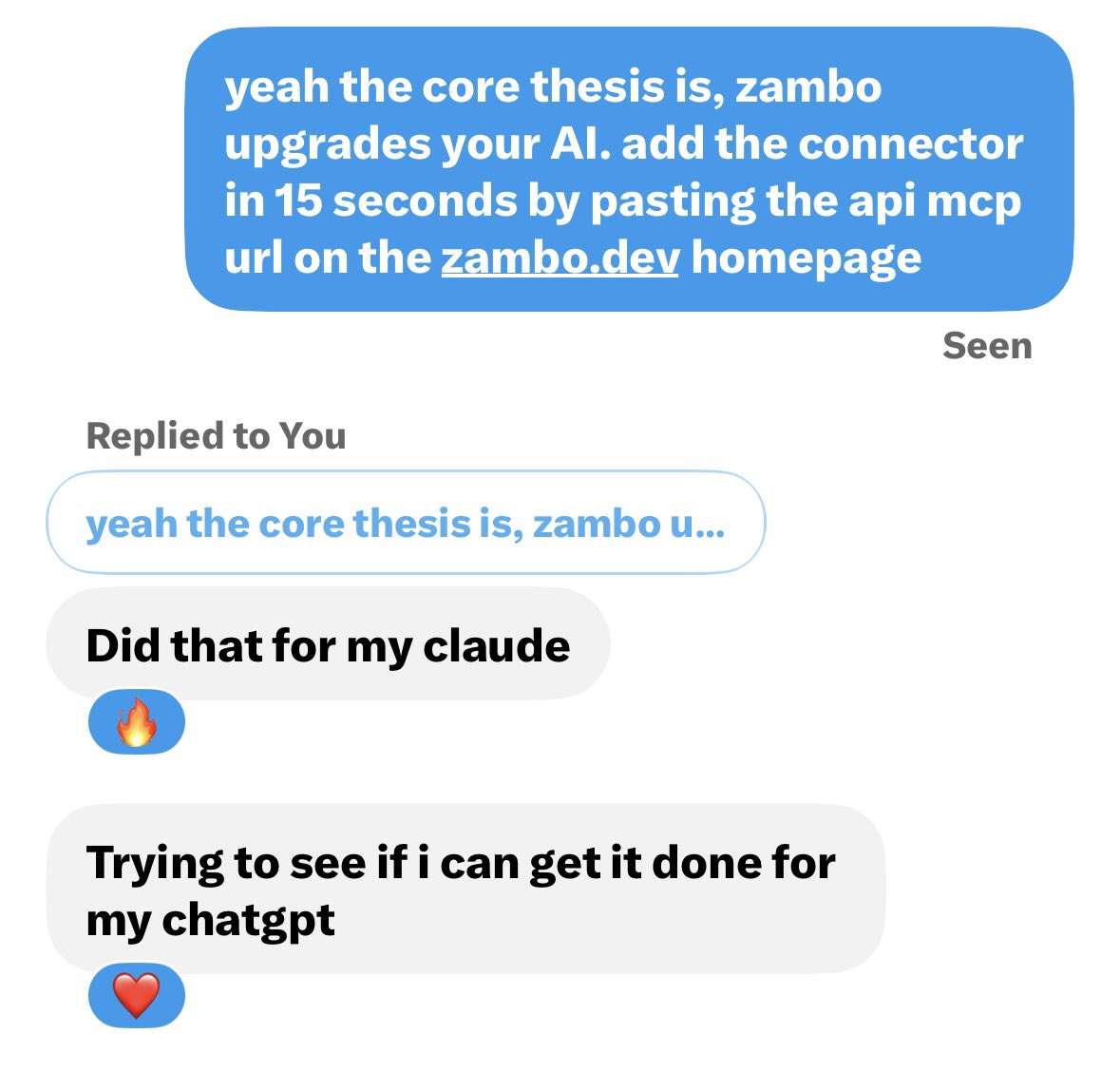
people are adding zambo to their AI.. what are you waiting for?! http://zambo.dev ChatGPT is a little more annoying than Claude but its the same URL. paste this: https://zambo.dev/api/mcp do it on http://chatgpt.com in a browser, not the phone app. 1. hit your profile then settings 2. turn on developer mode. If you dont see it, check settings then apps then advanced, or settings then security and login. OpenAI keeps moving the toggle. 3. go to settings then apps or plugins (or just open http://chatgpt.com/plugins) 4. hit create or the plus 5. name it zambo, paste https://zambo.dev/api/mcp, auth is none. No login, no API key. 6. creat it and let it pull the tools 7. open a brand new chat, hit the plus next to the box then more then turn zambo on. If you skip that last part it looks connected but never actually runs. needs Plus or Pro. Free plan wont let you add custom MCP. once its on just ask it something like use zambo and spark a move for whatever youre building and it should fire. same stack you already put on Claude.
这条是引用着另一条写的:x.com/brennanzambo/status/2096423048291189050