Claude 账号被封后转 Codex 并同步配置
作者 Claude 账号被停用后转用 Codex,已提交申诉仅收到审核确认,并用私有 Git 仓库加脚本在 Windows 和 Mac 间同步技能与 MCP 配置。

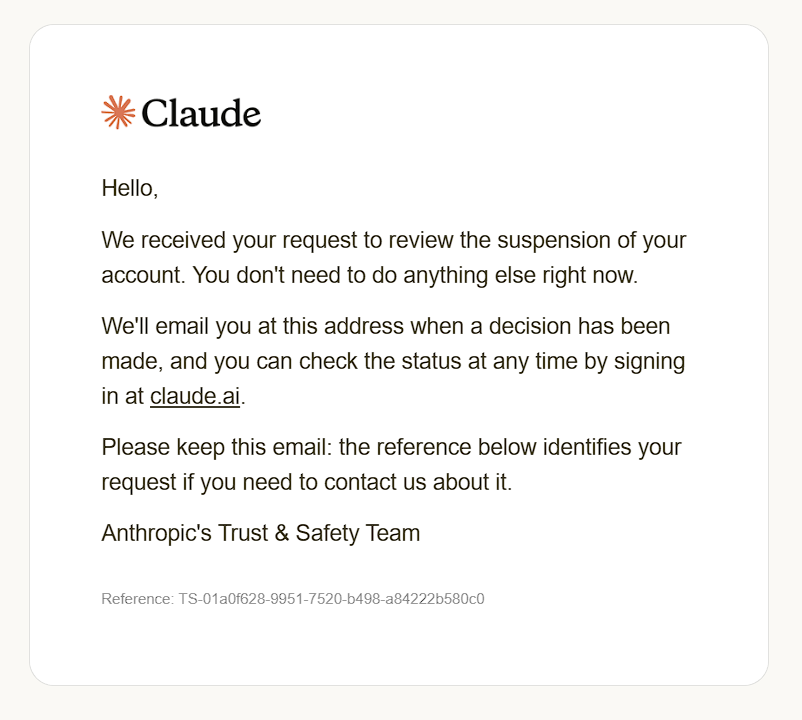
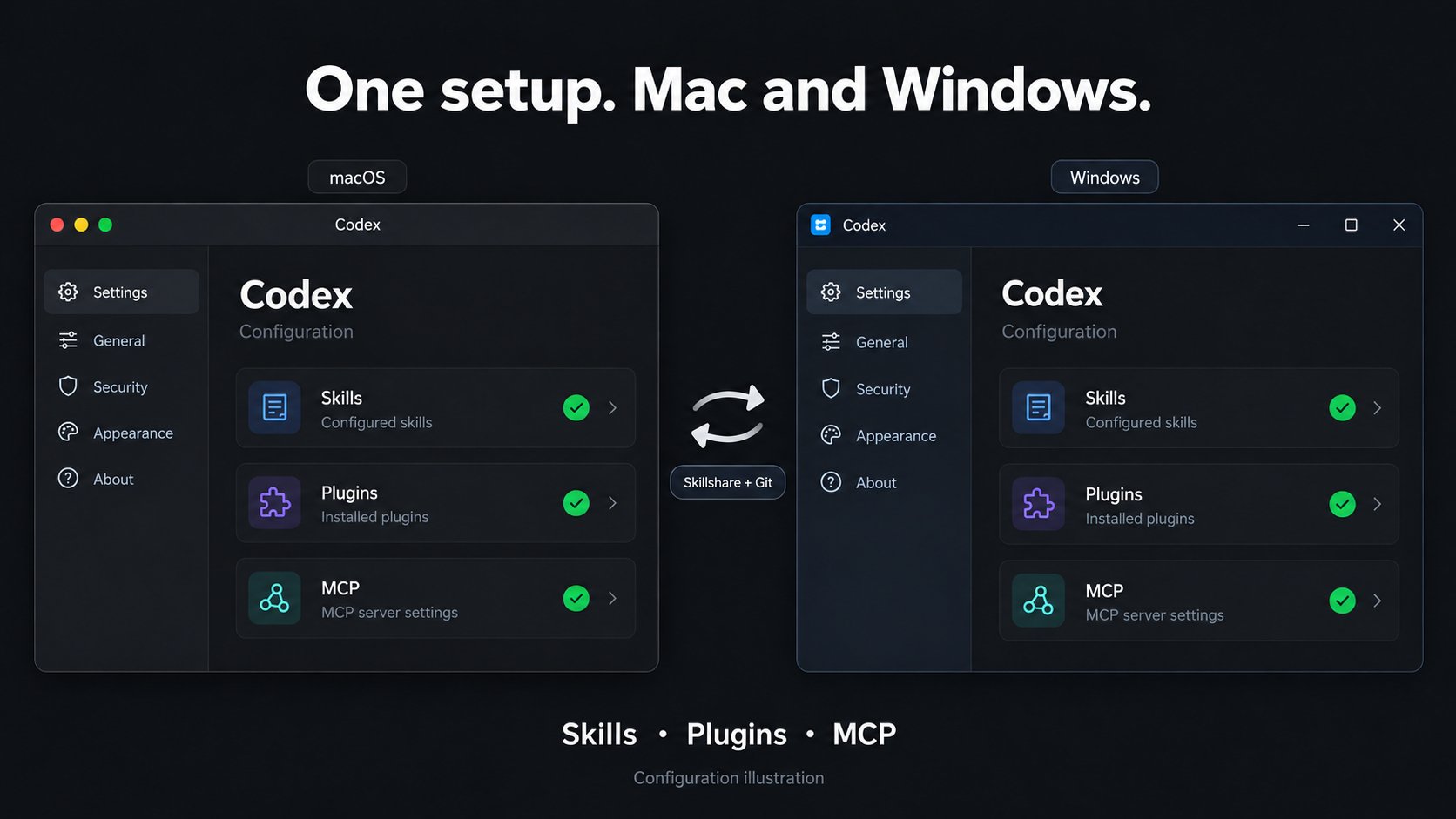
Claude suspended my account, so I switched to Codex. I sent an appeal; so far, I’ve only received confirmation that it’s under review. Then I needed the same skills, plugins and MCP setup on my Windows PC and Mac. Copying folders around every time I changed something sounded annoying enough to fix. I used Skillshare with a private Git repository and a small background script. Both machines now pull changes every five minutes. Git moves the files between devices; Skillshare applies the shared resources to the local setup. A few details took more work than expected: • Importing an installed plugin doesn’t necessarily give you a portable package. The second machine still needs its source. • A Windows executable path won’t work on macOS. We used the CLI bundled with the Mac app and made sure the background job could find it. • The Windows job initially opened a console window every five minutes. Switching to pythonw and hiding child processes fixed that. • A registered scheduled job isn’t proof it works. We checked the actual run results on both systems: exit code 0. This setup pulls shared files and installs missing plugin packages. Updating plugins that are already installed is still a separate step. OAuth logins stay on each device, and this doesn’t sync chat history. I’ll put the setup walkthrough and commands in my Telegram channel. The diagram is an illustration of the configuration flow, not a screenshot of a built-in Codex sync feature. Skillshare source link in the reply.