域名查询 MCP 连接器:无需鉴权
Gateway Digital Services 提供免鉴权 MCP 地址,可在 ChatGPT、Claude、Grok 里直接搜域名和实时价格。

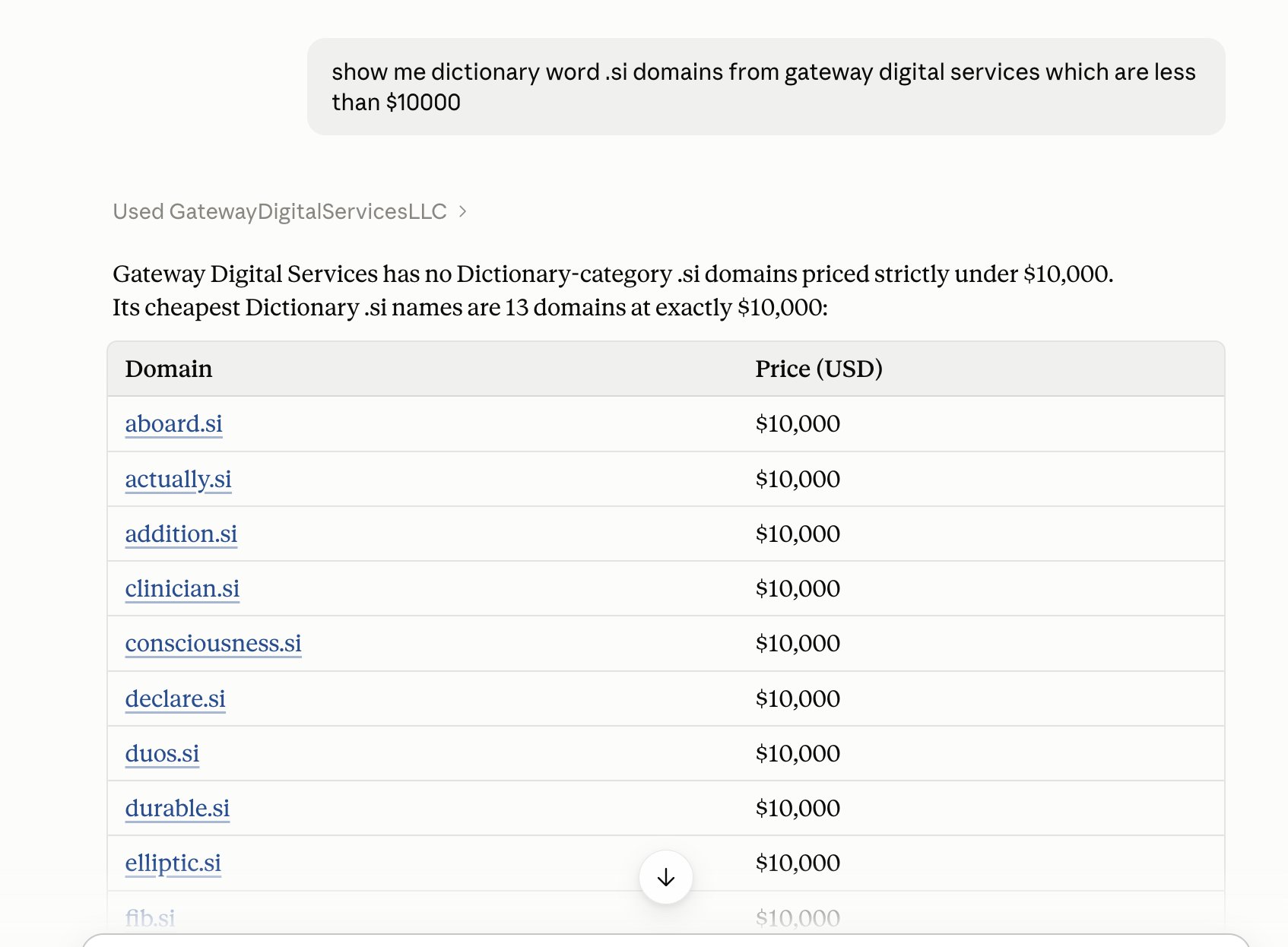
Search our domain portfolio at http://GatewayDigitalServices.co from inside your AI assistant You can now browse Gateway Digital Services’ domains straight from Claude, ChatGPT or Grok. Ask things like “show me .ai domains under $1,000” and get live prices and buy links. MCP Server URL: https://gatewaydigitalservices.co/mcp Important: No authentication is needed. When adding the connector, leave auth set to None (no OAuth, no API key). Claude 1. Go to Settings → Connectors. 2. Click Add custom connector. 3. Name it “Gateway Digital Services” and paste the URL. 4. Skip any advanced/OAuth settings. 5. Enable it in your chat from the tools menu. ChatGPT 1. Go to Settings → Connectors and turn on Developer 2. Mode under Advanced. Custom MCP connectors need a plan that supports it. 3. Click Create and add a new connector. 4. Paste the URL and set Authentication to No authentication. 5. Save, then select the connector in a new chat. Grok 1. Go to Settings → Connectors (or Tools) and add a custom MCP server. 2. Paste the URL and set auth to None. 3. Save and make sure it’s enabled for your chat. Then try: “Show me dictionary word .si domains from Gateway Digital Services under $10,000” Or If prefer to browse the old-fashioned way? Visit http://gatewaydigitalservices.co. Below is an example from Claude.