用 Opus 5.5 做高级感 motion graphics 的完整工作流
作者拆穿「一句提示词出片」神话,给出六步流程:偷参考片视觉方向、接 HyperFrames/Remotion 渲染、21st.dev 补 UI、喂满上下文、先出静帧再动画、像导演一样反复调。

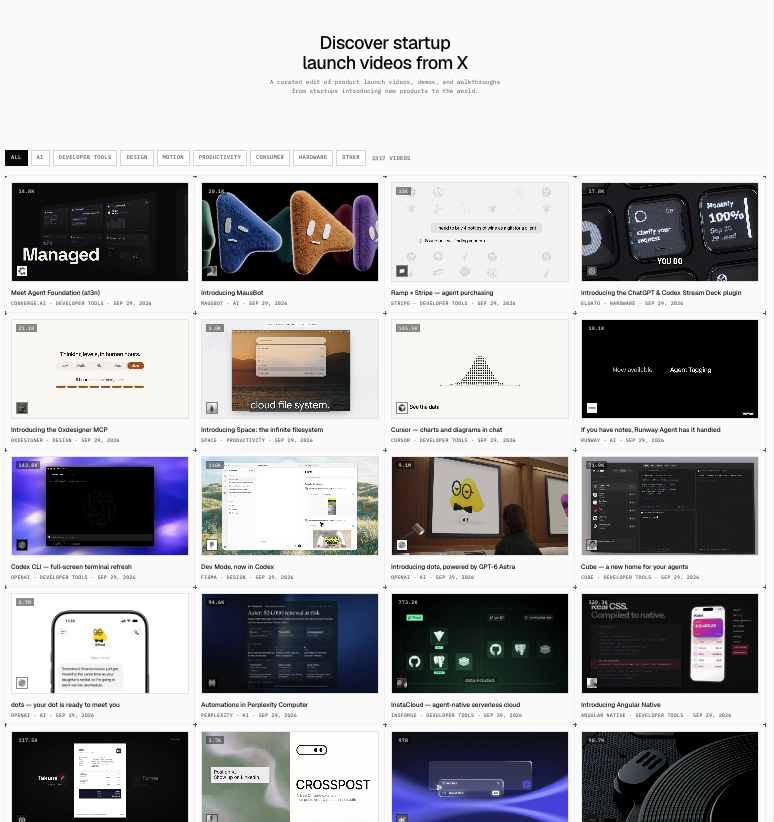

People are making $5,000-looking motion graphics with Opus 5.5 And the “one prompt” story is complete bullshit I tried the prompts people were sharing Mine looked terrible Turns out, there is an entire workflow nobody puts in the viral tweet Here it is: 1. Go to http://whatships.com and steal the visual direction from 1-2 videos you love. Do NOT ask Opus for “cinematic motion graphics.” Give it the reference. Now it has the pacing, typography, transitions and camera language instead of inventing the same centered-text-gradient garbage. 2. Install HyperFrames or Remotion. This is the cheat code. Opus can now build every scene as code and render the whole thing directly to MP4. No After Effects. No manually animating 47 layers. And revisions become: “slow this zoom” “move this card” “hard cut here” instead of rebuilding the video. 3. Connect http://21st.dev. This stops Opus from inventing those horrible fake-AI buttons and dashboards. You get real UI components with proper spacing, cards and interactions. 4. Now overload Opus with context. Give it: - logo - colors - fonts - product screenshots - reference video - product details - your rough idea Then ask for 3 completely different storyboards. Do NOT let it animate yet. 5. Generate one still frame for every scene. This might be the most important step. You catch the ugly scenes before spending time rendering them. Fix the composition. Fix the UI. Fix the typography. THEN animate. 6. Now treat Opus like your motion designer. “Zoom 30% slower.” “Hold this for 500ms.” “Push into the button.” “Hard cut here.” “Remove this transition.” Keep directing until it stops looking AI-generated. That is the part the “one prompt” posts leave out. The model is insane. But the people making the craziest videos aren't giving it one magical prompt. They're giving it references + tools + context + direction. Same Opus. Completely different output.