用 GPT-6 Astra 编排 Camtasia 自动剪完 5–6 分钟视频
作者靠 PowerShell、Python、Whisper、FFmpeg 加截图反馈,让 Astra 全自动操作 Camtasia 剪片,仅耗约 1% 周额度。

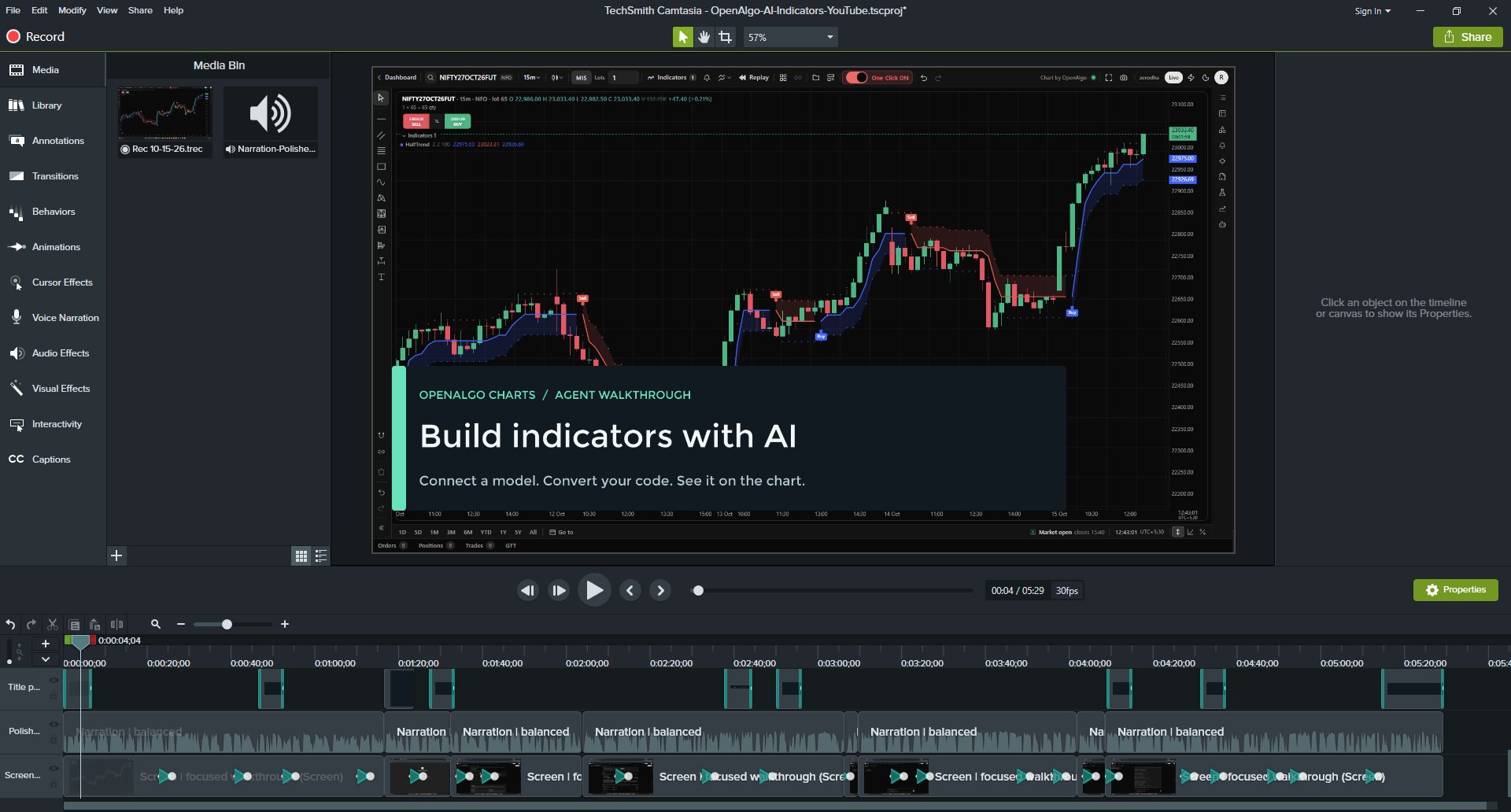
I Bought Camtasia in 2017–18. Nearly a Decade Later, AI Is Editing My Videos With It. I barely use Camtasia for video editing anymore. In fact, I do practically zero manual editing. But now I have a much better editor: GPT-6 Astra. Using a combination of Windows UI automation, PowerShell, Python, Whisper, and FFmpeg, the AI agent handled the entire video editing workflow. Here's how it worked: PowerShell automated Camtasia's menus, mouse, and keyboard interactions. Screenshots provided visual feedback to verify the editing process. Local Whisper transcribed the narration and helped identify precise cuts. Python modified Camtasia's native project file to insert titles and zoom effects. FFmpeg processed the narration and validated the final audio and video. Camtasia rendered the finished MP4. No dedicated Camtasia API. No specialized video editing agent. Just an AI model orchestrating existing tools and software. The most surprising part? Editing a 5–6 minute video consumed approximately 1% of my weekly GPT-6 Astra usage allowance. Not bad at all. What's interesting is that software doesn't necessarily need to be rebuilt with AI capabilities. AI agents can increasingly operate existing applications by combining UI automation, scripting, and visual feedback. A software license I purchased almost a decade ago has suddenly become useful again. The software hasn't changed. The person operating it has been replaced by an AI agent.