Duel Duck 接入 Claude、ChatGPT 和 Cursor
通过 MCP 端点连接 Duel Duck 账号,就能在 AI 工具里直接创建对决或查找本周将结束的加密对决,附三家平台的配置步骤。

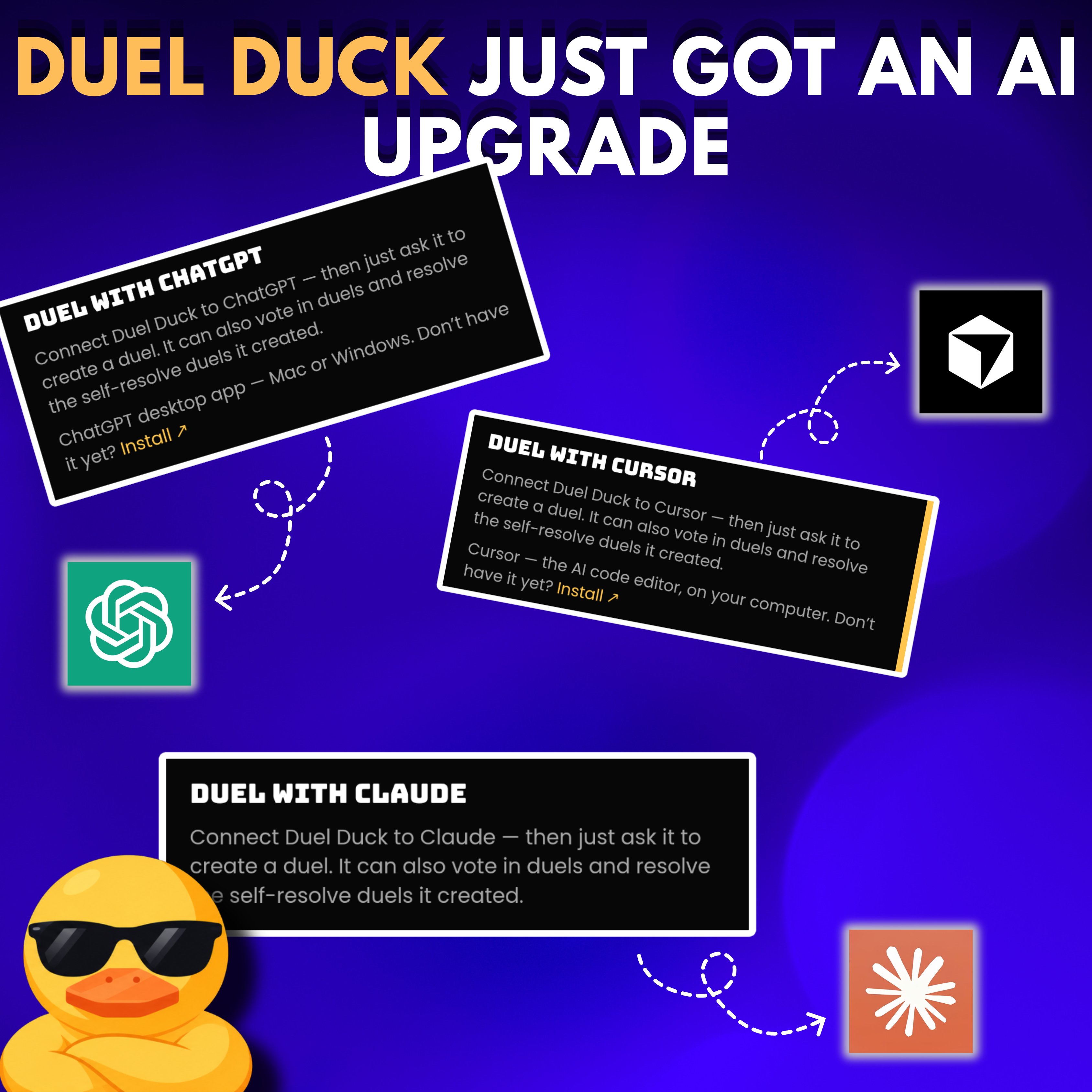
Did you know you can now use @duel_duck through Claude, ChatGPT & Cursor? you can connect your account & create duels directly through your Al tool instead of doing everything manually on the website here's how to set it up: > Claude: - Get your API key on Duel Duck. - Add a custom connector in Settings using https://api.duelduck.com/mcp - Select No sign-in and add your key as a Bearer authorization header. > ChatGPT: - In the desktop app, add a custom MCP server using the same URL. - Keep OAuth selected and authorize Duel Duck in your browser. - Open Codex and start a new chat. > Cursor: - Select Cursor on Duel Duck’s website and follow the setup guide Once connected, ask your Al to create a duel around an upcoming event or find open crypto duels closing this week.