TradingView 上线官方 MCP 服务器,接入 Claude
TradingView 发布官方 MCP 服务器,Claude 可直连账户控制图表、设价格提醒、做行情研究,附四步接入方法。

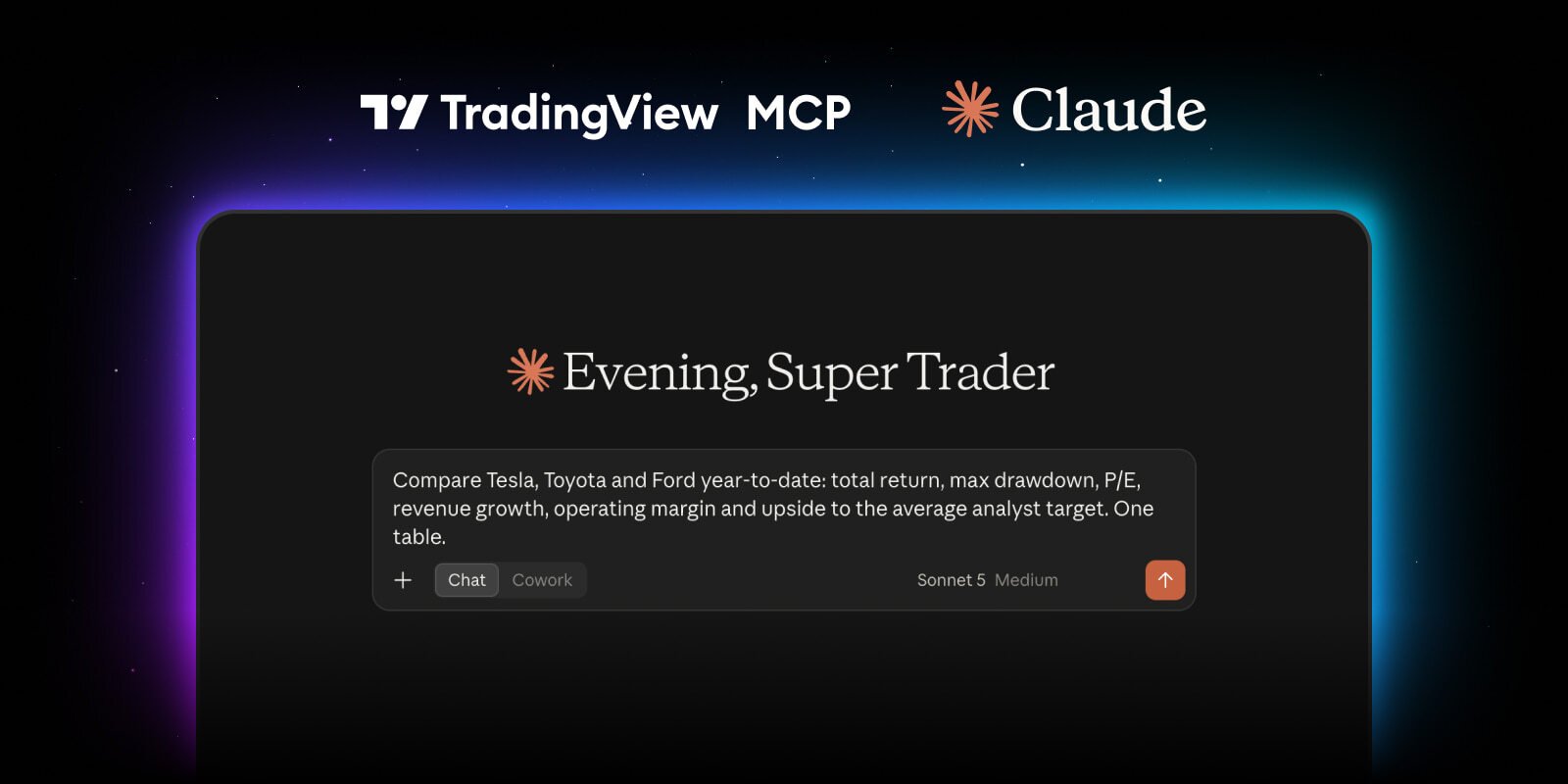
TradingView just shipped its new official MCP server for Claude. Your AI agents can control your charts, set price alerts, conduct research & more by pulling directly from your TV account. If you want to set up the updated connection, do this: Step One: Copy this link: https://mcp.tradingview.com/mcp Step Two: Open Claude, go to Settings → Connectors → Add custom connector, then paste the link there Step Three: Sign in to TradingView & approve access Step Four: Start prompting Example prompts: → "Pull the current support/resistance setup on [ticker] and give me the bull and bear case with key levels" → "Find stocks showing bullish RSI divergence on the 4H timeframe right now" → "Give me a full read on [ticker]: trend, momentum, support and resistance, and any active chart patterns" → "What are today's biggest news movers? Also, give me an update on any important upcoming events." → "Set an alert for when [ticker] closes above [level], and tell me the moment my watchlist hits any of my invalidation levels" Bookmark this so you don't forget to get started.