用 Jev 工作流跑 Browser Use 测试
作者拿到 Jev 后克隆 Jev ultrafast,把现有测试套件转成含 steps 与 verifications 的「Jev workbook」,失败步骤再回退到截图式 Browser Use 验证,让测试更快更便宜。

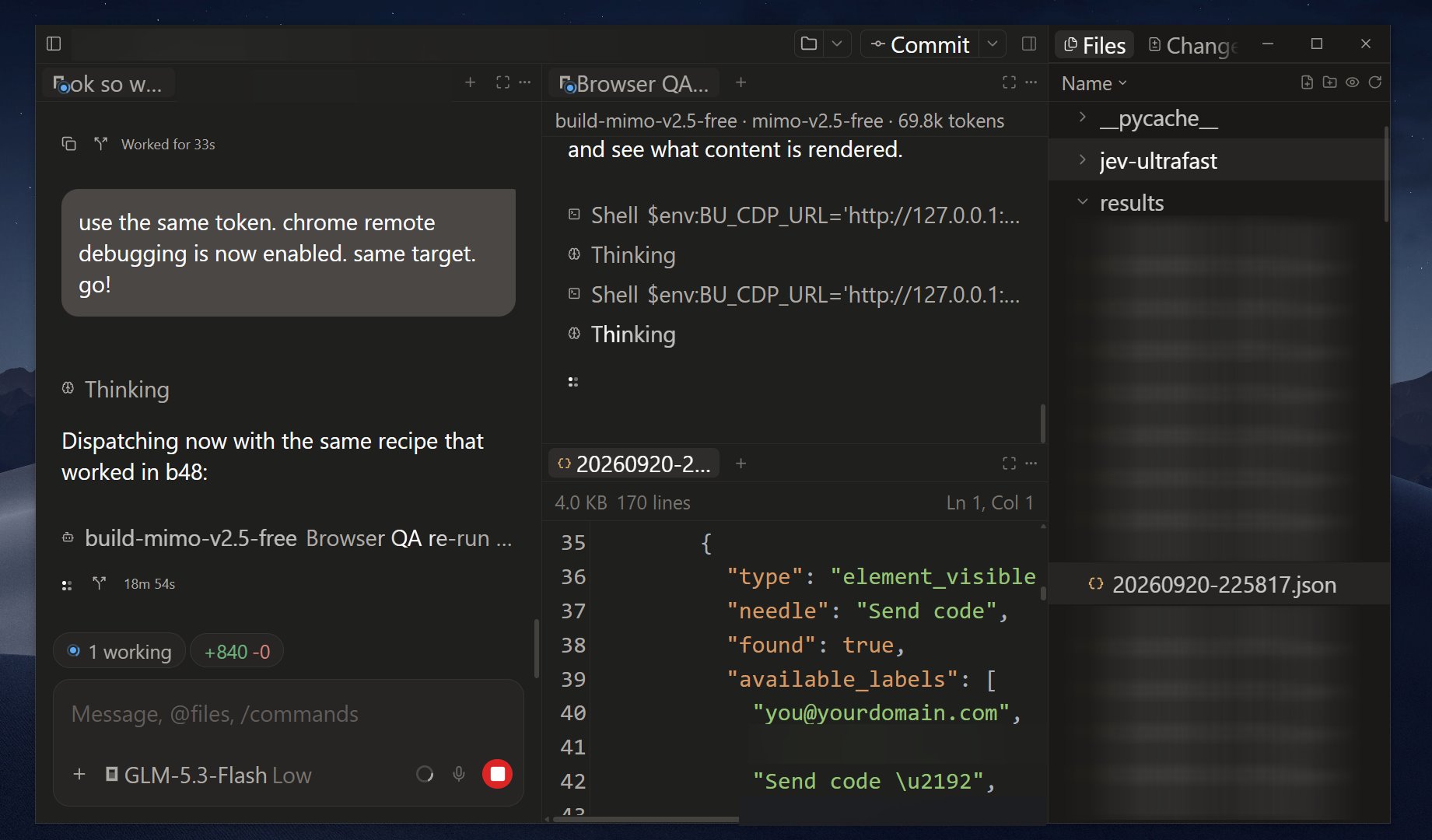
Got access to Jev and the first thing I did was clone Jev ultrafast My goal is to check how Jev fits into the apps that I'm testing with browser use Jev ultrafast is still raw but a good starting point First mod that I did was adding a structured json of "steps" and "verifications" for Jev to follow. I call this a Jev workbook. Fastest way to do this is feeding your LLM agent your current test suite and convert it to a Jev workbook. If you do not have a test suite, you can also ask your LLM agent to check your PRD, or go hardcore and map the user flows from the source code instead. These things do not paint the whole reality of a user navigating an app, so a fallback is a must. As you run your Jev workflow, find every failed step, and have your fallback ready in the good old screenshot reliant browser use. Let that verify what's happening. Did it fail because of a legitimate change? Yes? Then it's time to fire up browser use one more time to update that user flow update in your Jev workflow. So the next time Jev runs, it already knows. Not only that, your tests run faster too and cheaper. The only thing that I needed to grasp is how deep Jev can go. It could have been a normal test suite if I use it this way, but I only spent an hour with it so far. More experiments to go, for sure. (btw this chat client is @paseo_sh, been daily driving it for 2 months already)