Cursor、Grok、X 订阅合并为 X 订阅的方法
SawyerMerritt 整理合并步骤:按比例退款、App Store 订阅需自行取消、合并不可逆,之后在 grok.com 管理账单。

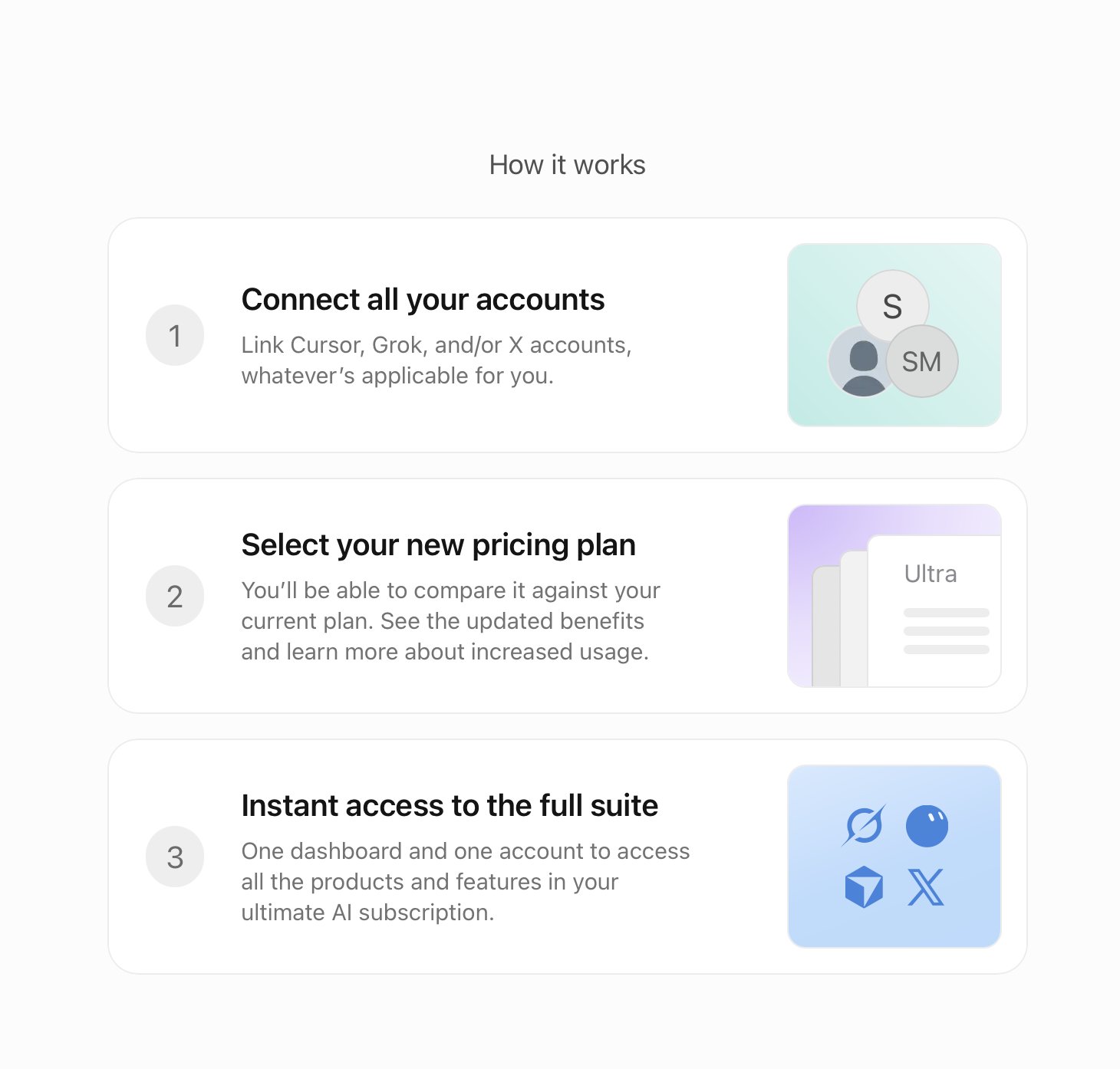
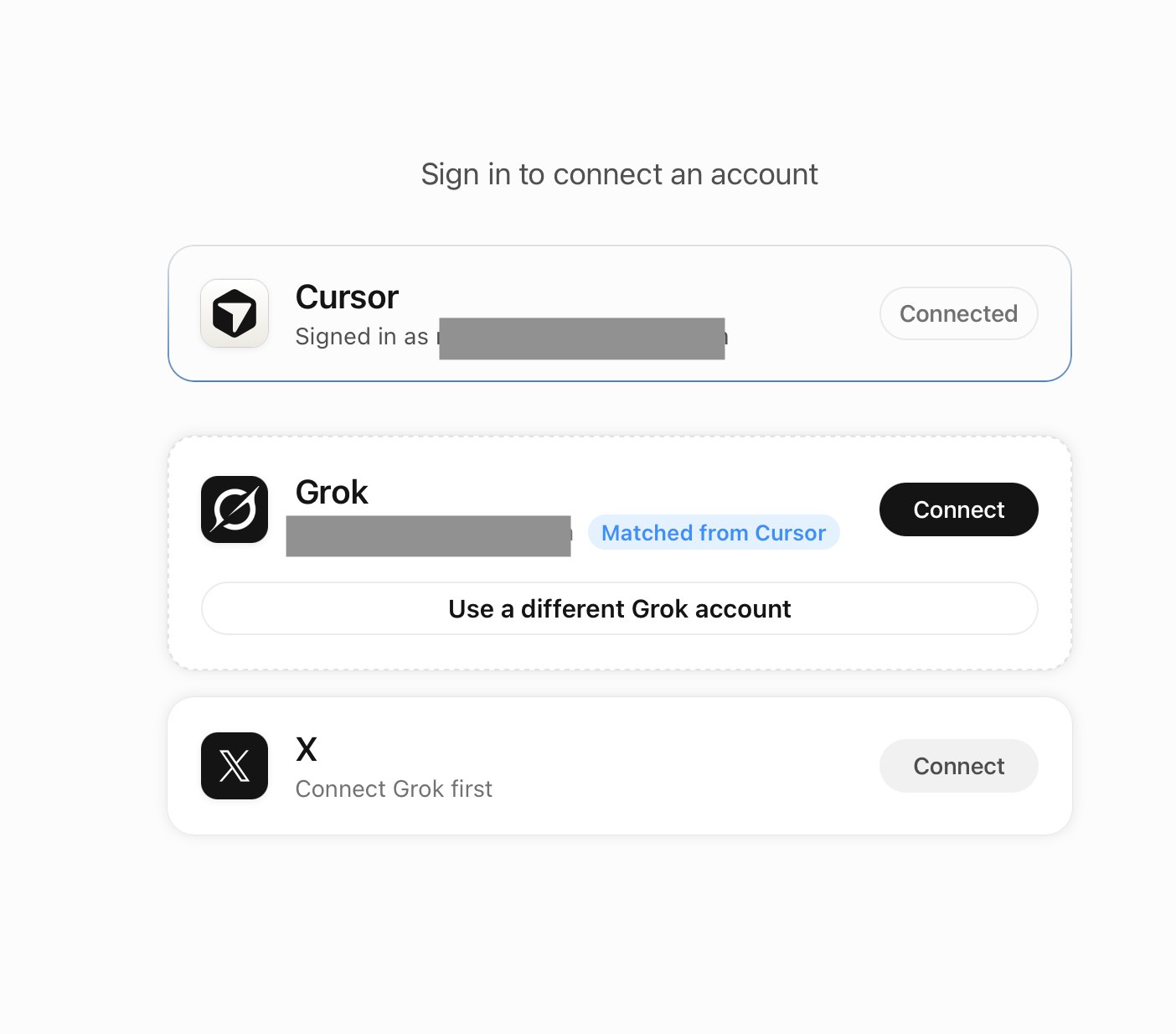
If you have an existing Cursor, Grok, and or 𝕏 subscription, here's how to unify/combine all your accounts into the new 𝕏 Subscription: When you switch from your current plan, eligible monthly and annual plans are cancelled, and you get a prorated refund for unused time. The refund goes back to your original payment method separately from your checkout total, so your new plan is charged at full price. If you pay for Cursor through the Apple App Store, switching doesn't cancel that subscription, and 𝕏 can't refund it. Cancel it in your iPhone or iPad Settings so Apple stops billing you, and request any refund from Apple. Switching is optional. If you don’t switch, your current plan continues unless you change or cancel it. Existing Cursor, Grok, or X subscribers can switch to The X Subscription and unify eligible accounts at http://cursor.com/unify (Cursor), http://accounts.x.ai/unify (Grok), or on http://x.com (X) via the in-product banner. If you already pay for Cursor, Grok, or X, switch on the web at one of these links. For now, the mobile apps send you to the web to switch. If you don't pay for any of them yet, you can set up a new account and subscribe to The X Subscription in the Grok, X, Grok Bot, or Cursor mobile apps, if desired. These purchases are billed through the App Store or Google Play Store. Switching unifies eligible Cursor and Grok accounts into one account with one workspace, one plan, and one bill. Adding a personal X account gives you X benefits under The X Subscription. A completed unification is permanent. It can’t be undone, and Support can’t undo it for you. After you unify, you manage your plan, billing, and settings at http://grok.com/dashboard. When you switch, your old Cursor, Grok, and X Premium subscriptions are cancelled automatically, so you don’t need to cancel them yourself. Any refund for unused time is sent separately. If your X, Grok, and Cursor accounts use different email addresses, they don’t need to match. 𝕏 will connect the X account you sign in to, not an account that shares your email. When you switch, sign in to the exact Cursor, Grok, and X accounts you want to combine, and check each one before you confirm. Keep work and personal accounts separate unless you mean to combine them. If the wrong account appears, stop before checkout and contact Support. Learn more: https://docs.x.ai/x-subscription/unify-accounts
这条是引用着另一条写的:「X 推出整合 Grok 与 Cursor 的订阅套餐」