gpt-imageIMAGE
在 ImagineArt 里用 GPT Images 2.5 做棕褐复古肖像
给出可直接复制的提示词:保留五官身份,转成暖棕调、浅景深的老照片质感肖像。

Shushant Lakhyani
@shushant_l2026.09.21收录原推发布于 2026.09.20
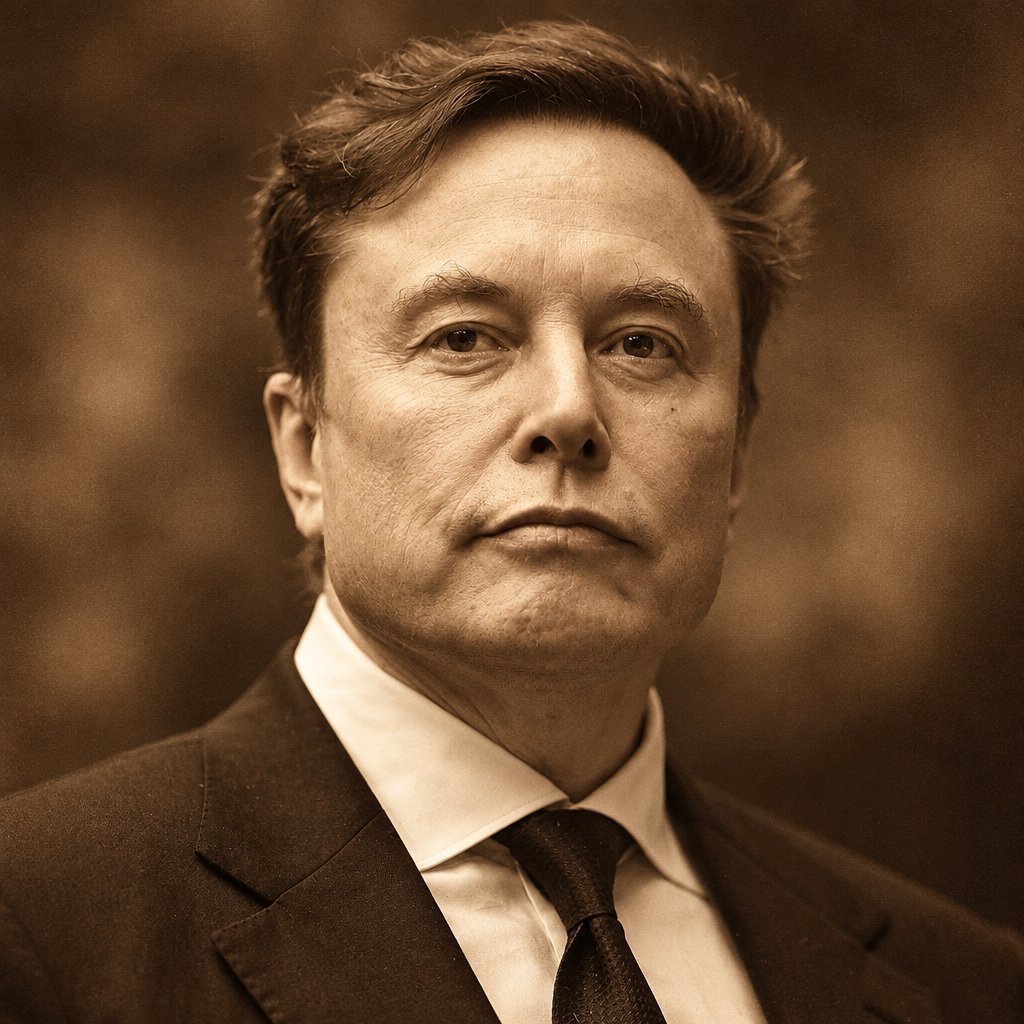

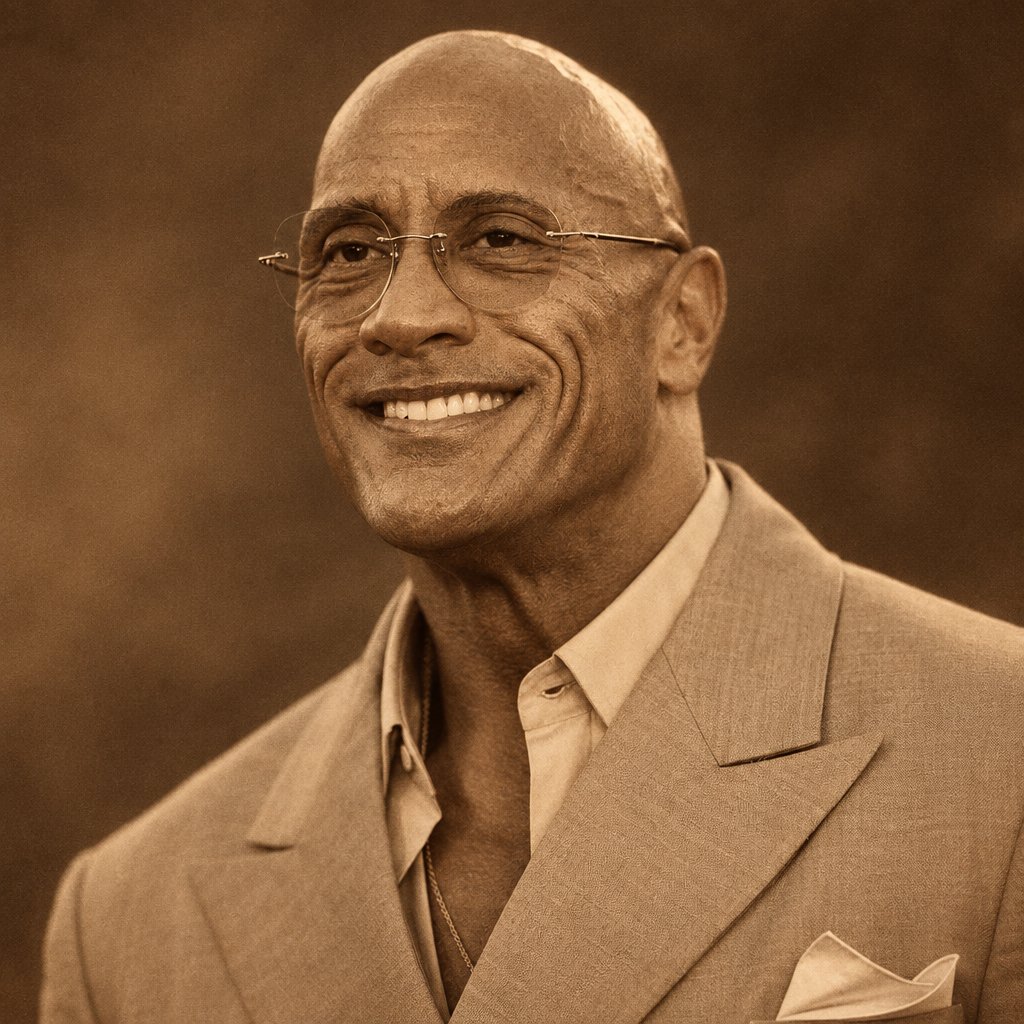

Shushant Lakhyani @shushant_l原推发布于 2026.09.20
here’s how to create your Sepia Portrait use chatgpt images 2.5 in @ImagineArt_X use this prompt: Sepia portrait of the person in the attached reference image, preserving their facial features, identity, hairstyle, skin tone, and proportions. Classic warm brown sepia tones, soft directional lighting, subtle film grain, rich shadows, timeless vintage photography aesthetic, natural skin texture, elegant composition, shallow depth of field, highly detailed, photorealistic, cinematic, sharp focus
x.com/shushant_l/status/2101567556268310657采集于 2026.09.21 10:09