用参考图让 GPT Image 2.5 出真实感人像的完整流程
作者分享在 HeyOz 里跑 GPT Image 2.5 的方法:先找真实参考图,再写详细提示词,并附一条街头采访场景的现成提示词。

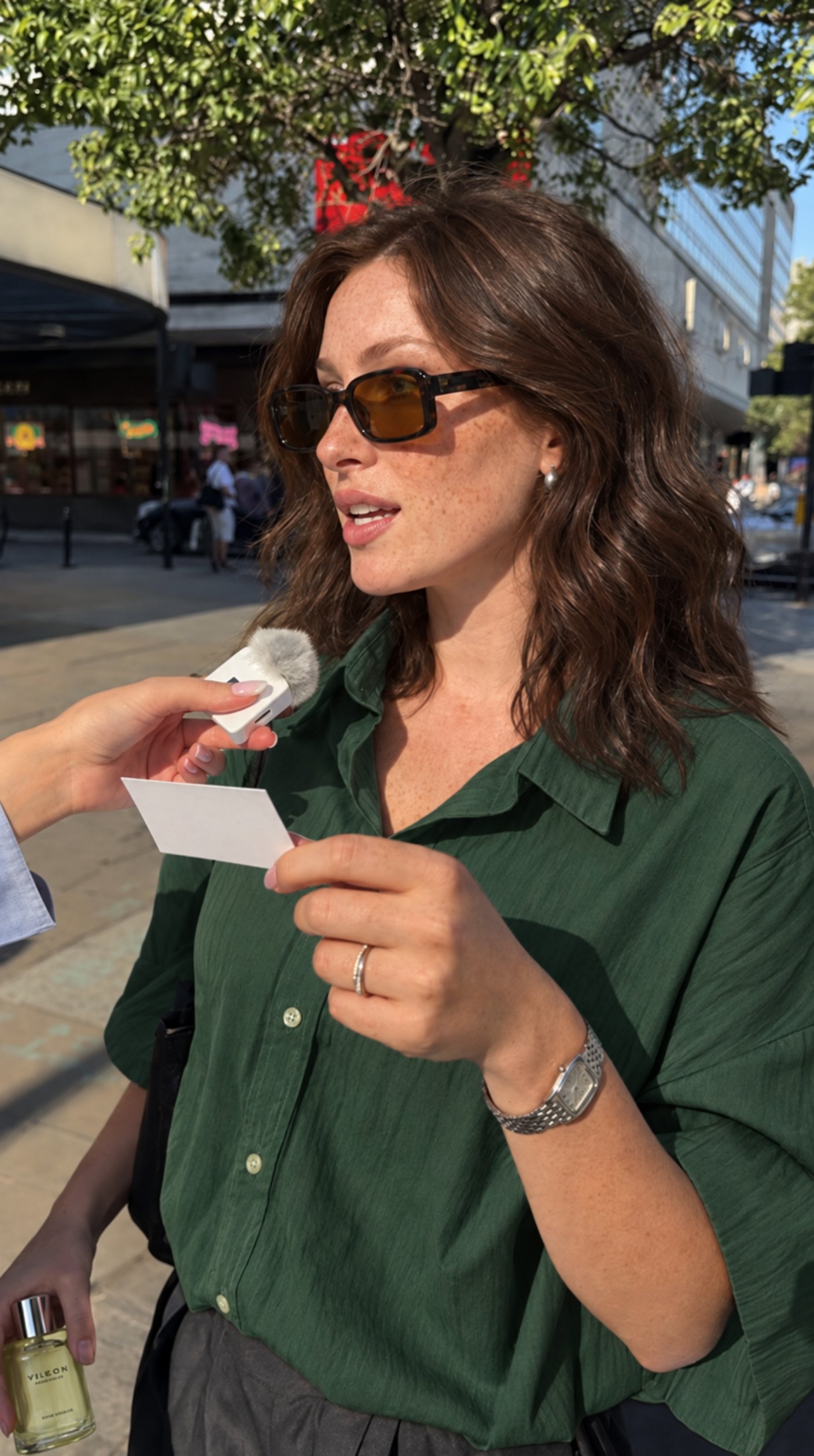
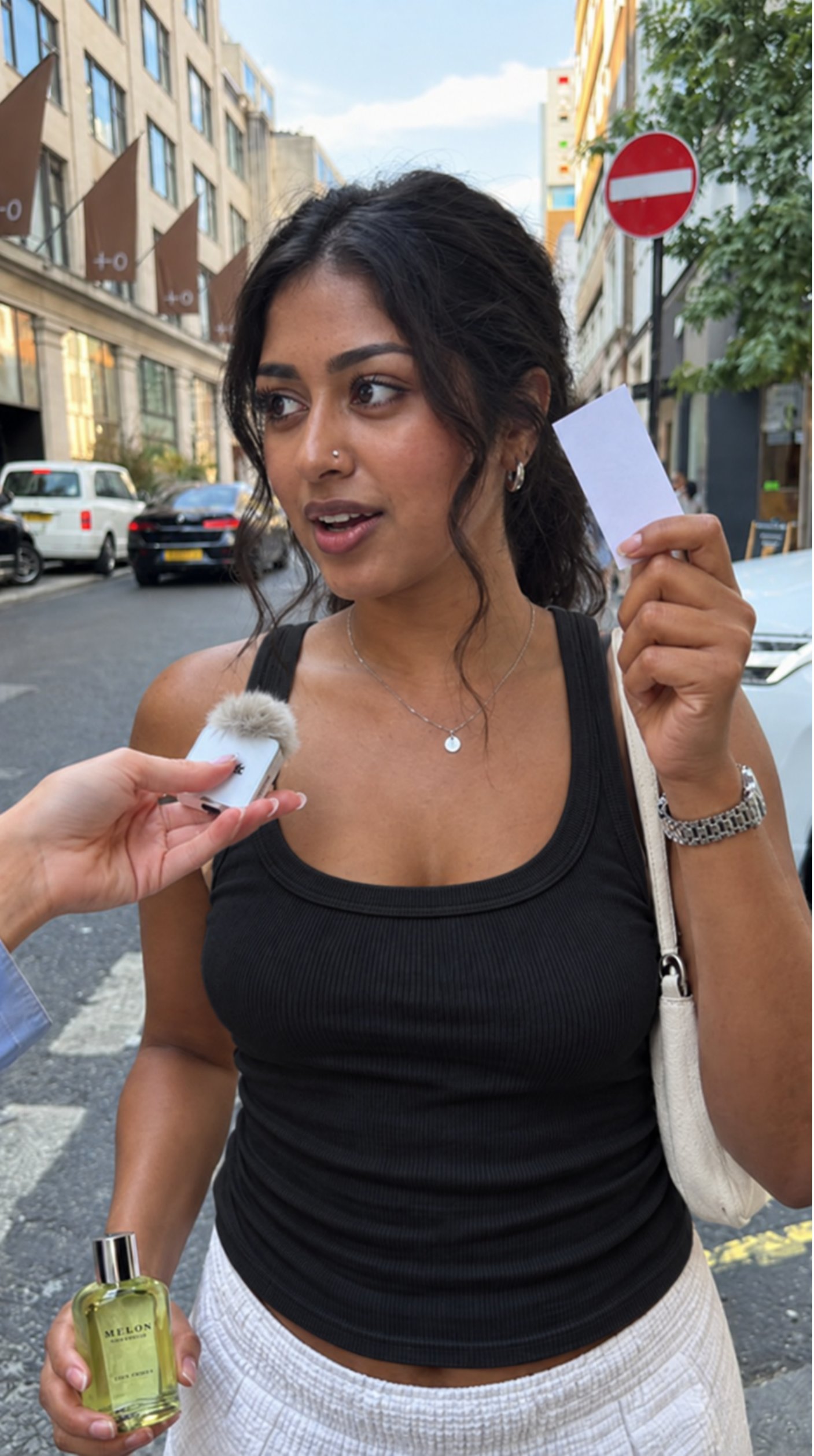
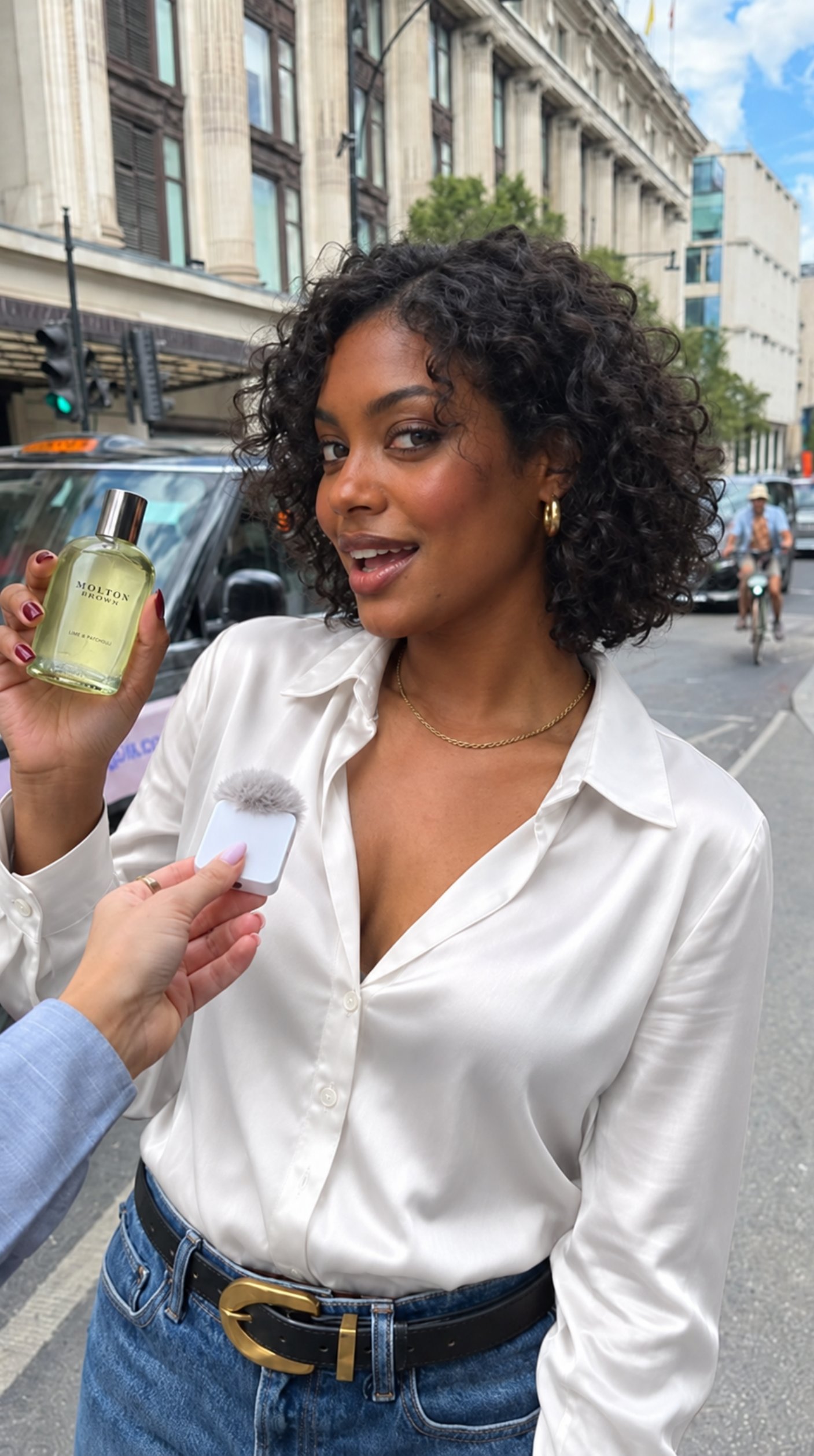
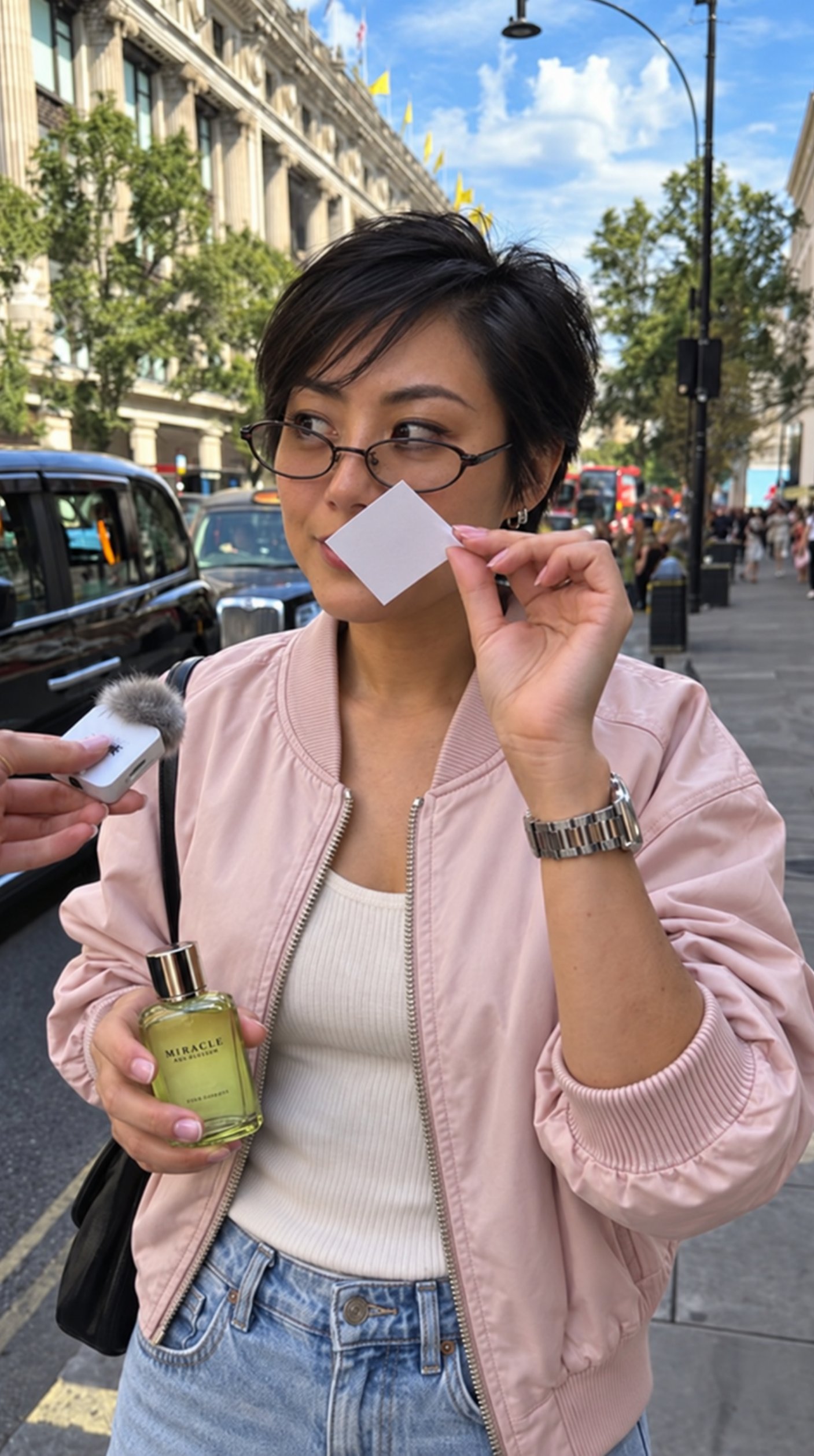
Here's my EXACT process for realistic AI images in 2026: There are a lot of misconceptions going around. I haven't seen anyone explain this properly. My setup: HeyOz, running GPT Image 2.5. Raw prompt the model and you'll get AI slop. The key is reference image prompting. Use this method and you genuinely can't tell. Here's the method: 1. Find a reference image that matches the atmosphere you want. Making a street shot? Find a real photo of someone on a street. Pose doesn't matter. You just want that realistic vibe. 2. Go on TikTok and search what you're looking for. "Person walking on street", "UGC in room", whatever. Grab a frame from a real video. Pinterest used to work, but it's flooded with AI slop now. 3. Drop that frame into HeyOz as your reference. 4. Write a detailed prompt of exactly what you want. How the person looks. What they're wearing. Everything. Out comes a brand new image. Same realism as the original frame. That's how you get AI images that are indistinguishable from real photos. The prompt makes the image. The reference makes it real. Try it with a street frame from TikTok and this prompt: "Use the reference only for lighting, color, grain and camera feel. New scene: a woman in her late 20s, stopped mid-stride on a busy sidewalk for a street interview. An interviewer's mic pokes in from frame left. She's laughing, caught off guard. Curly dark hair, freckles, visible skin texture, beige trench coat. Shot on a phone, natural daylight, unretouched."