用 GPT Images 2.5 做写实 AI UGC 素材流程
分享一套流程:Pinterest 找参考图,用 ChatGPT Images 2.5 的提示词标签拆解成生图提示词,再改人物场景生成写实素材。
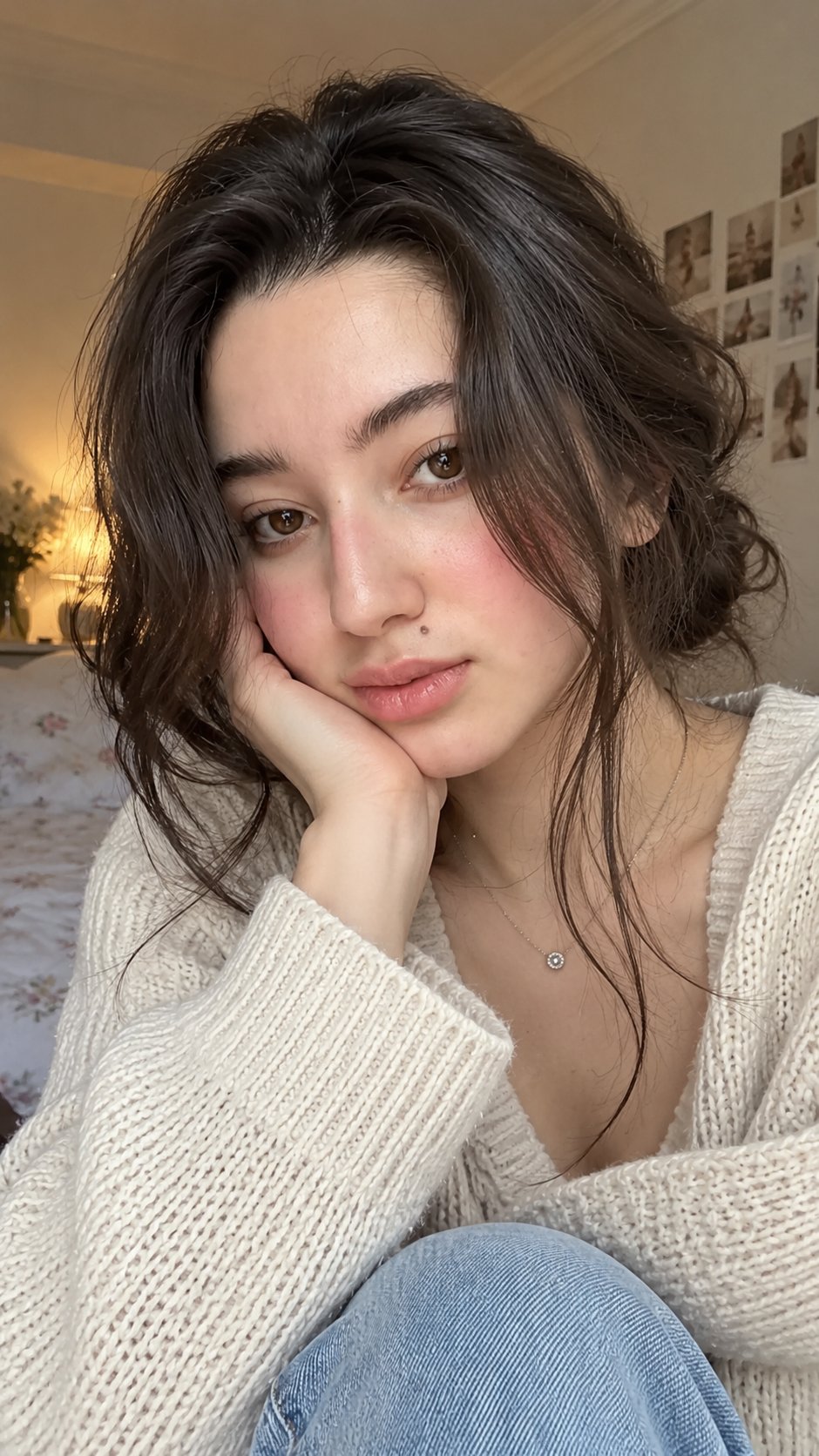
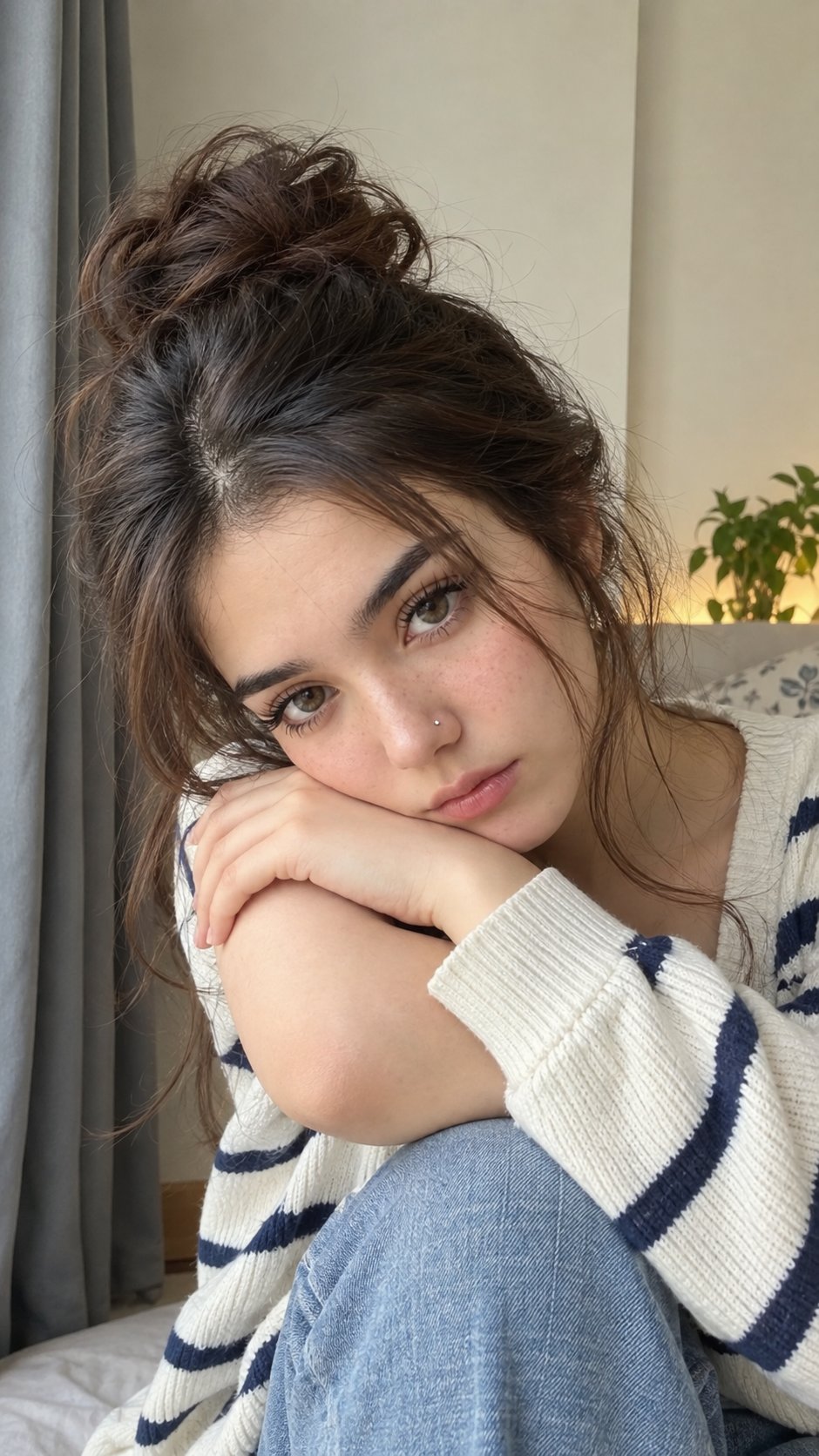
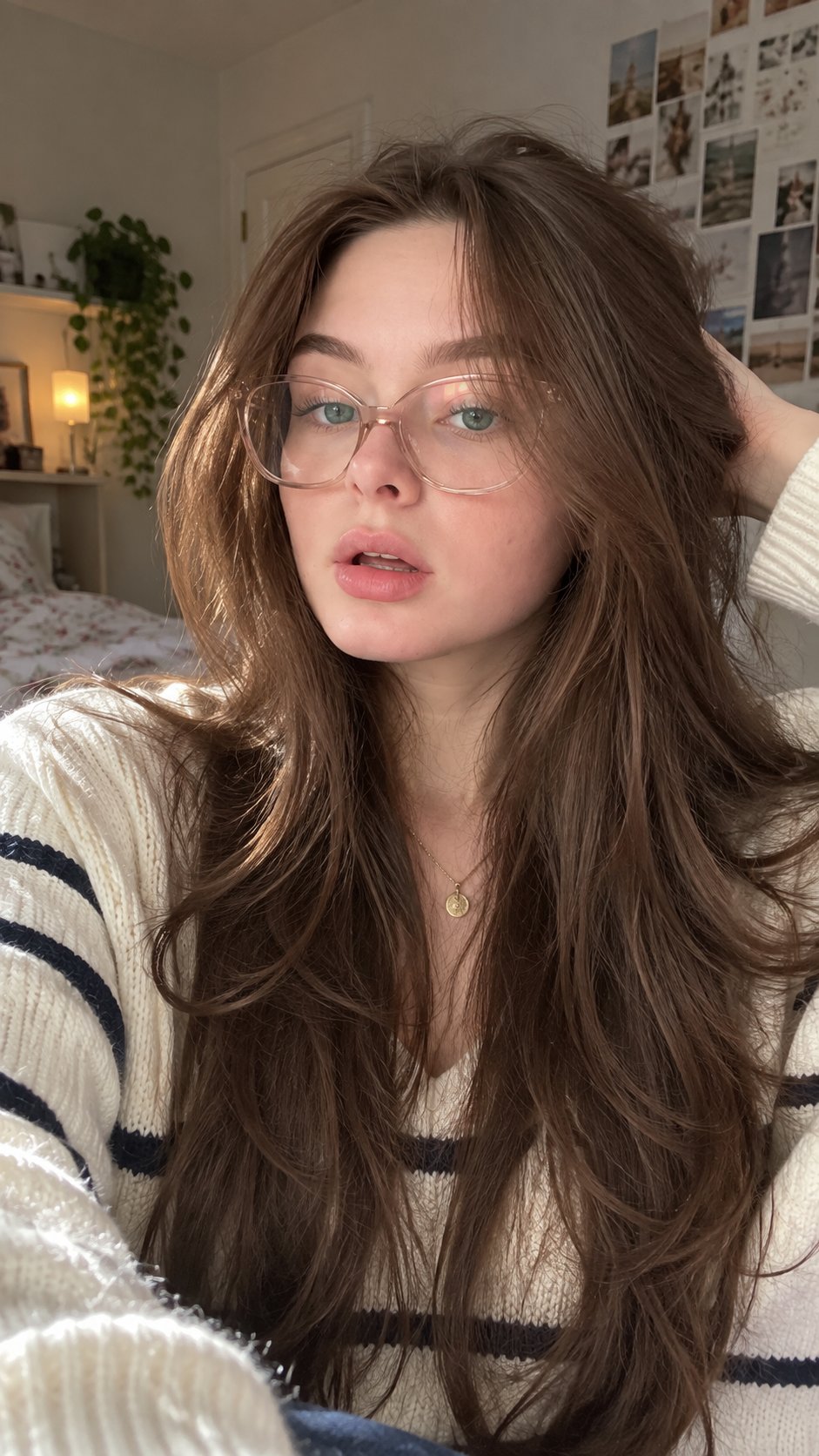
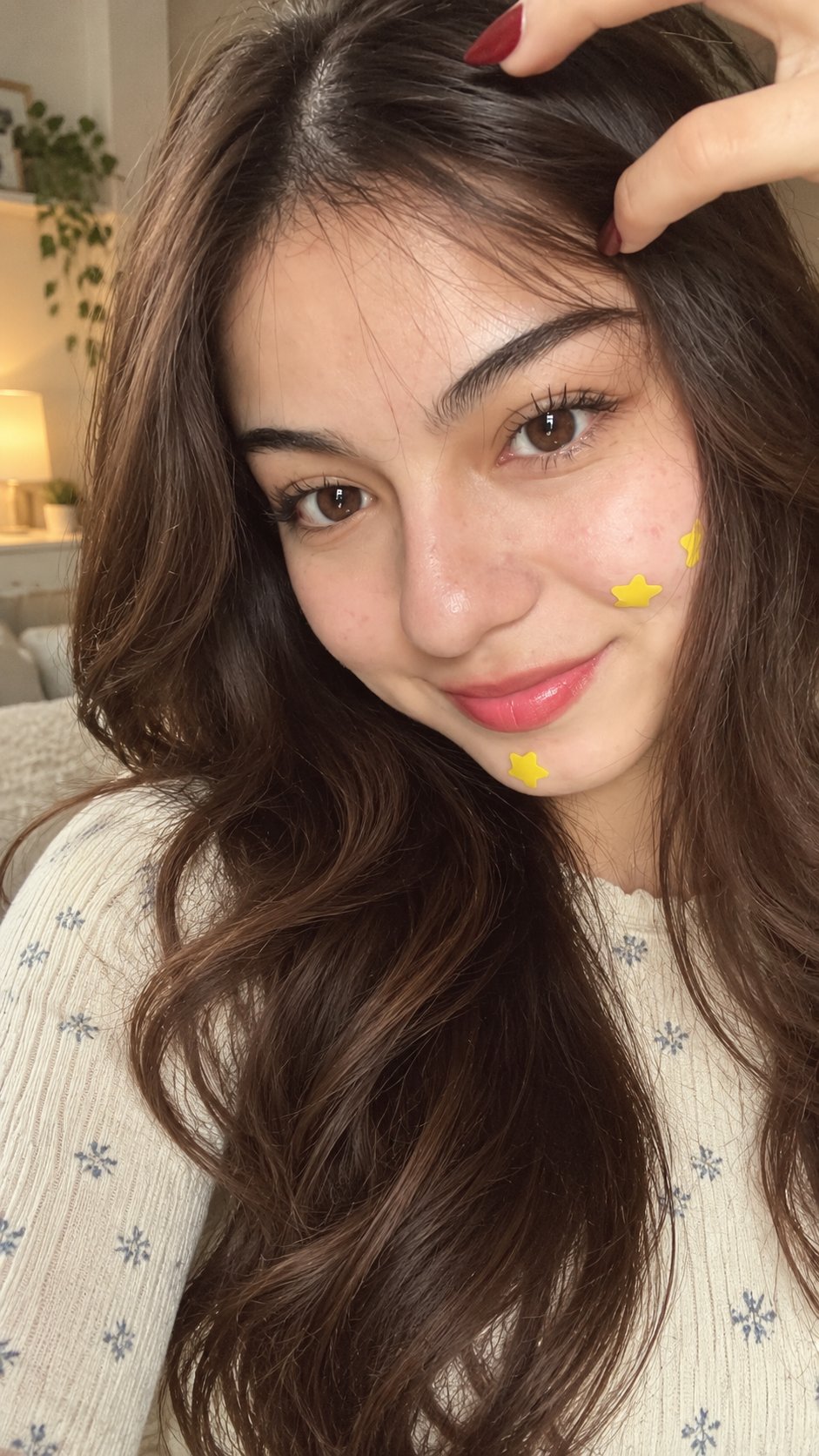
they will not tell you this... but realistic image is the baseline for 100% real looking AI UGC videos. if your starting image looks bad, your video will look bad too. but you can fix that in 30 seconds: first, go to Pinterest and find a casual photo with the framing, pose, camera angle, or environment you want. you’re mainly using it as a visual reference - not trying to copy that person’s exact identity. upload the image to ChatGPT Images 2.5 and use this prompt tag: /detailed-image-2-text-prompt ChatGPT will break the reference down into a detailed image-generation prompt. copy the prompt. then change whatever you want: the person, clothes, hairstyle, location, lighting, background, etc. now go to http://make.ad and select Nano Banana Pro or GPT Images 2.5 paste the prompt, choose your aspect ratio, select 2K or 4K, and generate. that’s literally it. repeat this with different casual reference photos and you can quickly build an entire collection of realistic AI creators. better image → better video → more believable UGC.