Making motion graphics with Claude: Remotion and Motion Canvas setup
Covers the plugins and skills needed to make motion graphics with Claude — Remotion, Motion Canvas, HyperFrames — plus typography and motion terms like easing, stagger and masking.
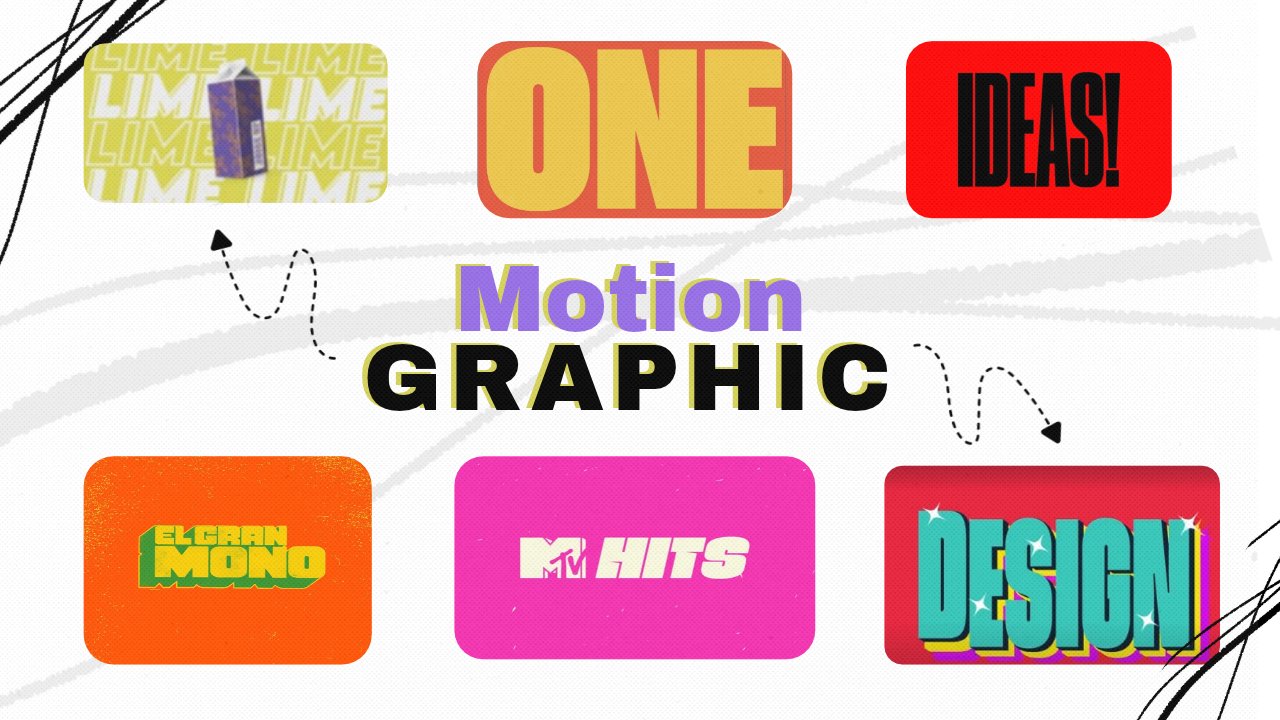
how to make motion graphics using Claude to get started, you'll need a few tools, skills and plugins set up > remotion - plugin > motion canvas skills ( i have my own personal ) > HyperFrames connector learn some typography basics and motion design terms. you'll be surprised by what you can cook up with Claude typography basics worth knowing > hierarchy: what the eye reads first, second, third > weight: heavy vs light creates contrast > kerning and tracking: spacing between letters >leading: spacing between lines > serif vs sans: pair one of each, never more motion terms worth knowing > easing: how an animation speeds up and slows down > stagger: letters or words entering one after another > squash and stretch: makes type feel alive > echo or ghost trails: the repeated copy effect > masking and reveal: text sliding out of a cut line > beats: cut on rhythm, not on vibes