New todayVIDEO
Loading the current collection. Item counts are calculated when read, so they reflect the archive now.
AI collections from X · 22 collections · 58,924 posts
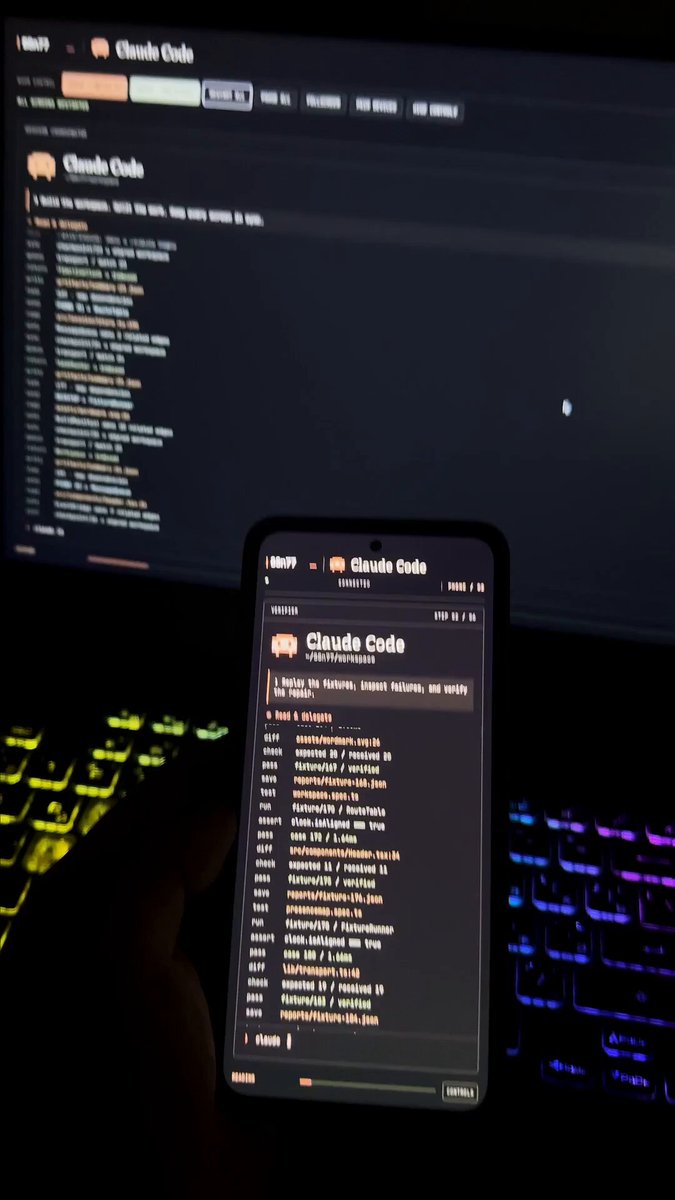
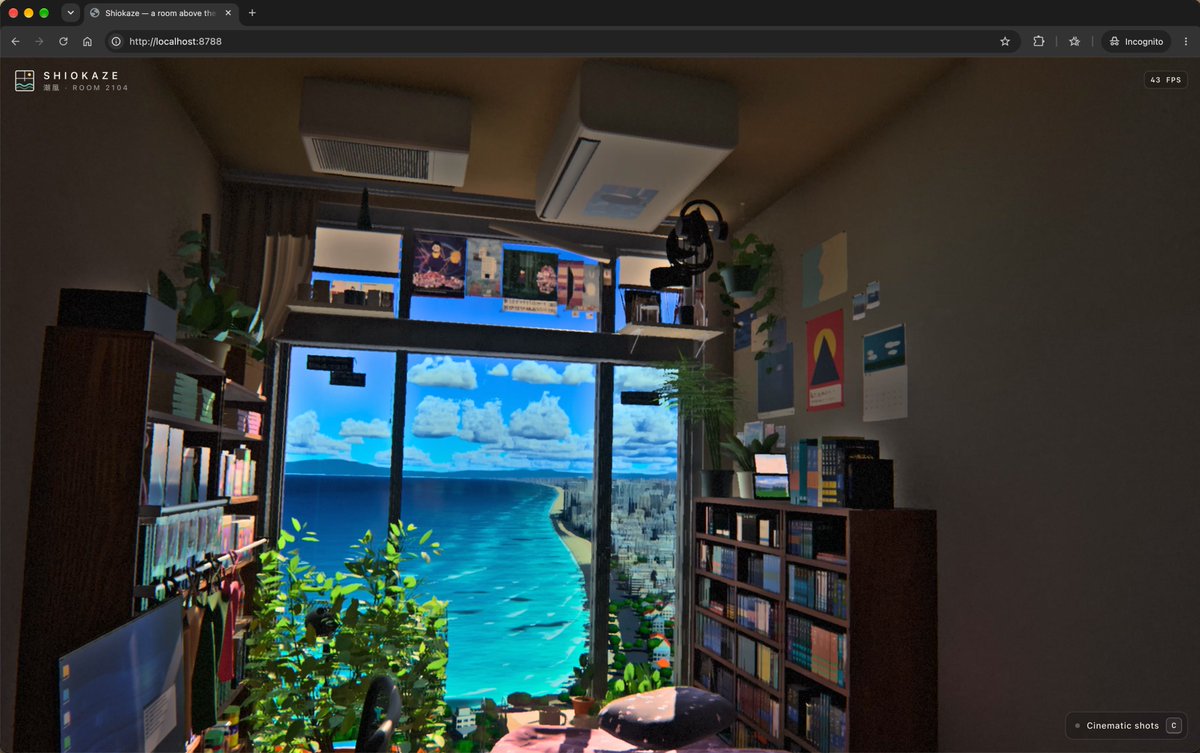
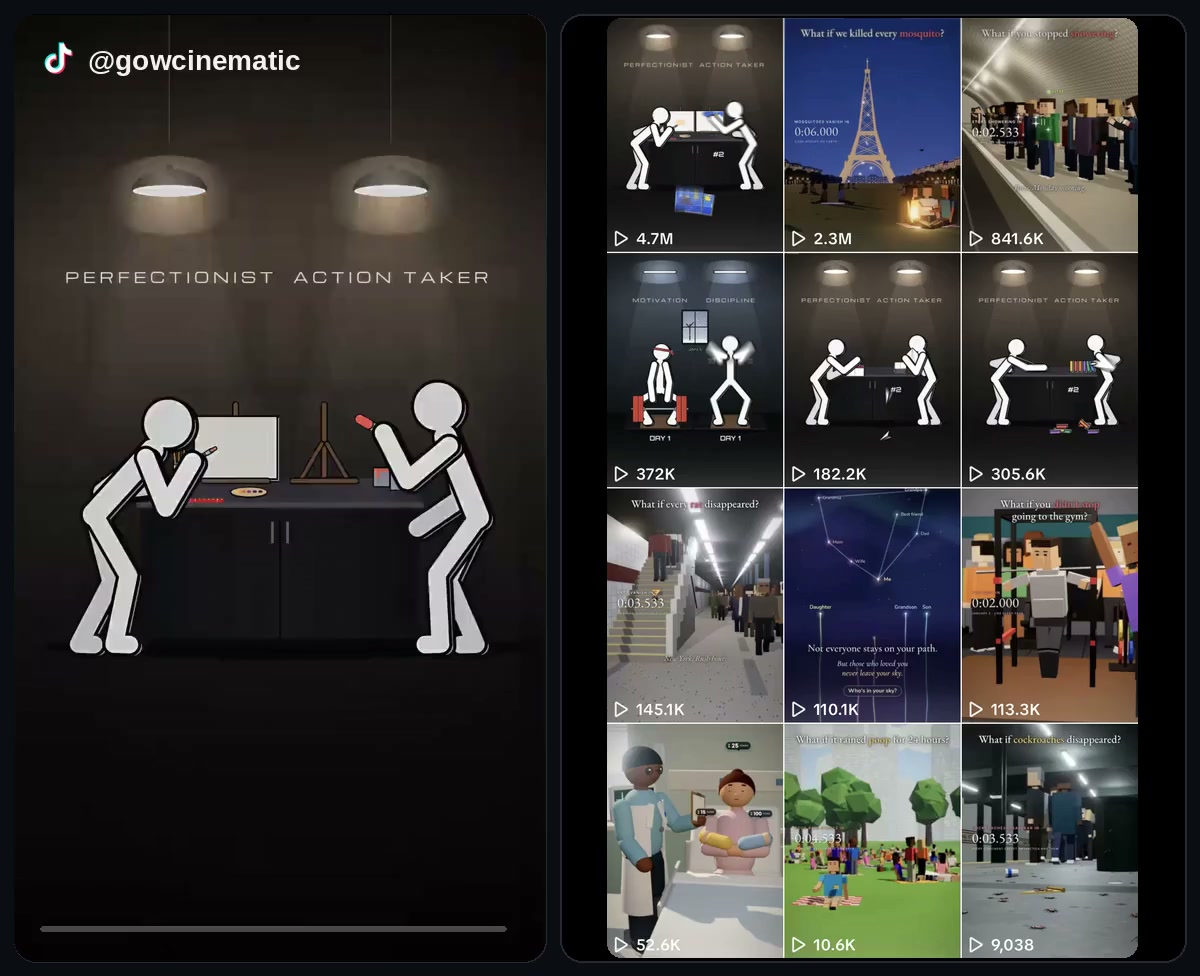
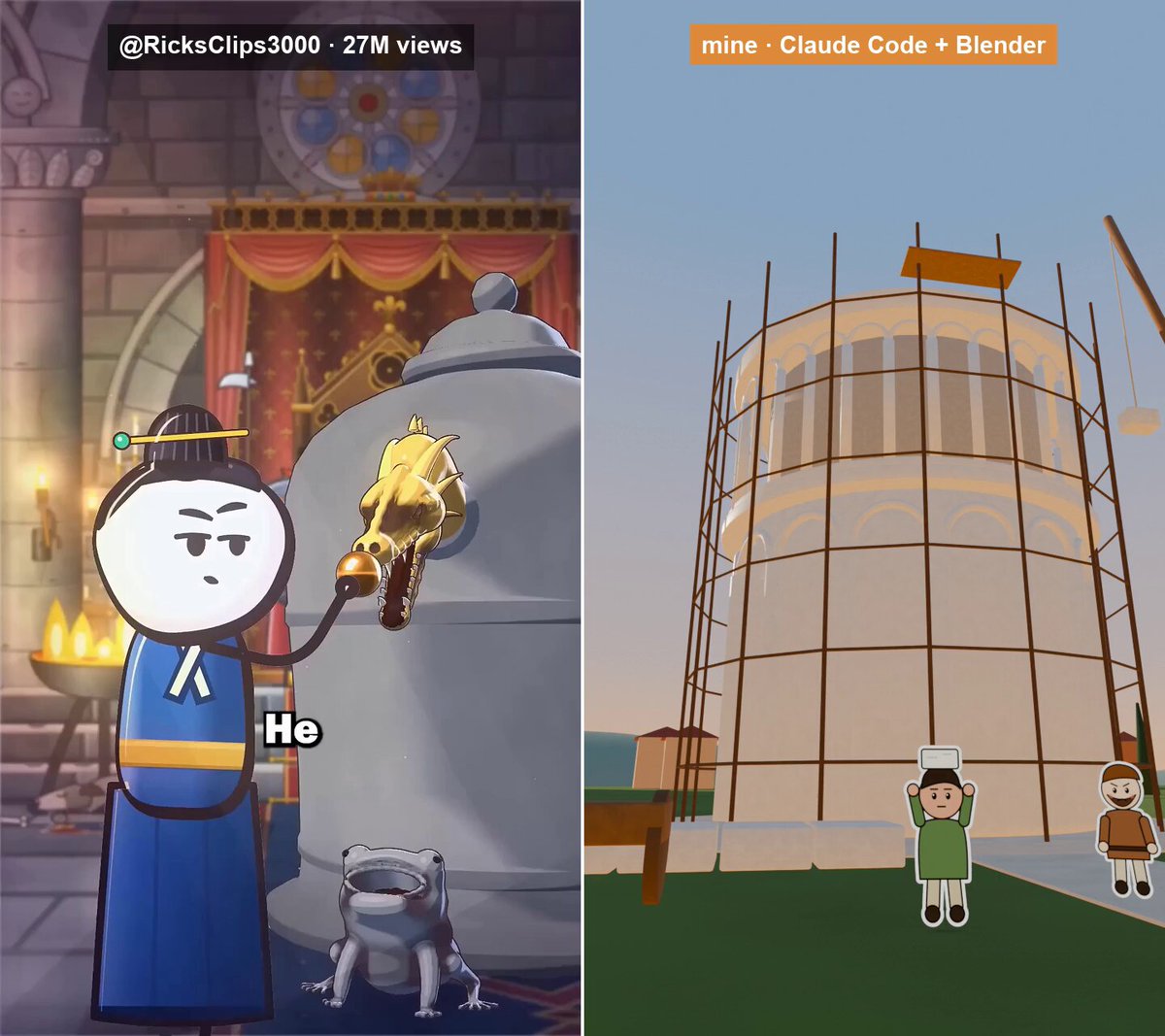
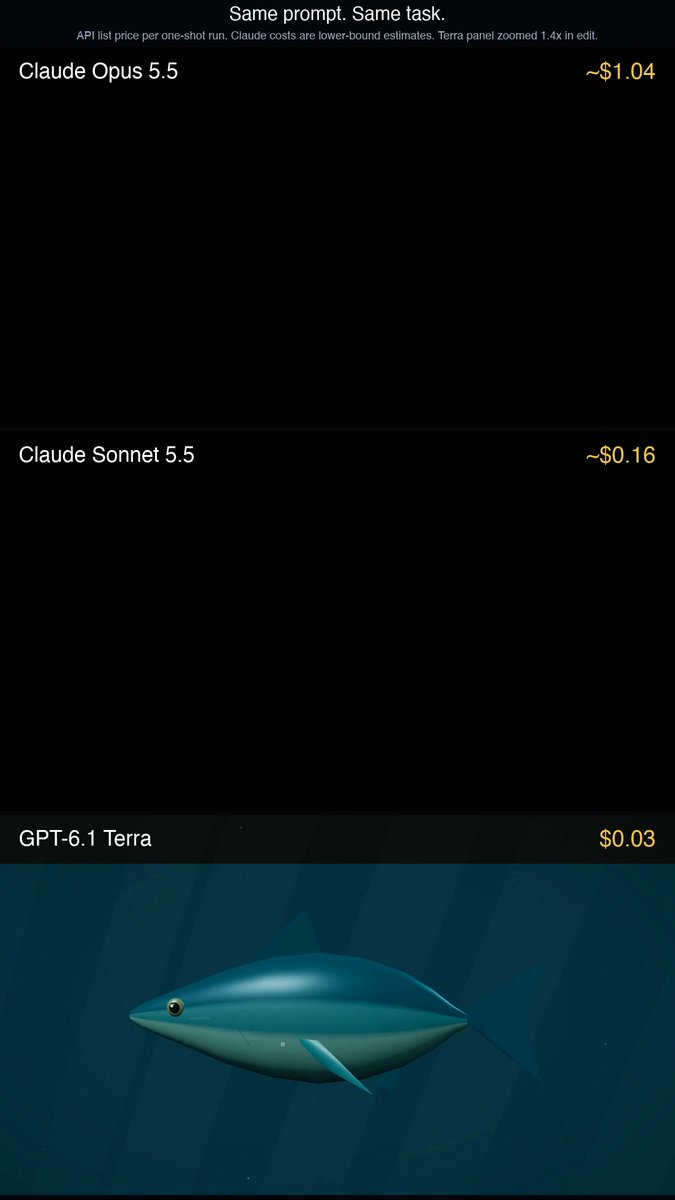
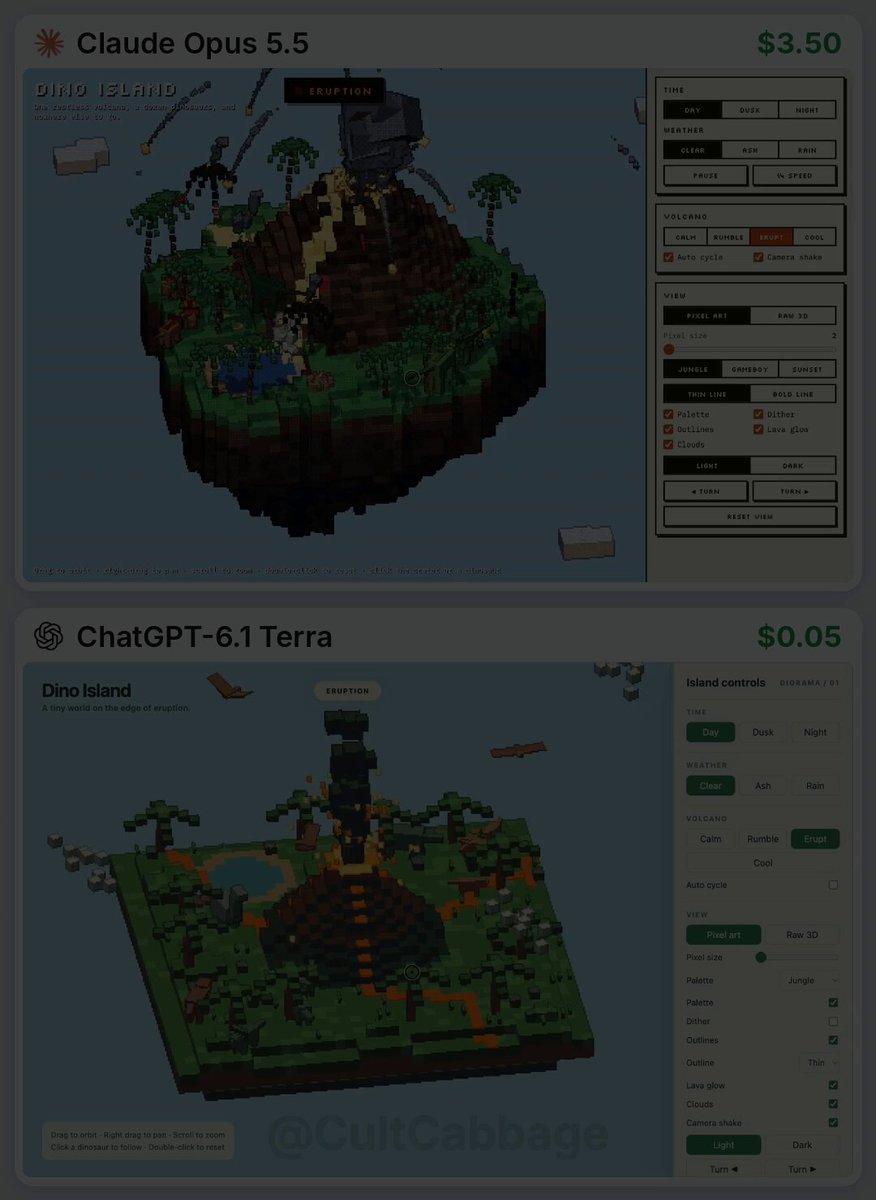
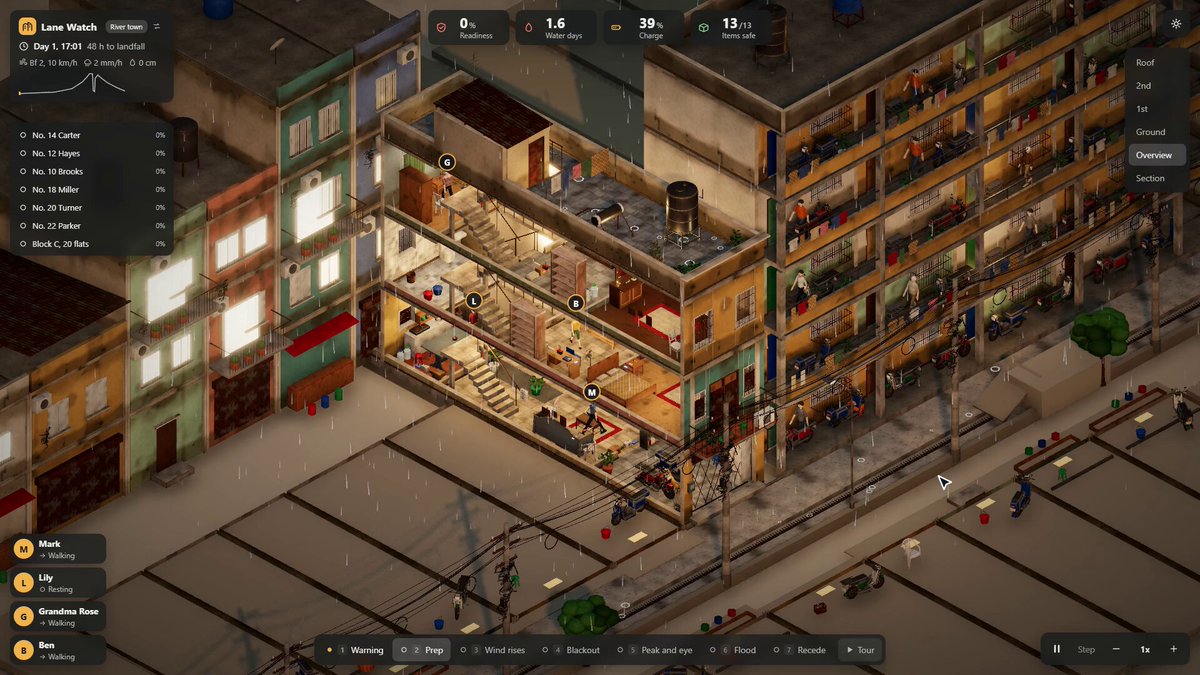
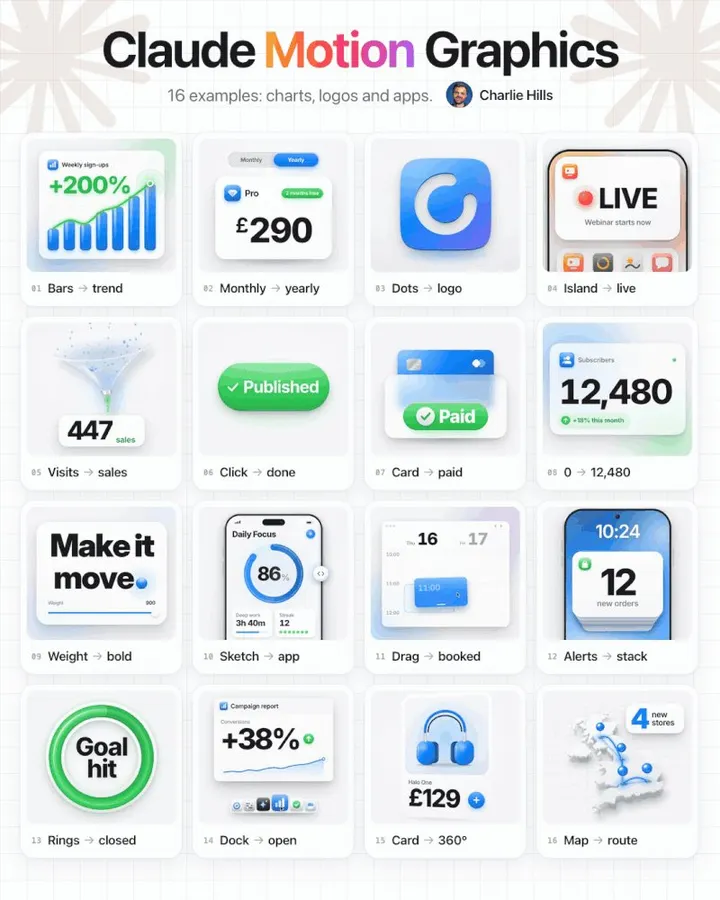
Real-world examples of making videos with Claude Opus 5.5 and Claude Code: coding animations with Remotion, product launch films, beat-synced editing, and motion graphics, plus ways to connect Claude to video tools like Higgsfield and invideo.
First decide whether you need code-driven animation or footage generated by a video model. This collection focuses on Claude writing code and driving browsers or renderers to produce animation and finished clips. The guide below connects workflows, prompts and creators’ reported costs to the original results.
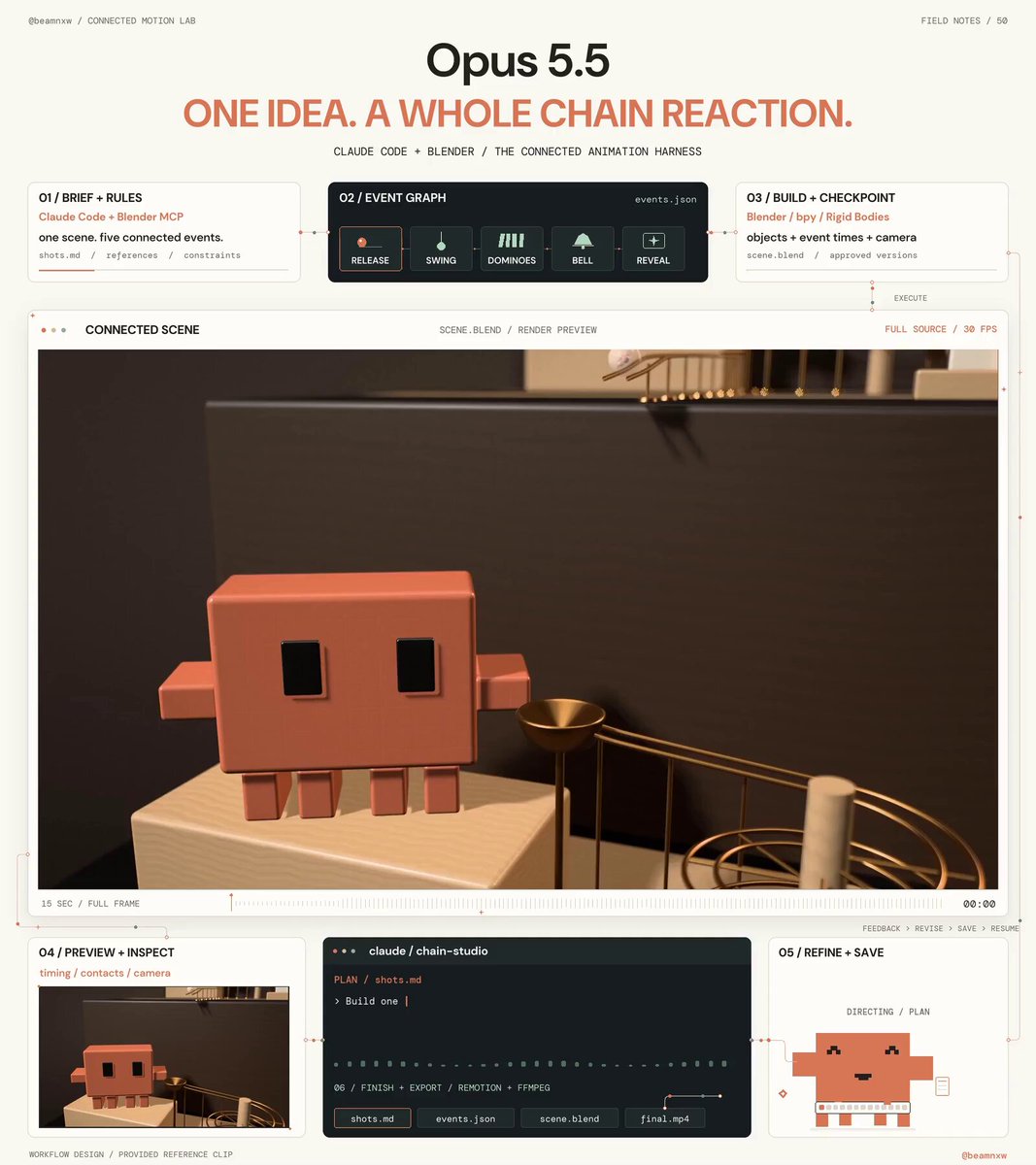
For text, charts, interfaces and precisely editable motion, start with Claude Motion, Remotion, HyperFrames or browser-code examples. For 3D scenes, inspect Three.js or Blender workflows. Treat generated footage, orchestration, motion and editing as separate parts of a hybrid workflow. Check current official documentation for tool access and plan availability.
Specify duration, aspect ratio, frame rate, references, shot order and export format. Test a short segment before expanding it, then change one requirement at a time. Preserve the prompt and rendering method, and distinguish code-generation time from rendering, repair and editing time.
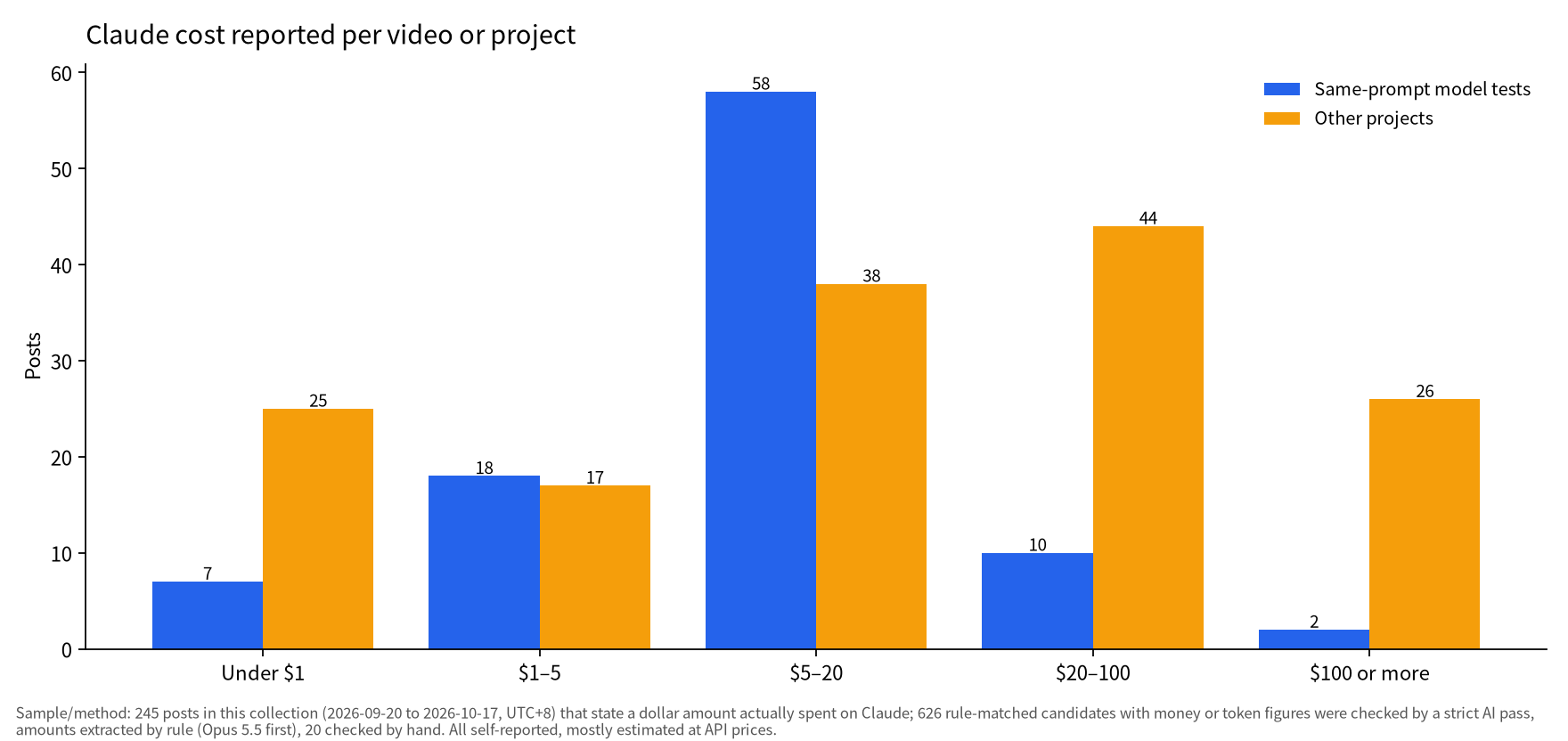
Check continuous playback, transitions, legibility, audio and the exported file. A screenshot is not enough to assess a film. Reported costs depend on settings, tools, retries and billing methods and are not a budget guarantee. Continue to the product-launch examples for choices about length and what to show.
The output still needs to be rendered, exported and reviewed continuously. The linked guide distinguishes code generation, rendering tools and hybrid video-model workflows. Original results remain credited to their creators.