SUPER DESKTOP: an AI agent management panel for Omarchy
An Omarchy-native addon that manages local AI, Claude, Codex and other agent windows in one place, with a secure P2P bridge for taking over from Android.
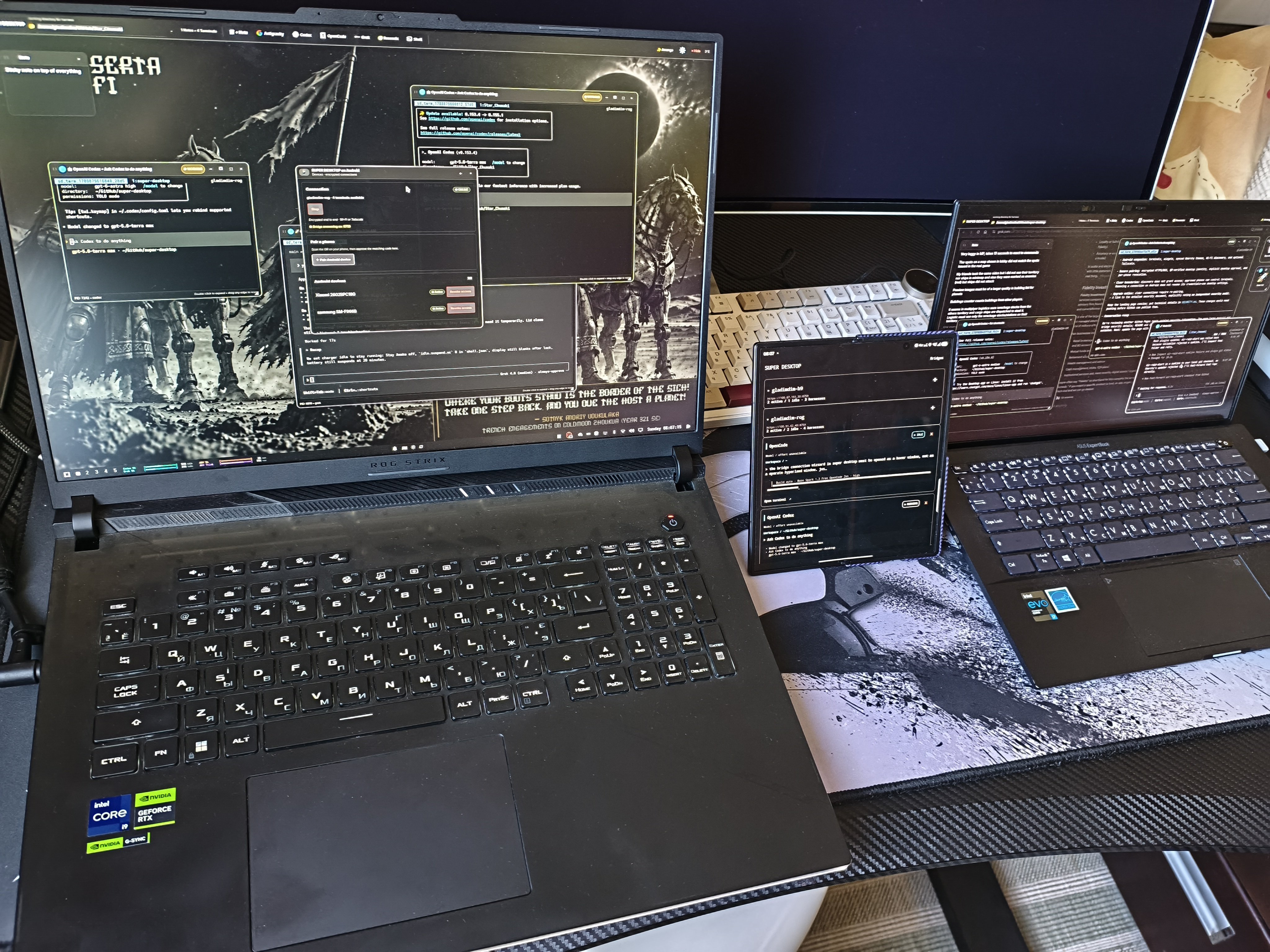
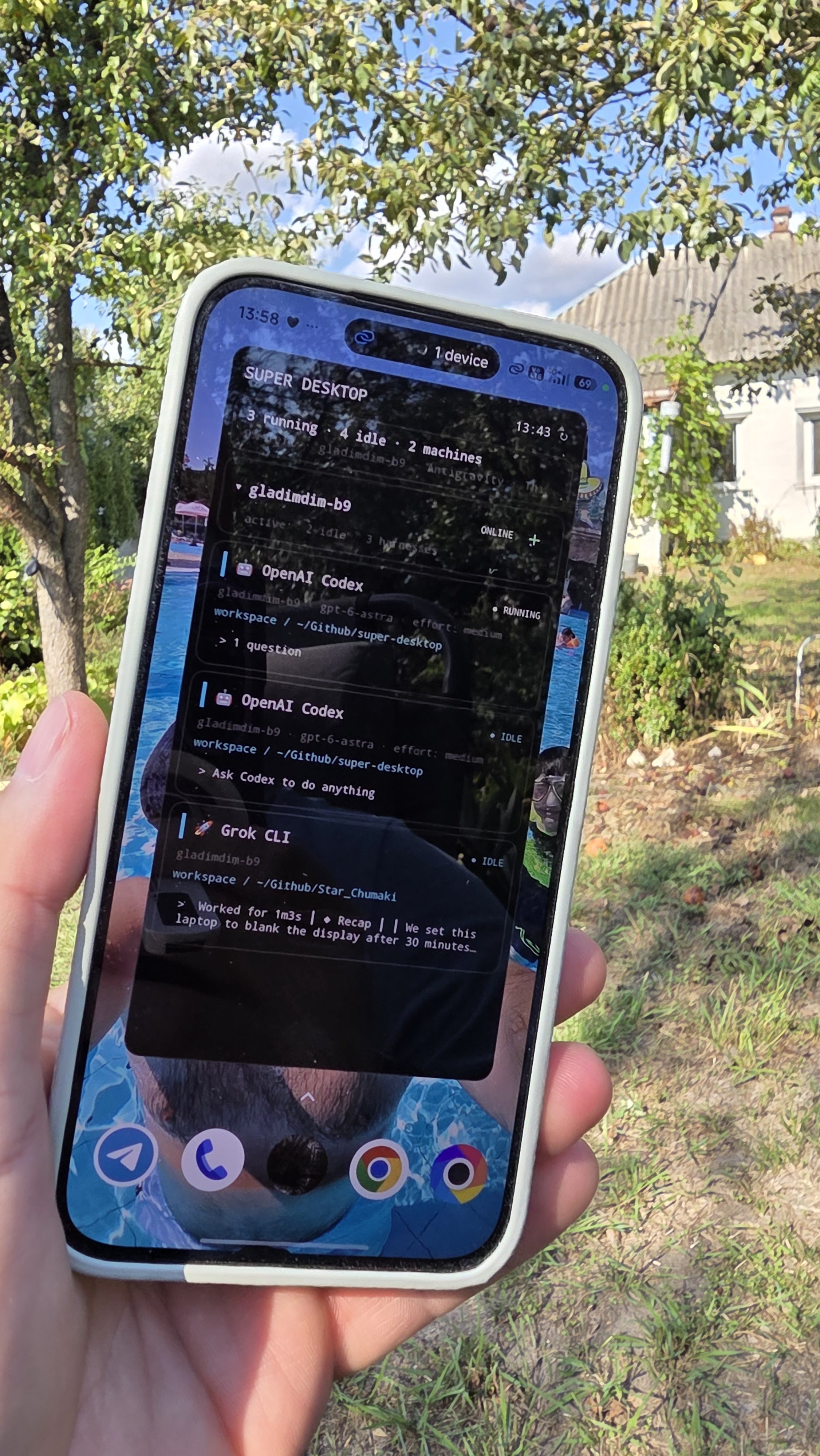
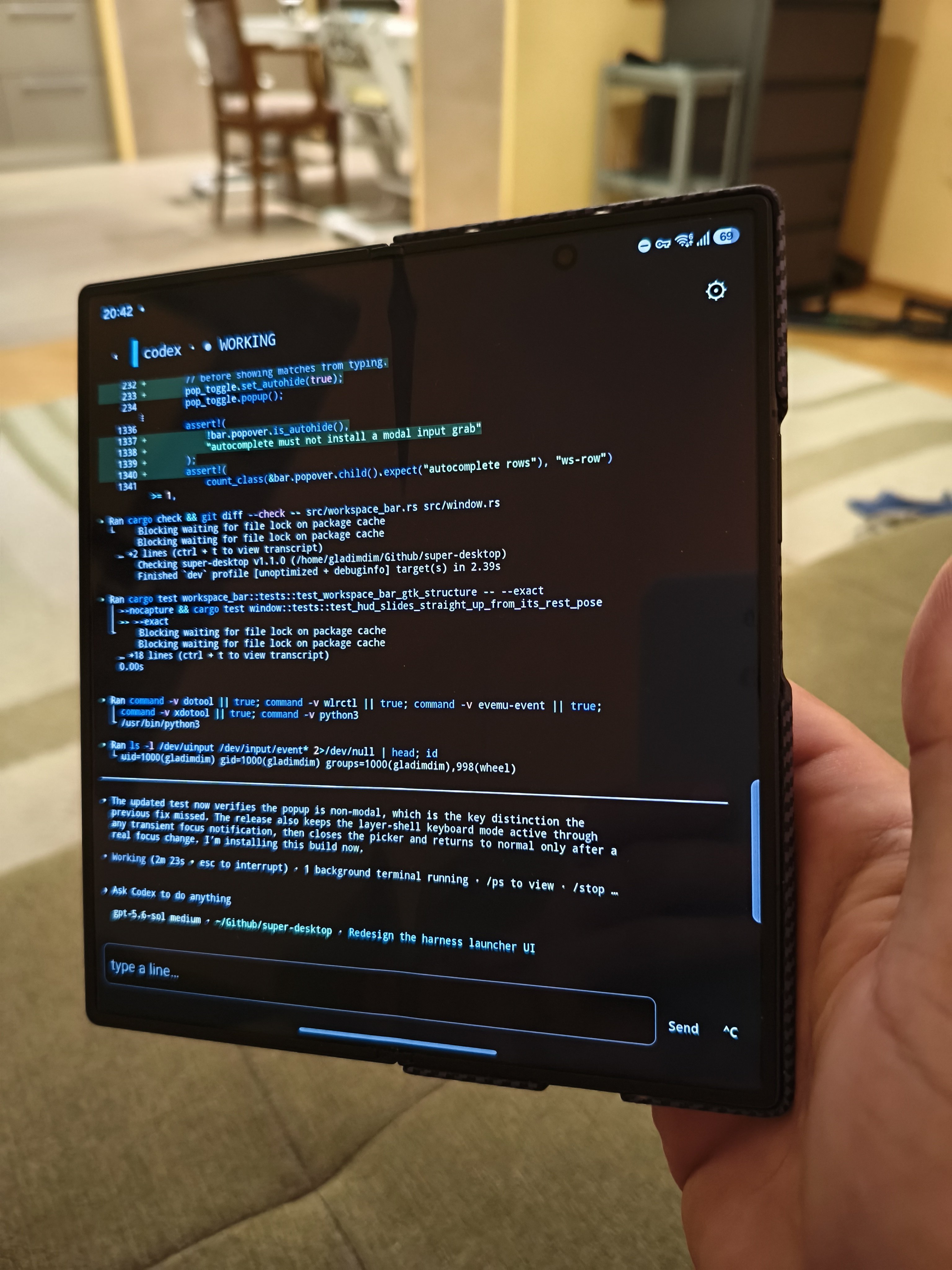
Guys. I get lots of DMs with “What’s the SUPER DESKTOP?” First the general picture, then I’ll describe my mental workflow of working with AI. SUPER DESKTOP is an Omarchy-native addon that lets you manage, create, and work with your AI agents running on your Omarchy machine. Be it local AI, Claude, Codex, Reasonix, etc. It hides all AI-related windows inside itself. With one button press you hide all of that and can continue working on your regular tasks. With another button press you open the “other” room on your Omarchy, which instantly shows you where you left all your agents. Agents can be marked with colors depending on the project you’re working on for easier navigation. Terminal windows can be hidden into icons and resized. Mainly operated with a mouse. 🚨🚨🚨 Killer feature SUPER DESKTOP also comes with a secure bridge that lets SUPER DESKTOP on Android connect to it. This unlocks seamless switching between your home and on-the-go devices. All the tasks you worked on are there in your pocket. Just open the app, pick your harness, and continue working on YOUR OMARCHY PC. Change models, efforts, launch new harnesses for other projects, issue new prompts. All from your Android. SUPER DESKTOP is not a pixel-streaming app. It does not stream Hyprland or simulate terminals. It streams tmux outputs over secure P2P without any third-party servers. No Google Sign-In or accounts required. I don’t run any servers to make this happen. Better used with Tailscale or a similar networking solution. SUPER DESKTOP does not care. The Omarchy part is public and you can use it today. But please expect 30-40 splashed commits per day. I work intensively on it. https://gladimdim.github.io/super-desktop/ Android part will be not public 🙂 I plan to distribute it as shareware via Google Play. Now comes the mental part 👇