B.AI Responses API 上线 GPT-6 Astra
B.AI 聚合 API 把 GPT-6 Astra 与 DeepSeek、GLM、Kimi 等模型放在同一接口,并支持接入 Codex。

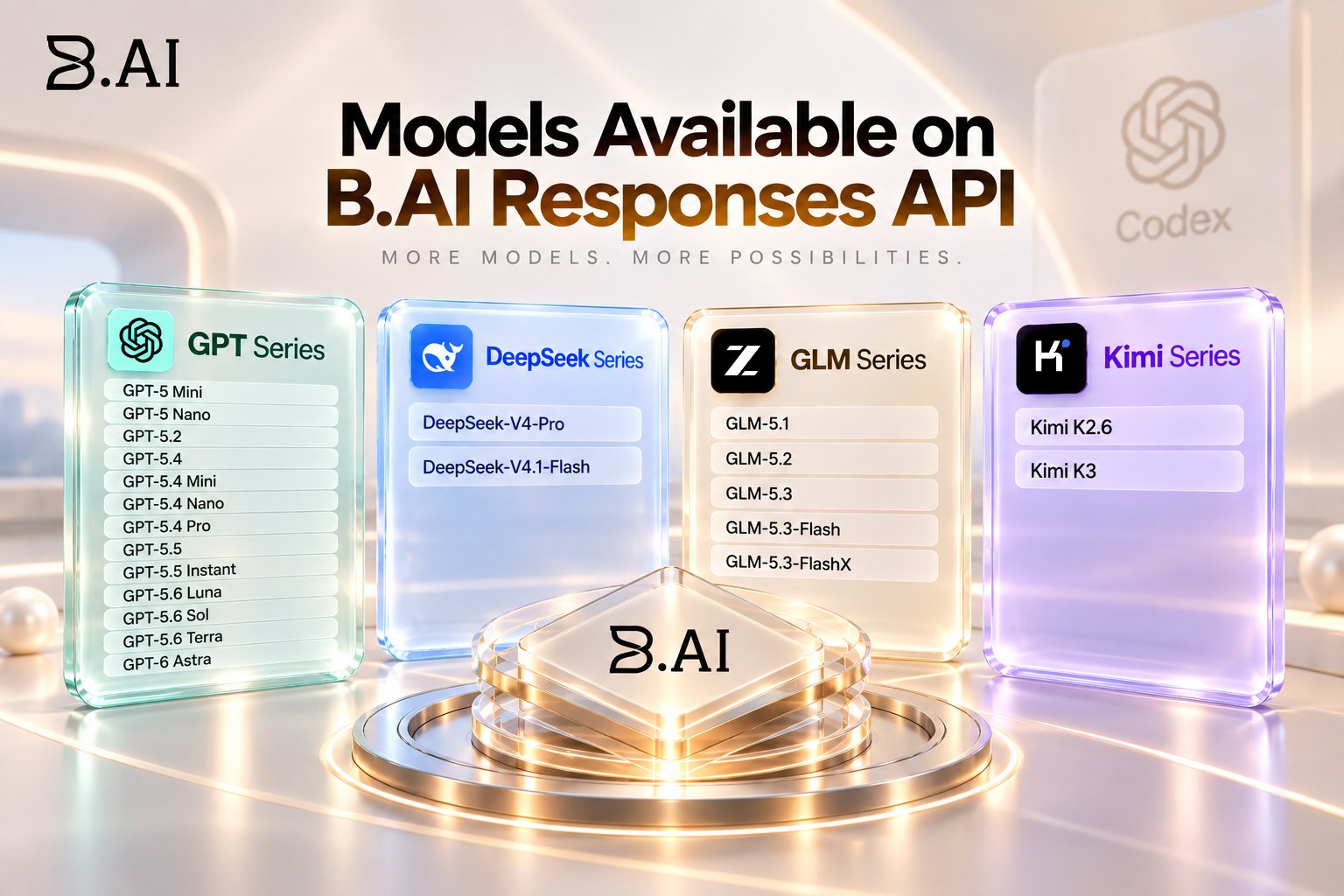
𝗠𝗼𝗱𝗲𝗹𝘀 𝗔𝘃𝗮𝗶𝗹𝗮𝗯𝗹𝗲 𝗼𝗻 𝗕.𝗔𝗜 𝗥𝗲𝘀𝗽𝗼𝗻𝘀𝗲𝘀 𝗔𝗣𝗜 One thing that can make AI development frustrating is having to switch between different providers just to test different models. http://B.AI is taking a different approach with its Responses API. Developers can now access four major model series through the platform: → GPT → DeepSeek → GLM → Kimi And the interesting part is the range of options within each series. 𝗚𝗣𝗧 𝗦𝗲𝗿𝗶𝗲𝘀 GPT-5 Mini GPT-5 Nano GPT-5.2 GPT-5.4 GPT-5.4 Mini GPT-5.4 Nano GPT-5.4 Pro GPT-5.5 GPT-5.5 Instant GPT-5.6 Luna GPT-5.6 Sol GPT-5.6 Terra GPT-6 Astra 𝗗𝗲𝗲𝗽𝗦𝗲𝗲𝗸 𝗦𝗲𝗿𝗶𝗲𝘀 DeepSeek-V4-Pro DeepSeek-V4.1-Flash 𝗚𝗟𝗠 𝗦𝗲𝗿𝗶𝗲𝘀 GLM-5.1 GLM-5.2 GLM-5.3 GLM-5.3-Flash GLM-5.3-FlashX 𝗞𝗶𝗺𝗶 𝗦𝗲𝗿𝗶𝗲𝘀 Kimi K2.6 Kimi K3 This matters because developers don't always need the same model for every job. One project might need strong reasoning. Another might prioritise coding. Another could be more sensitive to speed, context, cost or output quality. Having multiple model families available through one API makes it easier to test those differences and choose what actually works for the task. http://B.AI also brings these models into Codex, where developers can configure their http://B.AI API Key and Base URL, then specify the model ID they want to use. So instead of thinking: “Which AI provider do I have to use?” the workflow becomes more like: “Which model is best suited for what I'm building?” That's a more useful way to approach multi-model AI development. More models don't automatically mean better results. More choice + proper testing = better decisions. Try it on http://B.AI: http://b.ai API docs: http://docs.b.ai/llmservice/api/ #TRONEcoStar #TRONEcoStar @justinsuntron @BAI_AGI