A seven-step motion video workflow with Opus 5.5
A seven-step process: write a brief, have Opus 5.5 write a style guide from a reference video, break the story into timed beats, build the film as code in Remotion or HyperFrames, align sound to the timeline, render a contact sheet to find defects before fixing, and export 16:9 and 9:16 layouts.
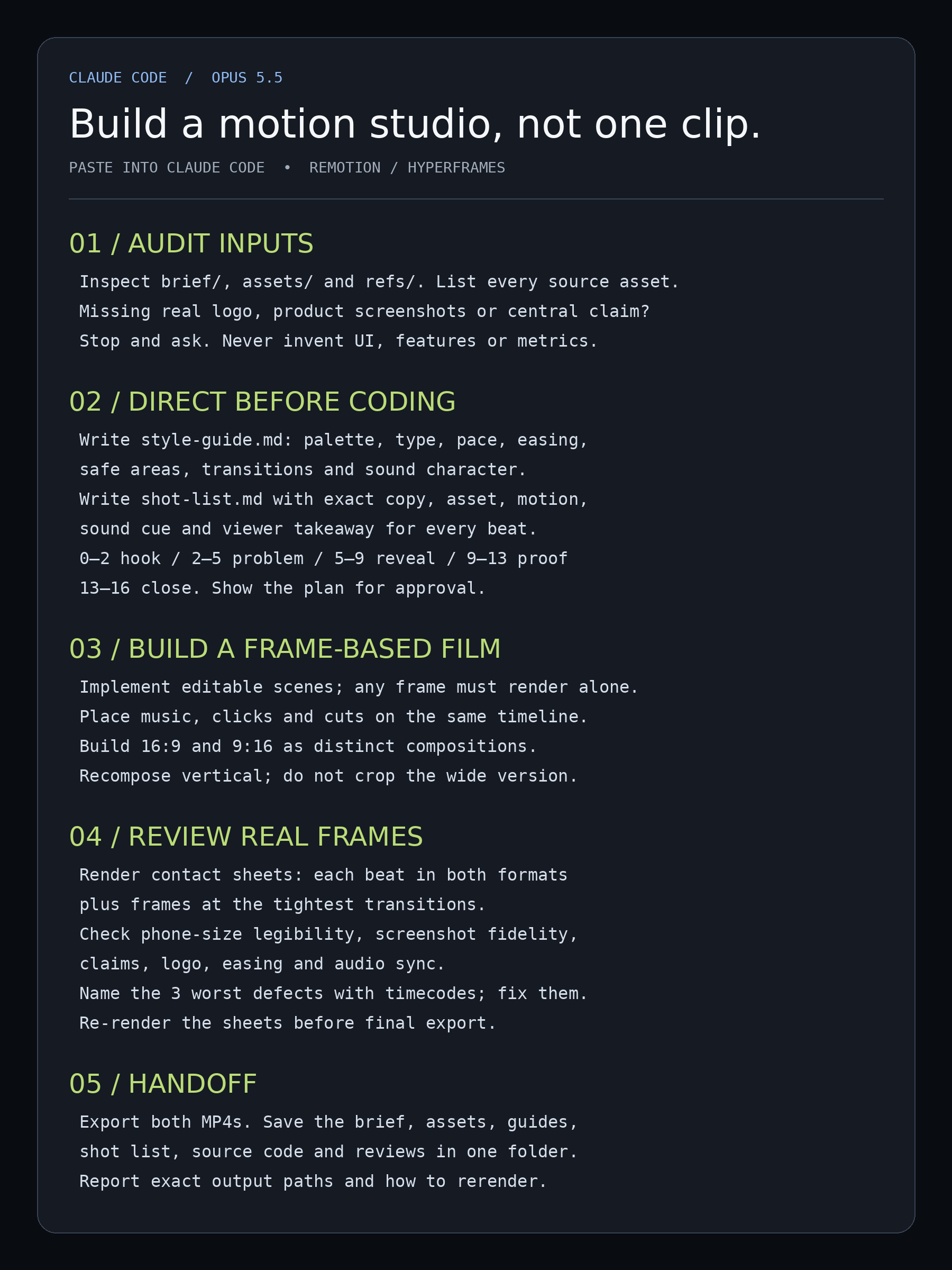
here's how to make motion videos with Claude Opus 5.5 that don't look like everyone else's... the trick is building a studio around the model, but there's a smart way to set it up: - step 1: write a brief, not a vibe: one sentence the viewer should remember, duration, formats, real logo + real screenshots - step 2: give Opus a reference video and make it write a style guide: palette, type, pacing, motion - step 3: turn the story into timed beats: hook 0-2s, problem 2-5s, reveal 5-9s, proof 9-13s, close 13-16s - step 4: Opus writes the film as code in Remotion or HyperFrames, so any frame can render on its own - step 5: put sound on the same timeline, every click and cut lands on a beat - step 6: render a contact sheet first, one frame per beat, and have Opus find the 3 worst defects - step 7: fix only those sections, re-render, then export 16:9 and 9:16 as separate layouts and the model never gets to invent your product... it can design the camera move it can't make up your dashboard or your numbers missing screenshot = it stops and asks i like to keep it all in one folder: brief, style guide, shot list, assets, reviews the next video starts from the system, not from zero
This post quotes another post: x.com/rewind02/status/2105726180317860108